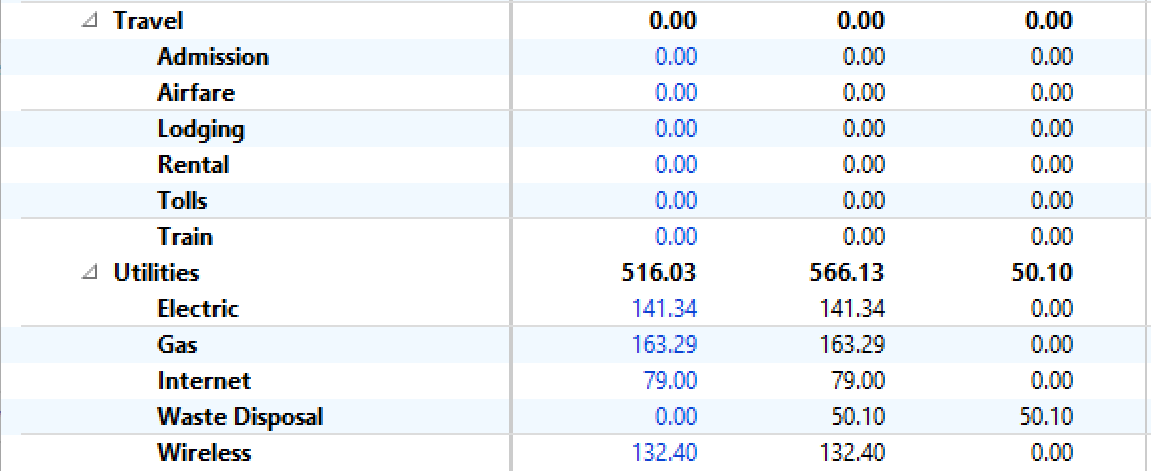
Until Quicken team can find the root cause of this issue, I have found a fix that removes the "Everything Else" line from my reports:
I noticed that "Everything Else" is appearing in categories where I have some but not all sub-categories selected for budgeting within a given category. To apply a temporary fix:
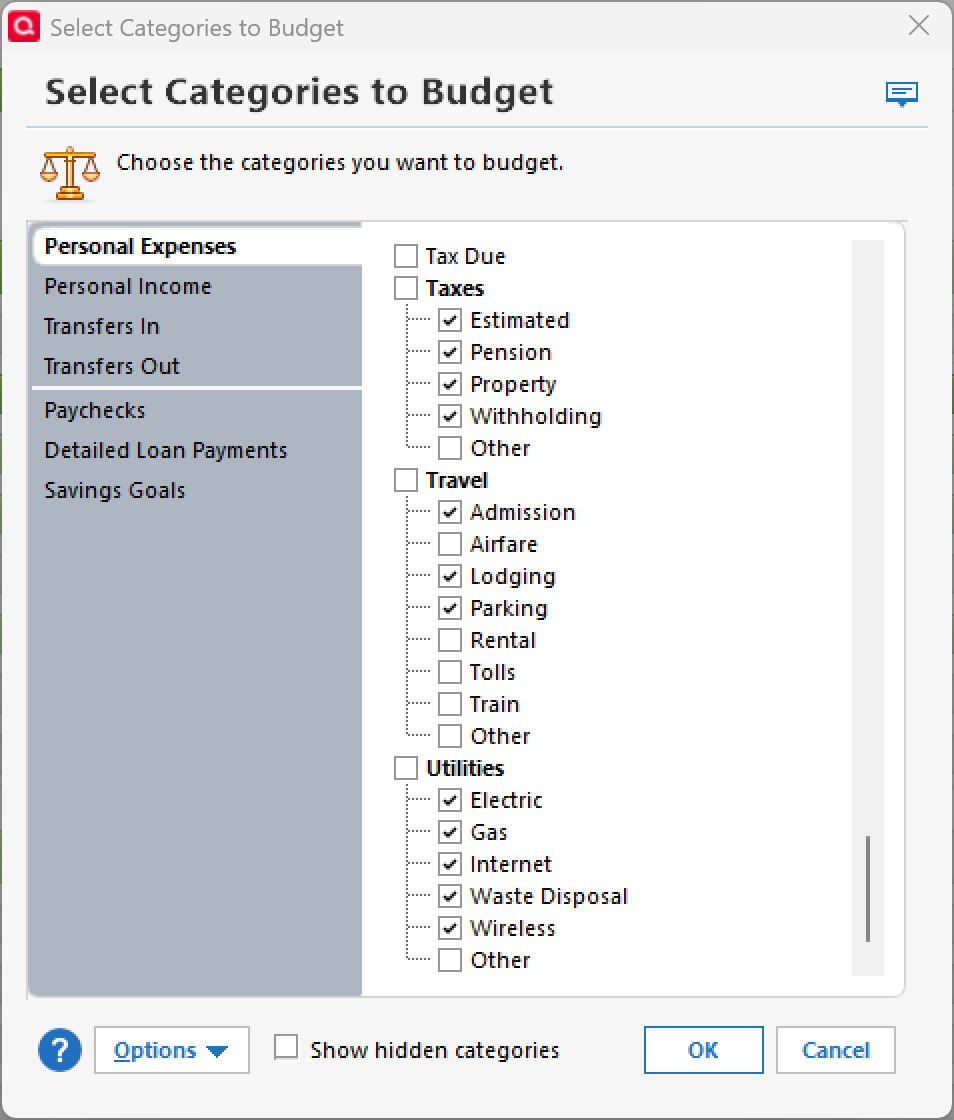
1)In the Planning tab, there is an option to "Select Categories to Budget". Select that option.
2) If on your Budget report "Everything Else" is a sub-category of a higher level category, make sure all sub-categories including "Other" are checked for budgeting (even if you don't plan on using them).
3) If "Everything Else" on your Budget report is its own category and not a sub-category, select the category immediately preceding "Everything Else" and make sure all sub-categories are checked for budgeting for that category.
This has worked for me in all cases. Its only downside is that when creating / updating a budget there are categories displayed that you may not use. A nuisance to scroll through but the fix seems to work for me.
Here is an example of a category with Everything Else on the budget report and the sub-categories that need to be checked in "Select Categories to Budget"
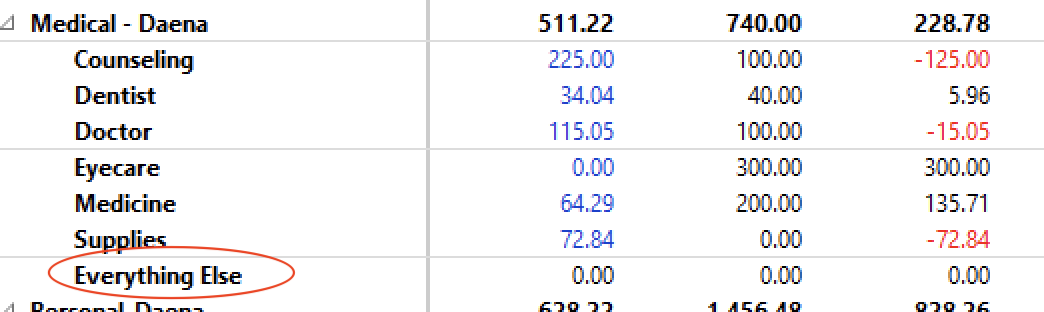
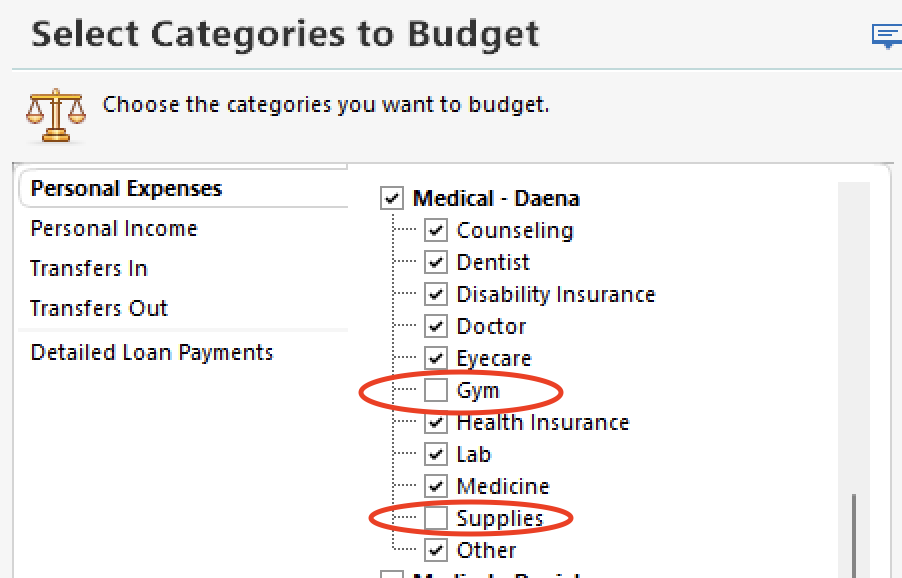
By selecting all sub-categories for budgeting, the "Everything Else" category will be removed from your budget report.