I had to change my Discover Card password. So I figured I had to change it in the vault. But it says 'Not required' and the option is grayed out
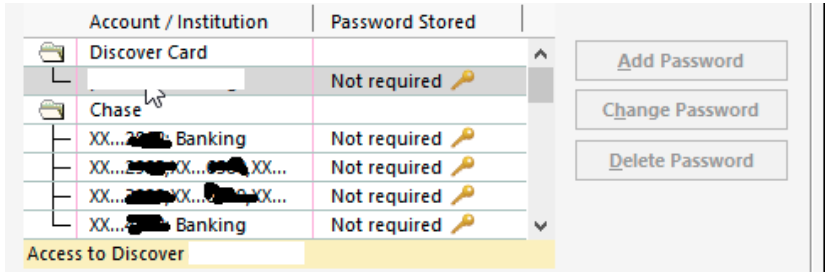
[Edited - Removed Personal Information]
So I tried doing a one-step update and it asked me "Did your password change?". I said yes, and it asked if I wanted to Update it. Yes again. So it did some magic and told me that it was updated. I have no idea how, since I didn't give it the new password.
So I try a one-step update again and it tells me my password is wrong.
So how do I change the password in Quicken?
