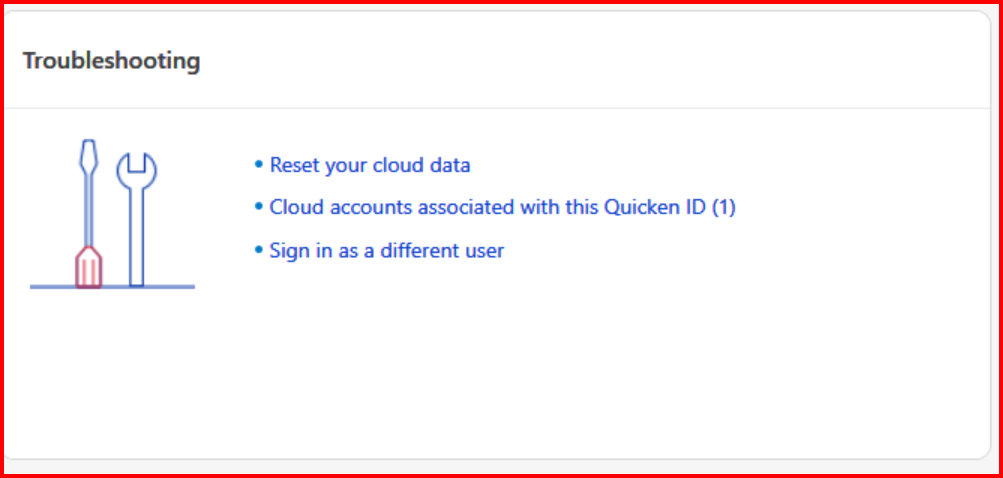
Almost every time I do a cloud sync to import my Quicken mobile app transactions into the Quicken on my PC, it hangs up on Processing Data. When I check Task Manager it says Quicken is Not Responding.
This has been going on for some time and I've reached out to Quicken chat and no one can ever come up with a definitive solution. I've done the following.
*** Set up a template so I only have 5 years of data
*** My file is on my C drive
*** Signed in as a different user
*** Validated my file
*** Checked for updated and I'm up to date running R63.21
*** Restarted my PC
*** I'm running Quicken Starter Classic on a Win10 PC
The only thing anyone can think of is to reset my cloud data. However, that defeats the purpose of using the Quicken Mobile App.
Any suggestions would be GREATLY appreciated.
Thanks - Matt