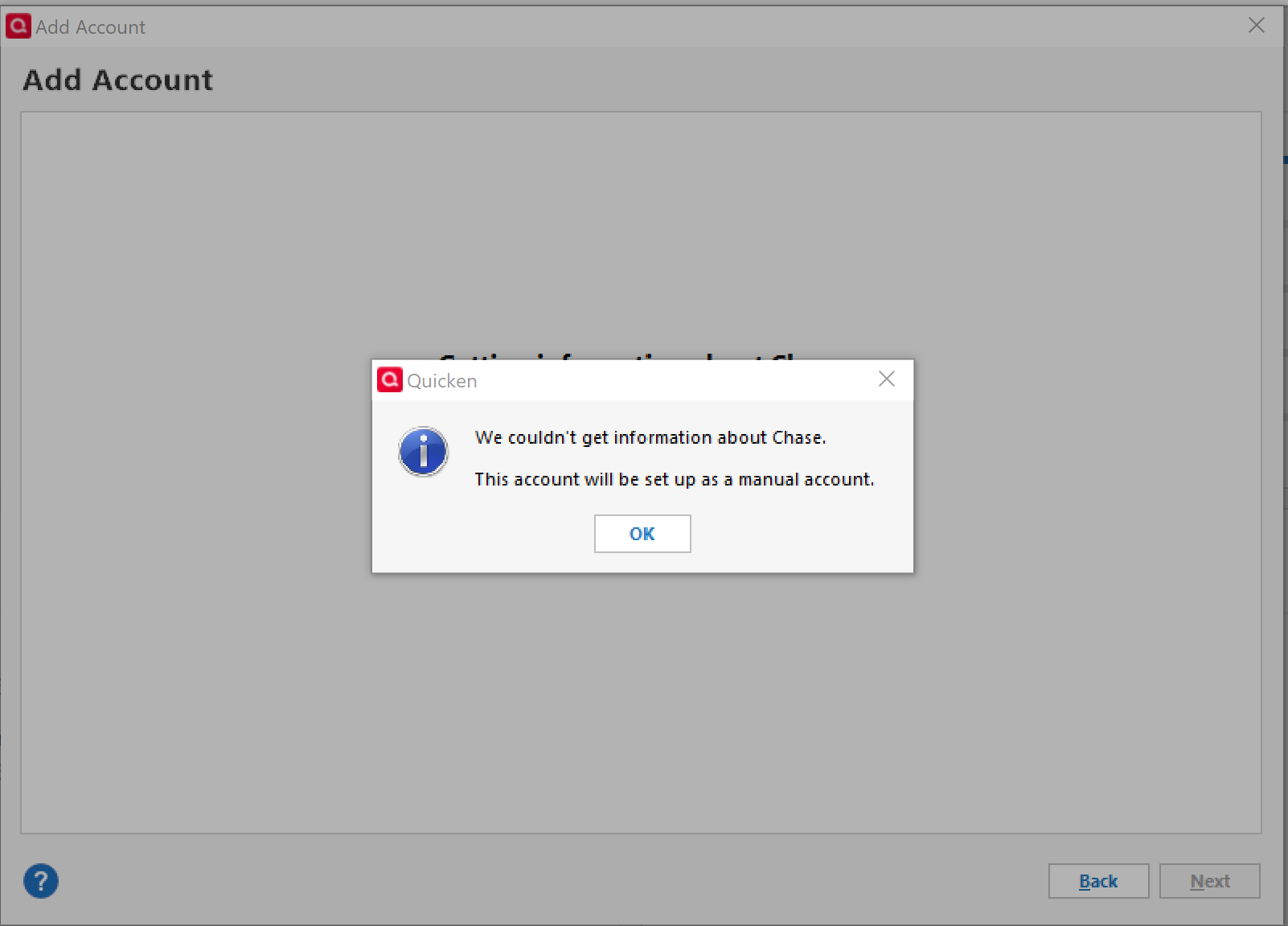
I keep getting this when I try to add more chase accounts
Hello @gtdownhillr,
Thank you for sharing your experience. I am happy to help.
After reviewing your account internally, I am not seeing any errors. Are you still having this issue? If so, I do have some follow-up questions for you.
Looking forward to your response!
I have the same issue. After the latest Quicken update, my Chase accounts wouldn't update (no error, of course). I tried to reset the account, and instead it got disconnected and now I cannot set it up again getting the same error as above - all I get offered is to make it a manual account.
Out of curiosity, I selected another bank. Same error.
Very annoying.
Hello @HE,
Thank you for adding to the discussion and providing additional details.
Interesting that it is not isolated to Chase. Let's try signing out and back into Quicken.
Please follow the steps below to do so.
Once that is done, try again, and let me know how it turns out.
I hope this helps!
Same results,
I uninstalled and reinstalled a fresh download. Still the same result. I am unable to add any of my Chase accounts. Please cancel my subscription and process a full refund by 10/10/25
[Edited-Readability]
Thank you for trying the suggested steps — I’m sorry to hear you’re still experiencing issues connecting your Chase accounts. We’re sorry to see you go.
For security and privacy reasons, we don’t have the tools here in the Community to process cancellations or refunds. Please contact Quicken Support directly, as they’ll be able to review your account and process your refund request.
If you change your mind and would like to continue troubleshooting the connection issue, please don’t hesitate to reach back out — we’d be happy to help you get this resolved.
Thank you!