Any way to cancel a "Find and Replace" search?
Quicken Classic Windows
This may be a feature request, but we'll start with the assumption that I just haven't figured it out.
When doing a Find and Replace search, sometimes I inadvertently enter an unintentional broad search criteria, such as Date less than today's date. Given I've got more than 35 years' worth of data in all accounts, this sits and scrolls for a very long time. It would be nice if there was a way to cancel a search while it is still searching/scrolling results. I could force exit Quicken, but I don't like to do that with programs that involve databases.
Answers
-
Hello @LexLuther,
Thank you for asking this question and sharing your experience.
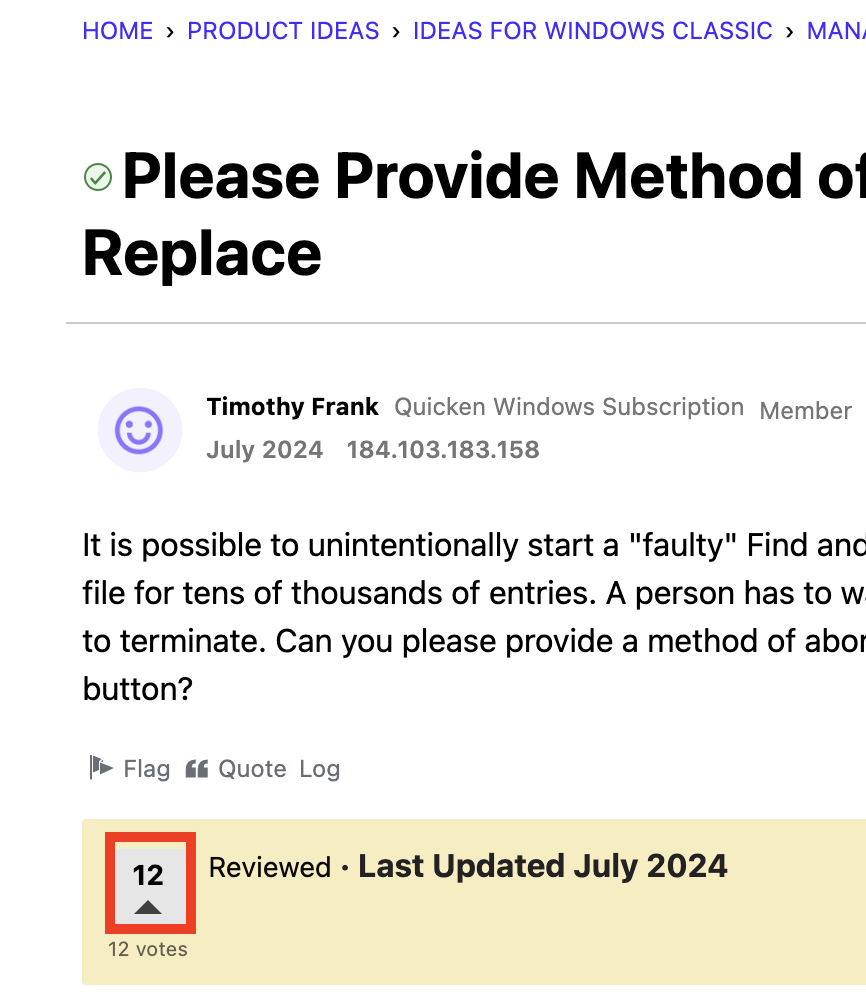
While there currently is no way to cancel the search, there is an existing feature request here that you can vote on to have this implemented in the future.
To vote, click the box in the bottom left corner.
Hope this helps!
Quicken Alyssa
Make sure to sign up for the email digest to see a round up of your top posts.
0 -
If you're searching for banking transactions, as an alternative to using Find or Find/Replace, have you tried using the All Transactions register and setting Filters? This should be a lot faster.
Using transaction reports and trying to filter the results by customizing the report itself might also get you the results you're looking for.
1 -
You can find the link to open All Transactions register at the top of the Account Bar.
Quicken user since Q1999. Currently using QW2017.
Questions? Check out the Quicken Windows FAQ list0
Categories
- All Categories
- 56 Product Ideas
- 36 Announcements
- 225 Alerts, Online Banking & Known Product Issues
- 22 Product Alerts
- 703 Welcome to the Community!
- 671 Before you Buy
- 1.2K Product Ideas
- 53.7K Quicken Classic for Windows
- 16.3K Quicken Classic for Mac
- 1K Quicken Mobile
- 812 Quicken on the Web
- 111 Quicken LifeHub