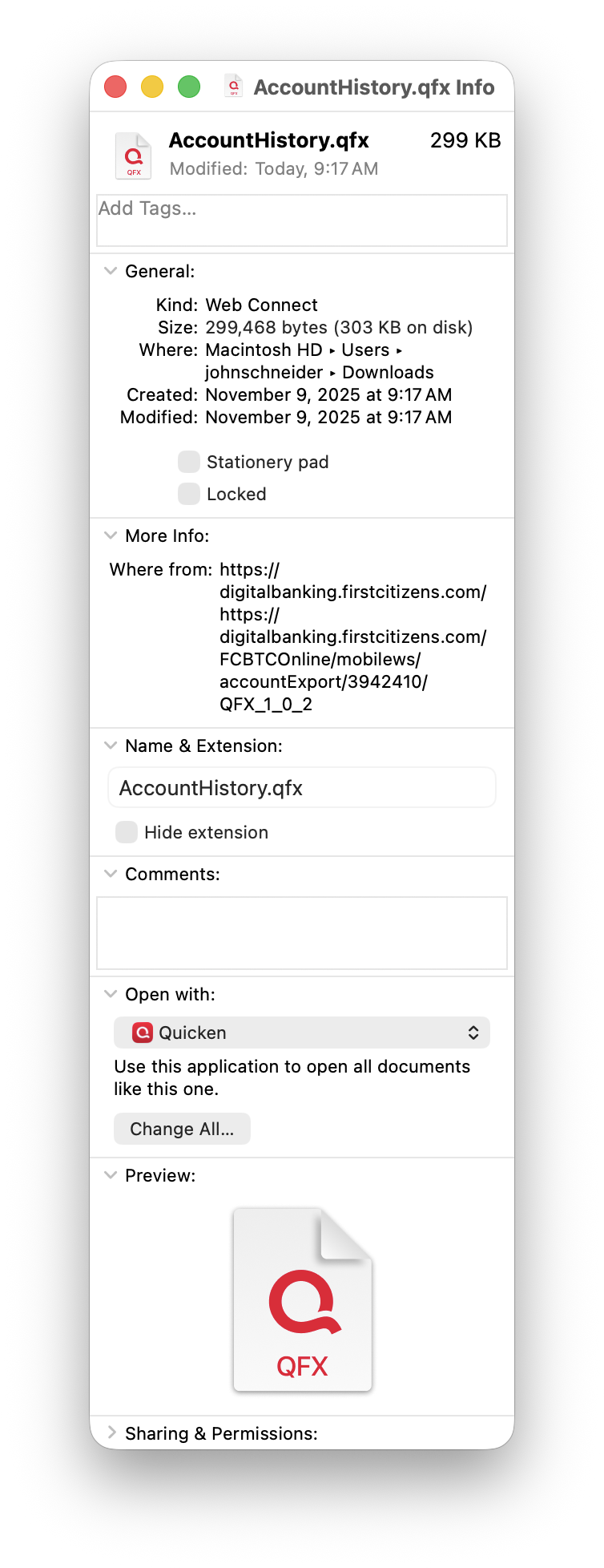
When I download BMO bank transactions in a Quicken format on my Mac laptop, they only want to open in Banktivity, which I still have on my computer to save my old files before I started using Quicken. How do I get them to open in Quicken?
Locate the file you downloaded in the Finder, and select (not double click) it to highlight and choose File:Get Info from the menu bar (or command+i). In that window, you will see a section for "Open With", and you can switch the popup from Banktivity to Quicken. Click Change All to confirm.
Those files will now open in Quicken.