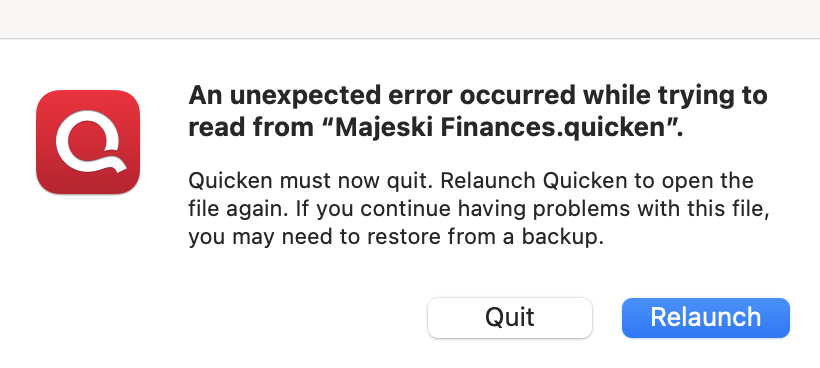
I keep getting this message after launching Quicken for Mac. After I relaunch the program, it works for a day or so, and then I get the message again. Any ideas on what to do? THanks!
Hello @markmajeski,
Thank you for sharing your experience with us.
This is a new one for me. I am not sure if I have seen this specific error before. However, I do have some follow-up questions to help determine what could be causing this.
Looking forward to your response!
It started about two weeks ago, 12/01/2025.
No changes that I know of, unless something was completed in the background automatically.
Data files are stored locally on the hard drive and on a separate backup disk for safety.
I was thinking that I may uninstall and reinstall Quicken to see if that helps, since I have a recent backup.
@markmajeski,
Thank you for following up with those additional details.
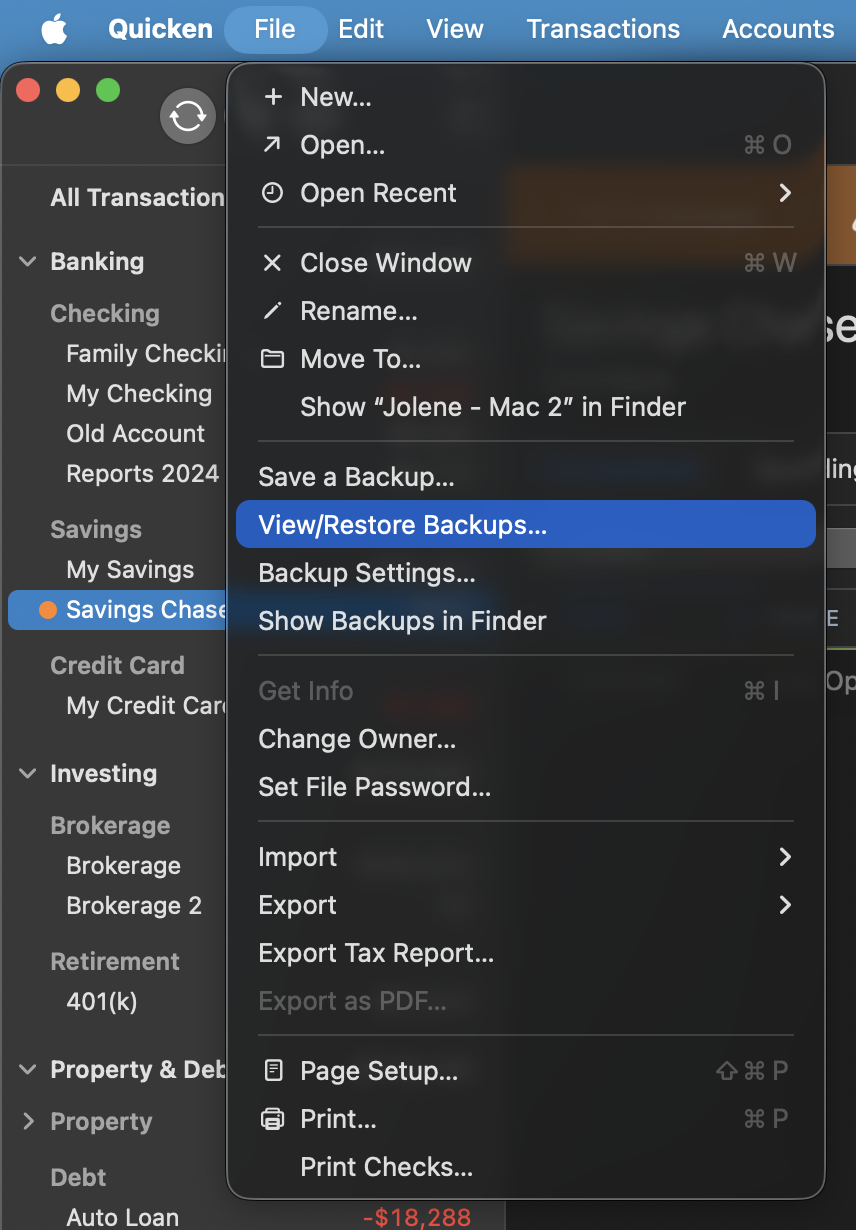
Did you try the uninstall/reinstall, and did it work? If it did not help to resolve the issue, I would suggest restoring a backup from before the issue started.
To do this:
Let me know if the issue continues happening once you have restored a backup.
Thank you!
Just checking in, we haven't heard back from you in a while.
Do you still need assistance?
Hello again,
Checking in once more before this thread is closed.
Let us know if you still need assistance.
Due to the lack of response, I went ahead and closed this post.
If you still require assistance, please feel free to start a new post.