American Express Savings transactions not downloading

InnerLooper
InnerLooper Quicken Mac Subscription Member ✭✭

So first off, I only reconcile once every few months (but my bank auto pays the balance each month, and I watch transactions in real time, so I know what comes and goes daily)

Today I tried to catch up with my AmEx savings, and while the credit card transactions worked just fine, I noticed that the AmEx Savings won't download anything newer than Oct 3, 2025.

I tried to reconnect, and it showed the Savings account, but when it asked which online account to link to the Quicken account, the Savings account did not show up.

I googled and see that AmEx has a post saying it does not allow downloading transactions to Quicken/Mint, etc., but no date on this memo. It tells me to download the OFX file manually.

I tried that and got this error.

"Download unavailable!  Quicken is unable to update this account because Web Connect support for your financial institution has been either temporarily or permanently discontinued [CC-885]."

So now nothing works. What do I Need to do to solve this?

Comments

  • Peter_Canada
    Peter_Canada Quicken Mac Subscription Member

    I am having same issue on my Mac. I am downloading statements for quicken, from my amex uk account and can't import it.

  • Quicken Alyssa
    Quicken Alyssa Quicken Windows Subscription Moderator mod

    Hello All,

    Thank you for reporting the issues you are seeing.

    The CC-885 error is displayed when a financial institution discontinues its connected services in Quicken, or when it is no longer available.

    That being said, our financial institution directory shows that this should be supported, so this could be a temporary outage. If you are still receiving this error after 24hours, please contact Quicken Support directly so they can investigate further and process an escalation if needed.

    @InnerLooper,

    It sounds to me like you aren't seeing your savings account to link to because Quicken thinks it is already connected. Please follow these steps:

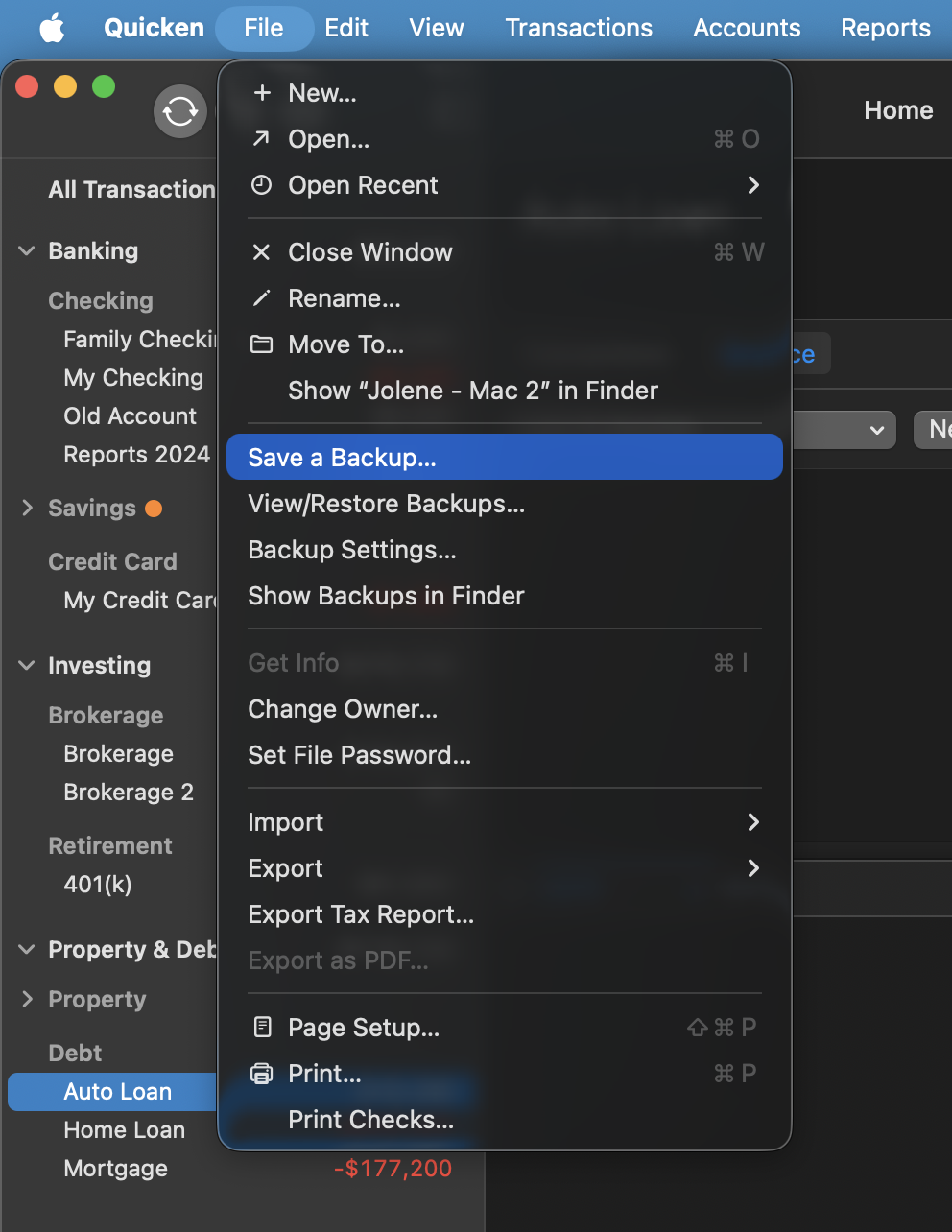
    1. Save a Backup. Steps can be found in this article if needed. Screenshot 2025-12-15 at 11.27.55 AM.png
    2. Disconnect ALL American Express accounts in Quicken. Here are the steps on how to do that.
      1. Make sure you check for hidden accounts as well. All AMEX accounts need to be disconnected.
    3. Revoke Quickens Third-Party Access from the American Express website.
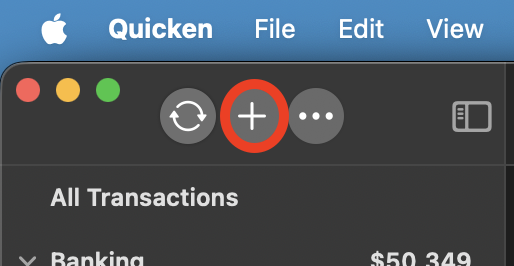
    4. Add accounts back into Quicken. plus sign mac.png

    Once back in Quicken, you will want to make sure you choose the "LINK to existing" option for all of the accounts that are already in Quicken.

    Let me know if this helps you get your savings account connected!

    Thank you!

    Quicken Alyssa

    Make sure to sign up for the email digest to see a round up of your top posts.