Windows, I had to get a new credit card, and it is activated, but Quicken won't add it to my account.
[Edited-Readability]
Quicken says don't add to account, and I can't change that.
hopeless??
Hello @Jake Walker,
Thank you for sharing your experience and posing this question.
Generally, when "Do not add to Quicken" is displayed when trying to add an account, it means that Quicken thinks the account is already connected. To resolve this, you would need to disconnect the existing account in Quicken before going through the steps to add it.
To disconnect:
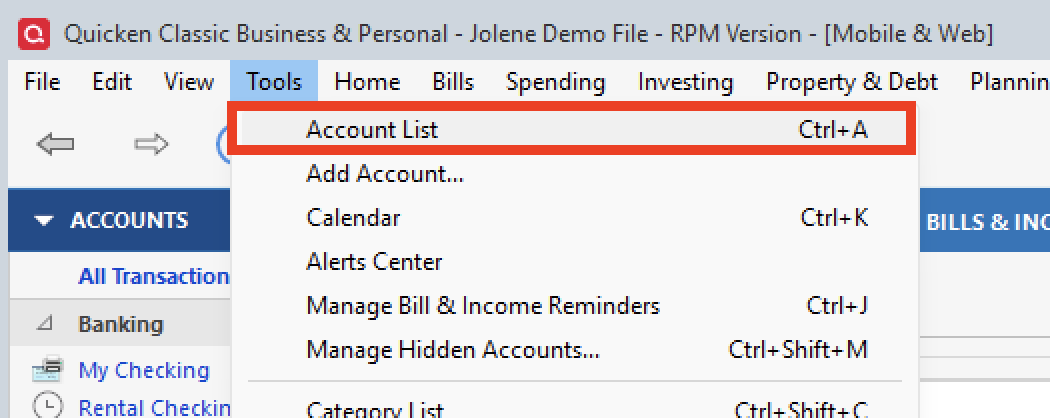
1. Select the Tools menu and select Account List....
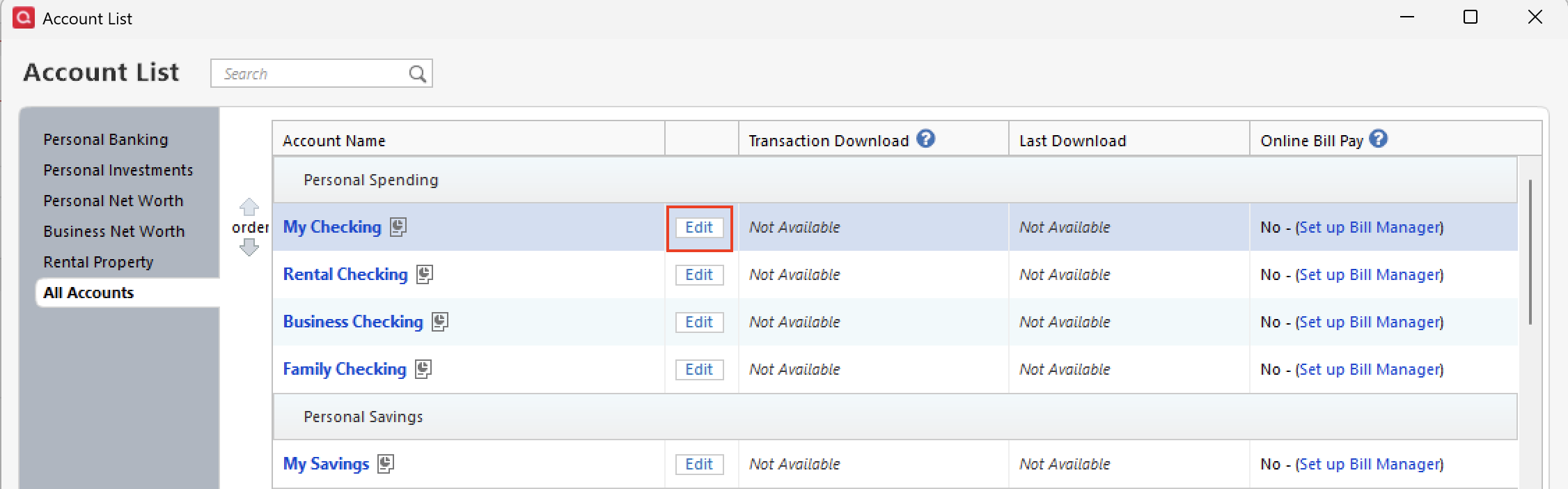
2. In the Account List, select the account you want to deactivate, and then click Edit.
3. In the Account Details window, click the Online Services tab. 4. Click Deactivate next to the service you want to disable. 5. Click Yes to the message confirming if you want to disable this service.
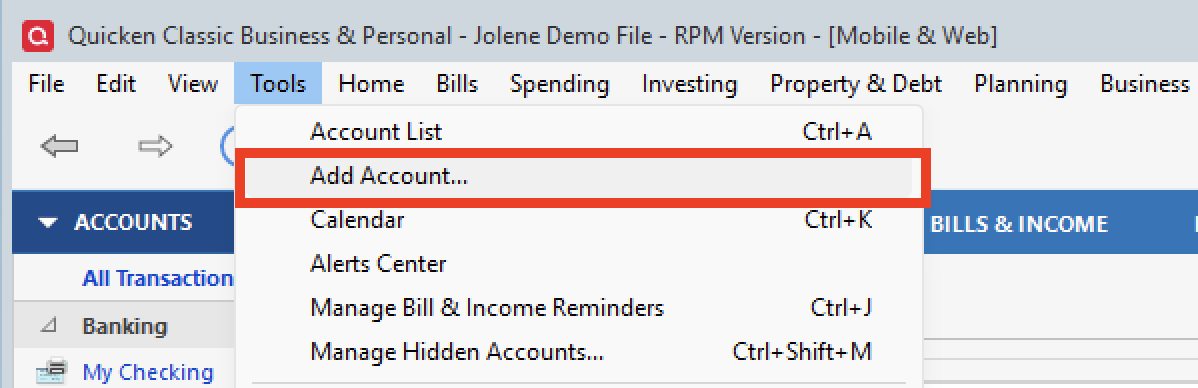
To reconnect:
I hope this helps to resolve the issue you were having. Let us know how it goes!
Thank you!