Hi, I'm trying to get detailed tracking from Quicken's connection to see gain and loss calculations as well as what it would cost to sell or buy stocks.
Can you help me with the instructions to set it up? Thank you
Hello @pedrovanrooij,
Thank you for posing this question! I am happy to help!
If this account is not already in Quicken:
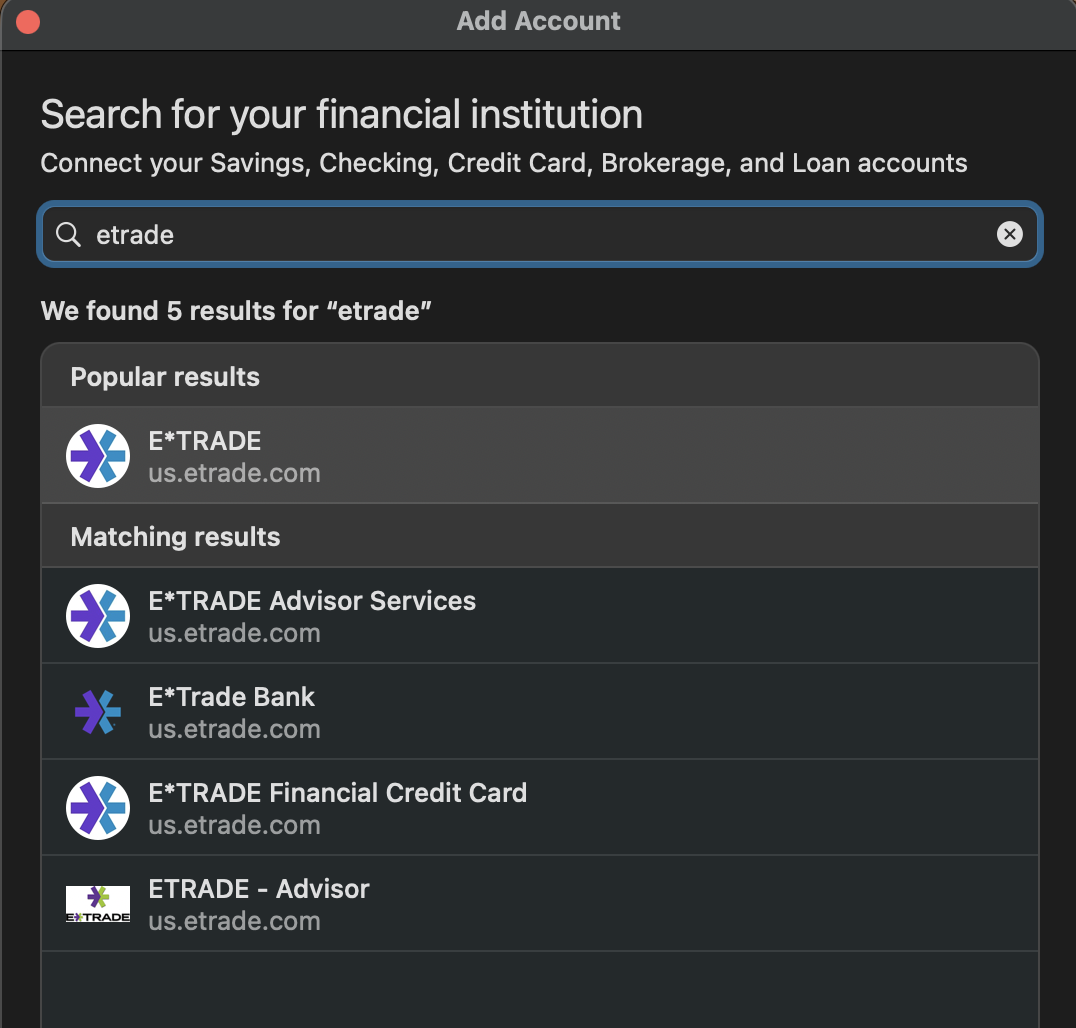
You can add it by going to the plus sign in the top left. Type in "etrade" and select it from the options that populate.
Click Continue twice. Now, E*Trade lists some steps for you to complete before continuing in Quicken.
Once you have completed those steps, enter your credentials and go through the rest of the prompts to add the account.
If this account is already in Quicken:
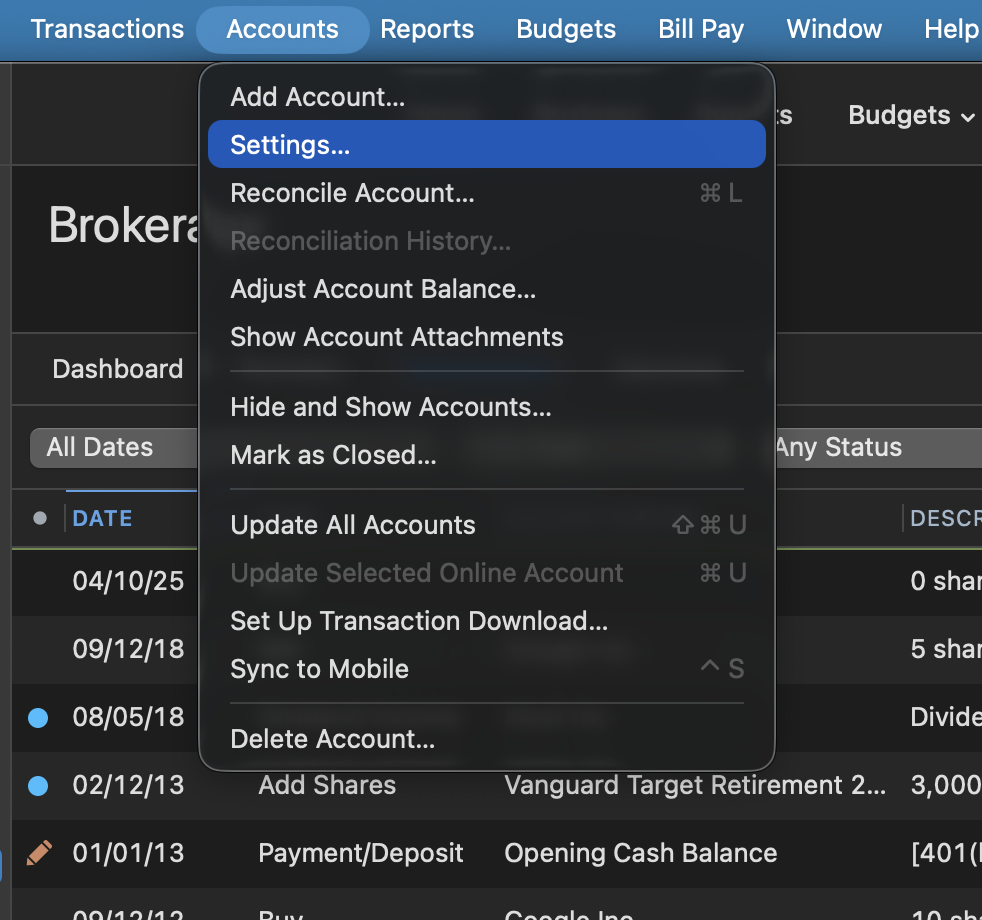
You can check to see if you are on detailed tracking, or you can switch to it by selecting the account from the list on the left. Click on Accounts at the top of your screen, and then Settings.
Once there, under the Details tab, you will see either Simple tracking or Detailed tracking selected. Sometimes this can be changed from this window, and sometimes not. It depends on what the financial institution offers. E*Trade does offer the Direct Connect connection method, so Detailed tracking should be possible.
If you do not see Detailed tracking as an option and are not connected via Direct Connect, you can change your connection type.
Let us know how it goes!
@pedrovanrooij,
Just checking in, we haven't heard back from you in a while.
Do you still need assistance?
Thank you!
Hello again,
Checking in once more before this thread is closed.
Let us know if you still need assistance.
Due to the lack of response, I went ahead and closed this post.
If you still require assistance, please feel free to start a new post.