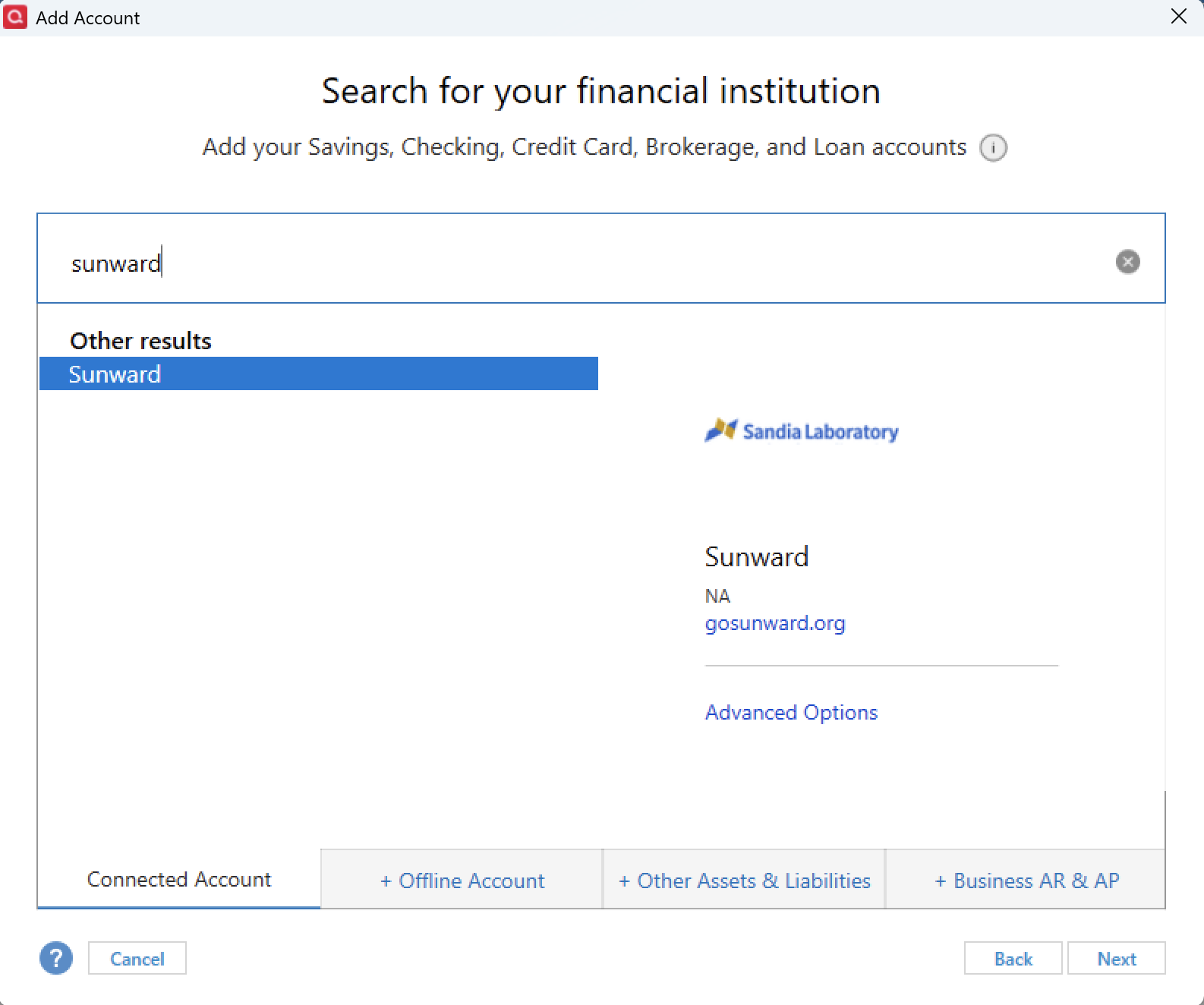
Keep getting CC503 error when setting up and getting account information to download from my checking account to Quicken. User ID and Password are correct, and I have no trouble logging into my financial institution.
Hello @rivoli,
Thank you for reporting the issues you are running into.
After checking your connections internally, I can see you are getting the CC-503 error with Sunward. Is this the URL that you use to signin to this account https://gosunward.org/ ?
The CC-503 error occurs when your financial institution tells Quicken that your login credentials are incorrect. Following the steps in the linked support article:
Based on what you have said, you already completed step 2. It also appears you are adding this account for the first time, so the rest of the steps would not apply to your situation either.
You have had 4 failed attempts so far; one more failed attempt could result in a CC-929, which is basically a short-term block that will require you to wait one hour before trying again. If this occurs, please wait the hour, and then contact Quicken Support so they can walk you through additional steps to resolve this or process an escalation if needed.
Thank you!