I have Quicken Classic for Windows Premier. Fidelity merged one fund into another: FANAX got merged into FFOBX on 11/14/2025.
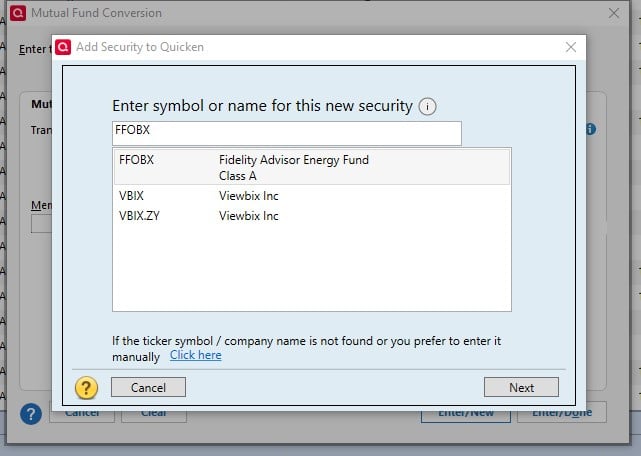
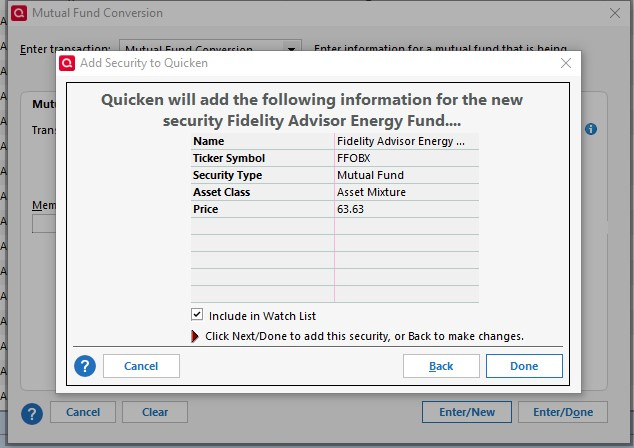
I'm trying to use the Mutual Fund Conversion feature. Under Existing Fund I enter FANAX and am able to select the correct fund from the drop down. Under New Mutual fund, I enter FFOBX and am led to the pop-up that adds a new security. I see and select the FFOBX security in the pop up and click "next". The summary screen comes up and I have selected "include in watchlist", so I choose "done" to complete adding FFOBX.
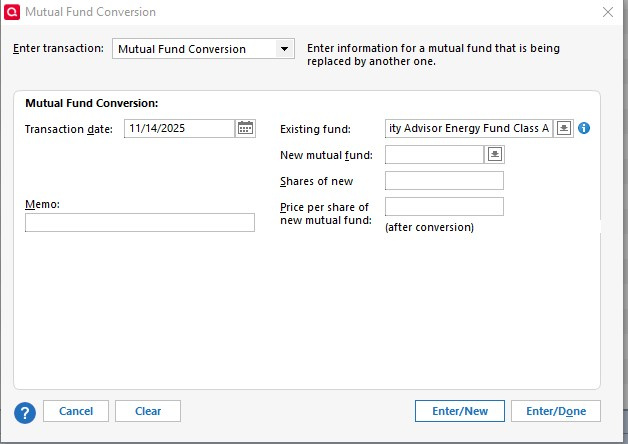
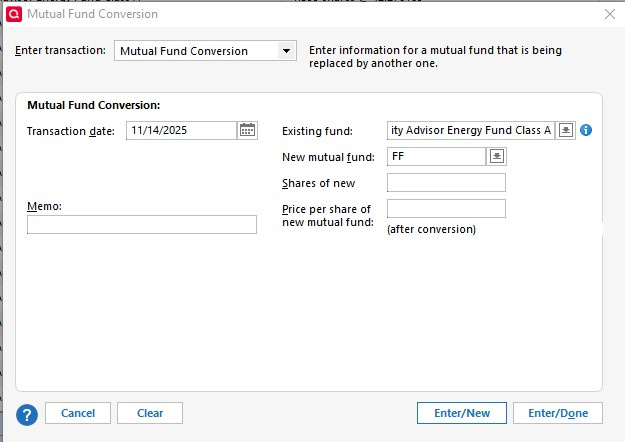
However, FFOBX is not added. I tried a test of just buying 1 share of FFOBX and same result, nothing I do makes the new (FFOBX) security actually add.
See pics of my step by step described above below. Note, the final two screen shots are AFTER the process of trying to add FFOBX to the security list.