Still having problems with Fidelity downloads. This has been going on since September. Any updates on when this will be fixed? I have to re-set up my Fidelity Accounts every few days.
[Edited-Readability]
Hello @Bill O'Neil,
Thank you for sharing your experience.
Can you provide more information on exactly what issues you are seeing with Fidelity?
When disconnecting/reconnecting Fidelity accounts, these should be the steps you are following:
If these are not the steps you were already doing, please go through them now and let us know if the issue persists.
Thank you!
I'm doing this now.
Here is an answer you gave me on this issue a couple weeks ago :" The ticket number is CTP-15959, and is currently still open and being investigated by our team. We do not have an ETA on resolution at this time."
What happens every couple days is I have to reactivate my Fidelity accounts.
@Bill O'Neil,
Thank you for following up.
After performing the steps above, are you still experiencing this issue?
Looking forward to your response!
Yep I am having problems. I have to reauthorize my Fidelity and Merril Lynch Accounts every day which is very annoying and time consuming. I was told by your tech support that this is a very common problem for some customers and Quicken can't figure out the problem. Is this true?
I've been having problems since late summer.
Thank you for the additional information.
This Support Article outlines possible causes for this issue.
There are two potential causes of this issue:
First Cause: This behavior may occur if there are any hidden or closed accounts in your data file that are still connected for downloads.
If you experience this behavior and do not have multiple data files, please check the Account List for any hidden or closed accounts that are still connected for transaction download.
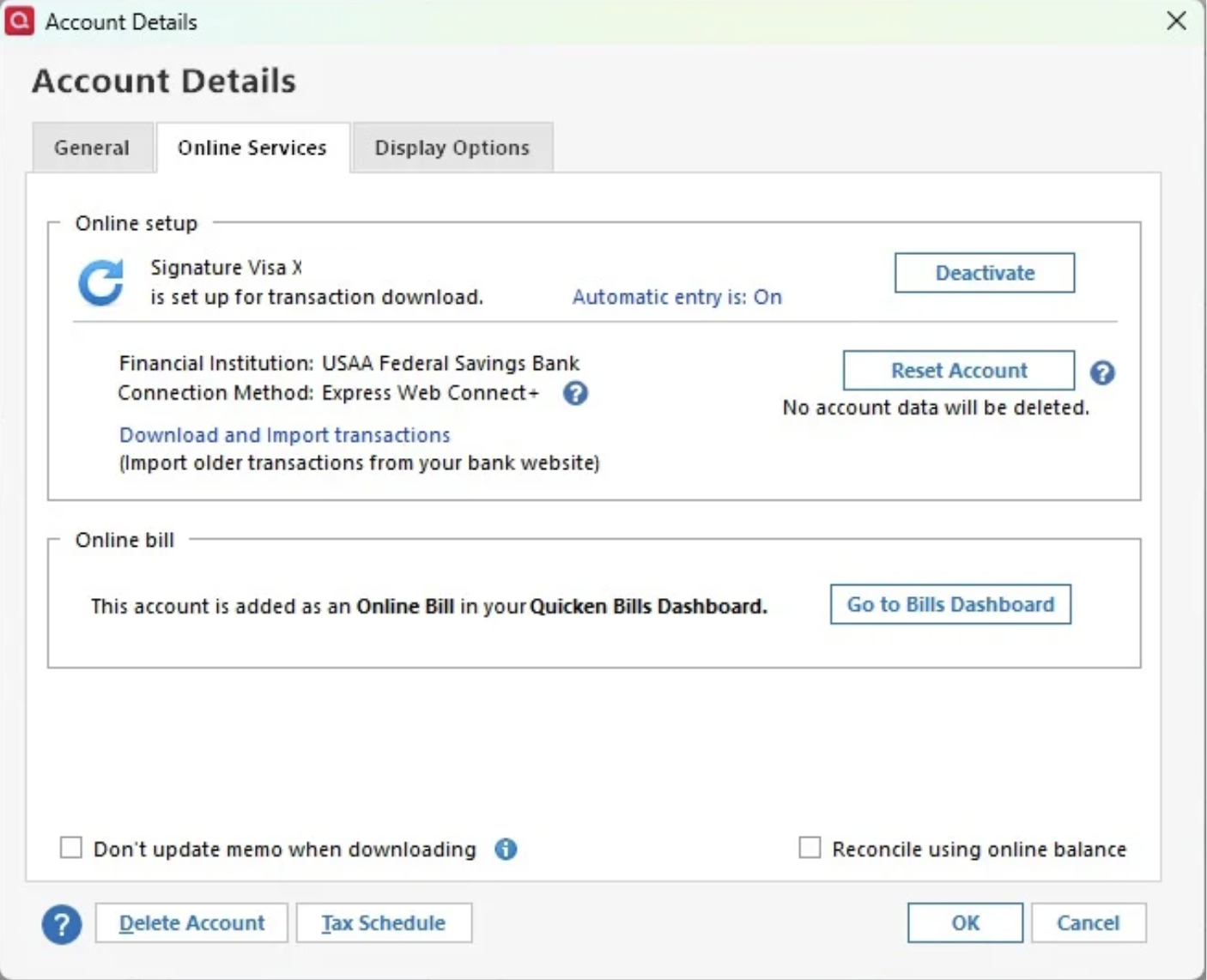
To resolve this issue - Go to the Tools menu and select "Manage Hidden Accounts" and review the list for any accounts that may be marked as hidden and/or closed. Uncheck the box so they appear in the account list again. Then go to the Tools menu > Account List and click the 'Edit' button to the right of each migrated account name. In the window that opens, go to the middle tab for "Online Services" and select the "Deactivate" button.
Once these accounts have been deactivated from downloads, the prompt to authorize the accounts should no longer appear.
Second Cause: This behavior may occur if you have multiple data files with migrated accounts connected for transaction download. At this time, the new authorization process is limited to a single data file, and if migrated accounts are connected or authorized in a different file, the original file connection is signed out, and you will again be prompted to authorize the accounts.
I hope this helps!
Just checking in, we haven't heard back from you in a while.
Do you still need assistance?
Hello again,
Checking in once more before this thread is closed.
Let us know if you still need assistance.
thanks for the follow up. Seems like it’s working now.
Thanks again!
Thank you for coming back to let us know everything is working.
If you need more help, don't hesitate to reach back out.