USAA - Not All Account Are Showing

dowd79
dowd79 Quicken Mac Subscription Member ✭✭

Not all my usaa accounts get added. My wife has a checking, I have a checking, we have a joint savings account. My son and daughter have savings we set up (they are youngsters). And we have a USAA visa. 6 accouts in total. Everything works except my son's savings account does not list. It's open, active, earnings interest every month. Since Sept 2025 it has not been able to download. Adding the account takes me through the setup process, but his account is not listed. Nothing has changed on our end.

Comments

  • Quicken Alyssa
    Quicken Alyssa Quicken Windows Subscription Moderator mod

    Hello @dowd79,

    Thank you for sharing your experience.

    I have some follow-up questions for you.

    • One of your six accounts stopped updating back in September, and you have since been unable to correct it. Is this correct?
    • When you say the account is not listed, is it not listed when you are authorizing accounts?
      • Is it not listed when you get redirected back to Quicken?
      • Is it not listed in the Link to existing options?

    I have some steps you can try to resolve this:

    1. Save a Backup. Steps can be found in this article if needed.

    2. Deactivate/Disconnect ALL USAA accounts in Quicken. Here are the steps on how to do that.

    To Deactivate an account

    1. Select the account to open its register.
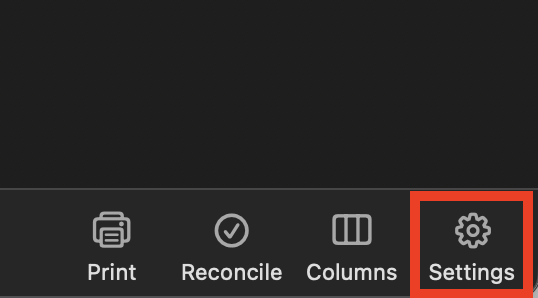
    2. Click the Settings gear icon in the lower right corner of the register. acct settings icon mac.png
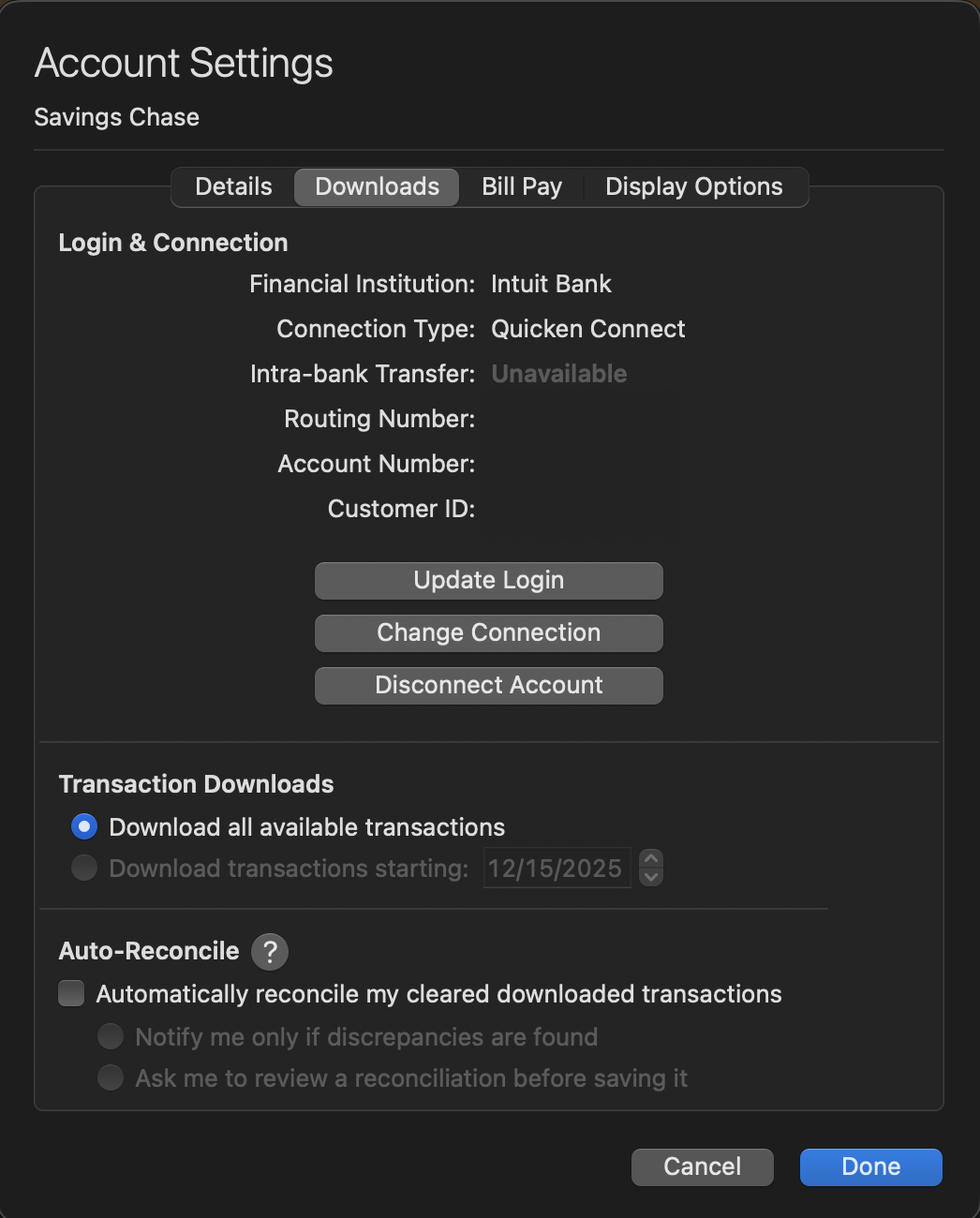
    3. Click the Downloads tab. acct settings>downloads tab-mac.png
    4. Click the Disconnect Account button.
    5. Click Done.

    Important: If you are deactivating/reactivating an account to fix an issue, you'll need to deactivate all the accounts with the affected financial institution that you have activated in Quicken (including hidden ones). Once they're all deactivated, then you can follow the steps to reactivate.

    3. Revoke Quickens Third-Party Access from the USAA website.

    4. Add accounts back into Quicken

    Once back in Quicken, you will want to make sure you choose the "LINK to existing" option for all of the accounts that are already in Quicken.

    Do let us know if this resolves the issue you are having.

    Quicken Alyssa

    Make sure to sign up for the email digest to see a round up of your top posts.