. . .to look and act like my old Quicken on old PC. I also need to migrate all transactions from old to new, and update from my banking site online. Thank you!
Hello @rbarste,
Thank you for sharing your situation with us.
After reviewing your profile internally, it appears you are coming from a subscription version of Quicken on the old PC, so that will make this transition easier.
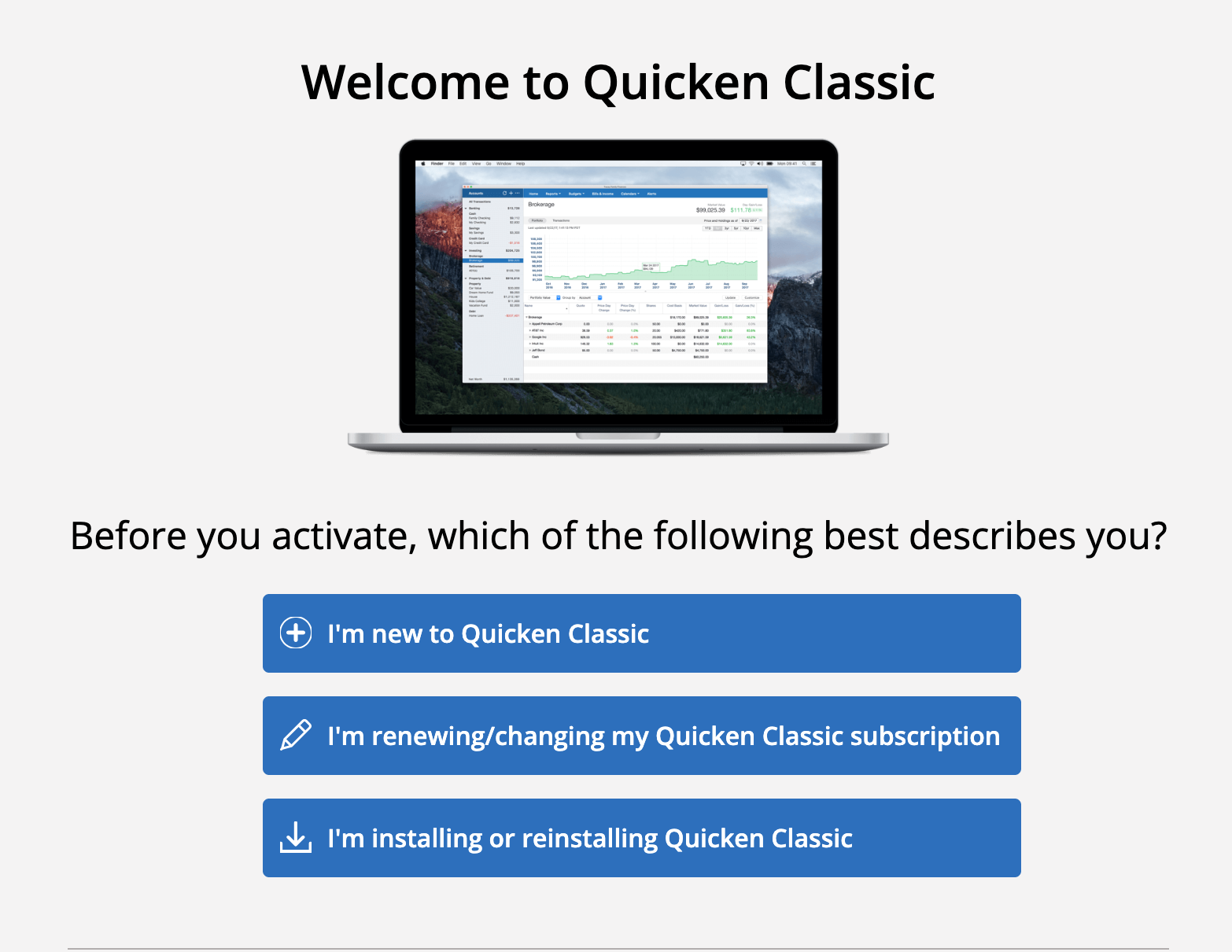
You can download Quicken on your new PC here. Choose the third option, I'm installing or reinstalling Quicken Classic.
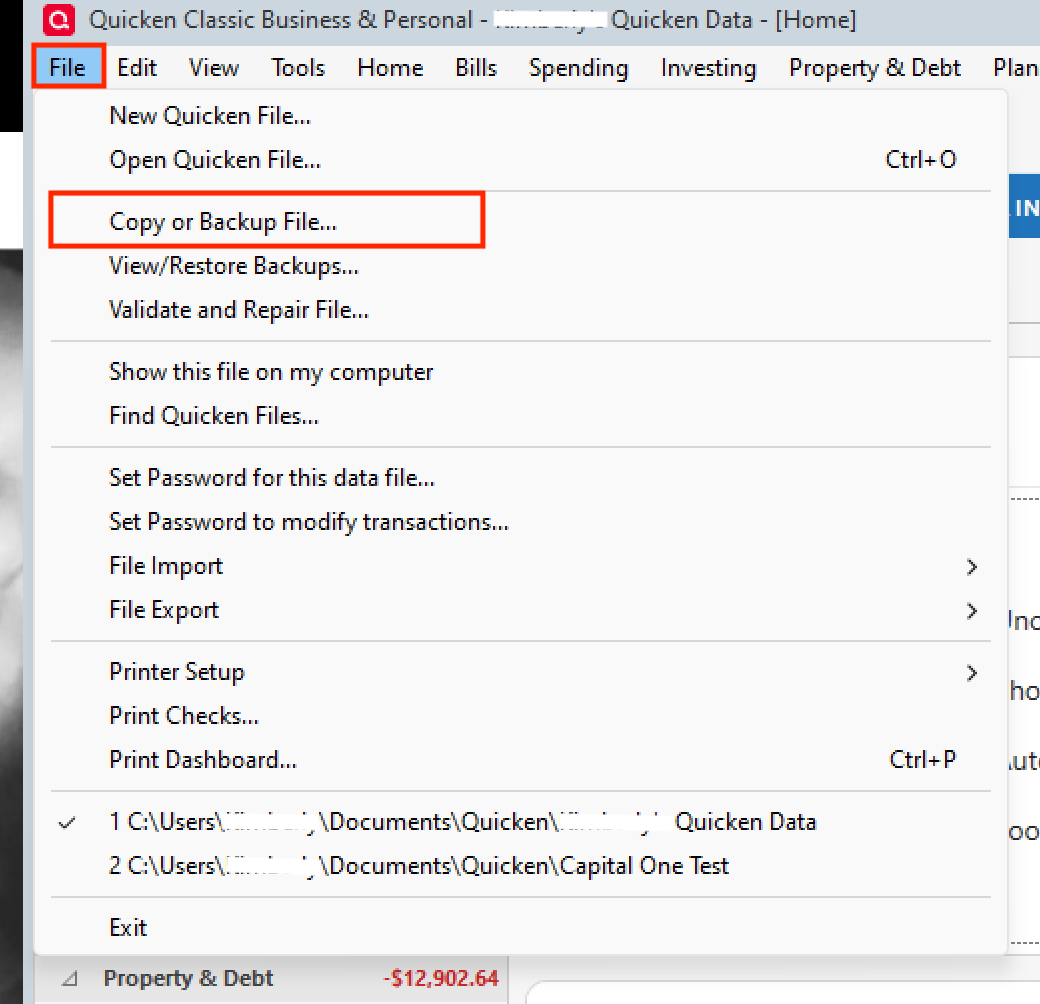
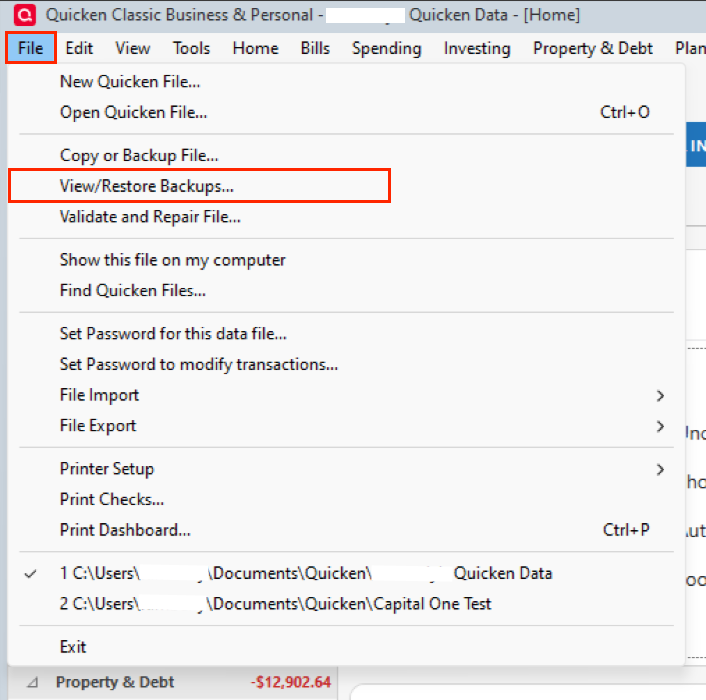
Go through the prompts to get Quicken installed. Once you have done that, you will need to move the file you were using on your old PC to your new PC. You can find instructions on how to do that here. There are videos in the article, and here are text instructions;
Let us know how it goes!
@rbarste,
Just checking in, we haven't heard back from you in a while.
Do you still need assistance?
Thank you!
Hello again,
Checking in once more before this thread is closed.
Let us know if you still need assistance.
Due to the lack of response, I went ahead and closed this post.
If you still require assistance, please feel free to start a new post.