Direct Connect with PNC bank not working since Feb 12, 2026
I'm getting really pissed off at Quicken.
First, all the icons and Direct Connect transactions have not been displaying properly in the register for months, there are duplicate registry entries, and now Direct Connect with PNC is not downloading transactions.
My PNC account clearly shows new transactions starting Feb 13, but nothing has been updated in Quicken since Feb 12.
Why is Quicken such a mess lately?
(Win 11 Pro, R66.11 Build 27.1.66.11 and previously R65.29, User for over 30 years)
[Edited - Readability]
Comments
-
Hi @Wayne Hoit,
I’m sorry you’re encountering this issue. After reviewing the situation, it appears that other users are experiencing similar behavior, which seems to originate on PNC’s side.
I can provide a few troubleshooting steps you can try, but if you plan to continue using Direct Connect, I highly recommend reaching out to PNC Online Banking Support as well, so they can address the issue directly and prioritize it.
In the meantime, you can try the following steps (please back up your Quicken file first):
1. Change the connection type to Express Web Connect+ (Note: This method allows downloads only and does not support bill pay.)
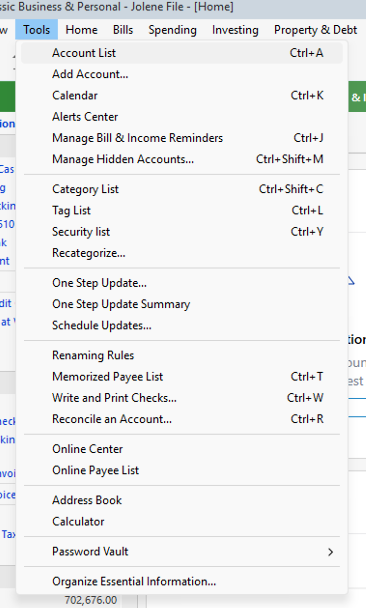
- Select "Tools"
- Select "Account list"
- In the Account List, select the account you want to deactivate, and then click Edit.
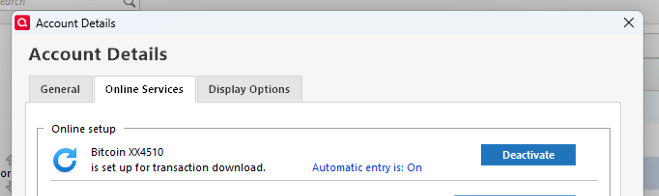
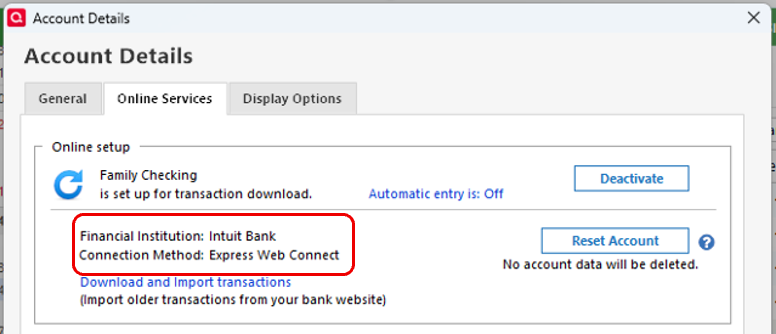
- In the Account Details window, click the Online Services tab.
- Click Deactivate next to the service you want to disable.
-
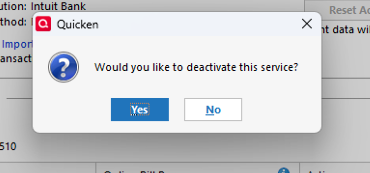
Click Yes to the message confirming if you want to disable this service.
- Direct Connect users: If you are deactivating a Direct Connect account, you may see an additional prompt advising you to contact your bank to cancel the Direct Connect service. This is only recommended if you intend to deactivate an account permanently and need to contact the bank to stop any related fees.
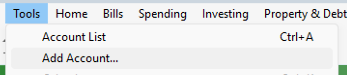
- Go to Tools > Add Account.
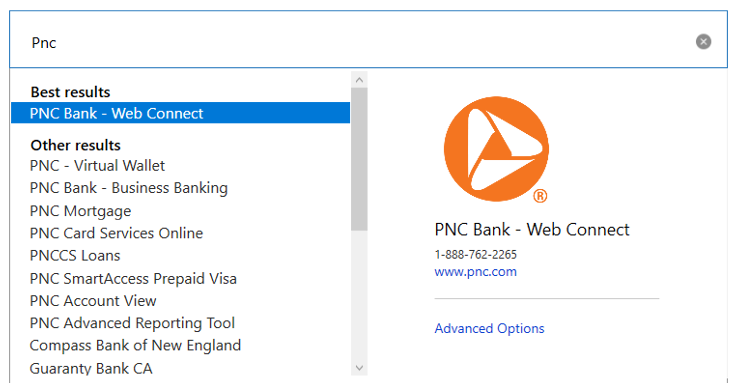
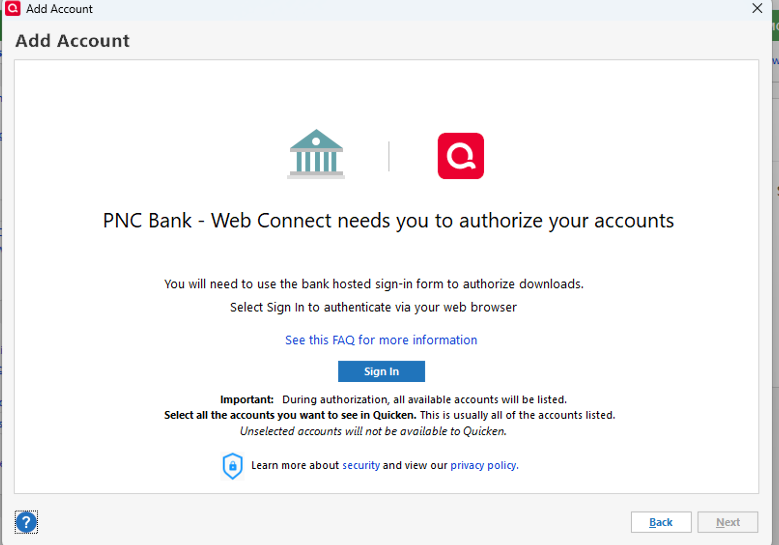
- Select the bank for the deactivated account(s) (PNC Bank - Web Connect). If prompted, select the connection method.
- Click on Continue.
- Click on Sign in.
- When the list of located accounts appears, choose LINK next to each account you want to reactivate.
- Click Next then Done on the last prompt.
Please let me know how it goes!
Quicken Laura
Make sure to sign up for the email digest to see a round up of your top posts.
0
Categories
- All Categories
- 56 Product Ideas
- 34 Announcements
- 235 Alerts, Online Banking & Known Product Issues
- 19 Product Alerts
- 510 Welcome to the Community!
- 678 Before you Buy
- 1.4K Product Ideas
- 55.2K Quicken Classic for Windows
- 16.7K Quicken Classic for Mac
- 1K Quicken Mobile
- 828 Quicken on the Web
- 121 Quicken LifeHub