Reactivation of Credit Card Keeps going to Other Cards at Capital One

gt00tx
gt00tx Member ✭✭✭

So, I have, for some odd reason, three credit cards operated by Capital One. Two are tied to one login. One of them has a separate Cap One login and is not working for the One Step Update.

When I try to Reset the account and go through the Setup routine and select Sign in to attempt to login to that unique online account, after the 'Quicken wants to collect' page, it keeps bringing up the other two Capital One accounts at the 'Which accounts do you want to share data from?' page! I've tried numerous times. Is it perhaps because I had the Capital One page opened to those two accounts when I first tried it and now it's locked into those accounts?

EDIT: To be clear… It never gets to the actual Capital One sign in page.. it just skips that and goes to the other two accounts like I've already logged into Capital One, but the wrong account.

How do I get Quicken to forget about those and get me to login to Capital One for this third account?

Thanks in advance!

Tagged:

Comments

  • Quicken Laura
    Quicken Laura Quicken Windows Subscription Moderator mod

    Hi @gt00tx,

    Thank you for sharing the issue you’re experiencing. I’ll be happy to help you troubleshoot it.

    To better understand the issue, I have a few questions:

    1. Are all the accounts under a single user login, or do you have separate logins for each account?
    2. Is the affected account a joint account?
    3. Are the other two accounts you don’t want to connect already connected in Quicken?
    4. What is your default browser?

    Your answers will help determine the best route to address the issue. I look forward to your response!

    Quicken Laura

    Make sure to sign up for the email digest to see a round up of your top posts.

  • gt00tx
    gt00tx Member ✭✭✭

    Thanks.

    1. As I said, two accounts are tied to one login. The 'problematic account' is a separate login.
    2. All the accounts are joint accounts. Has never made a difference, but I'd like to know why you ask.
    3. Yes and have been for years… just like the one that I'm having trouble with.
    4. Browser is Chrome.. just like it has been for many years.

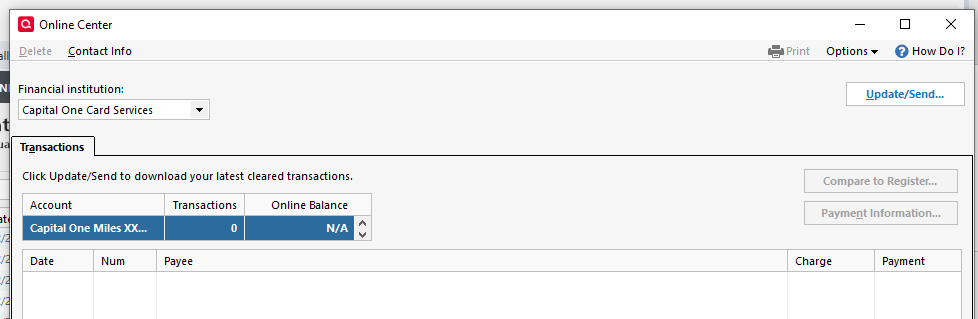
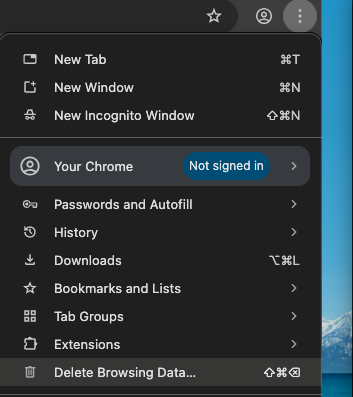
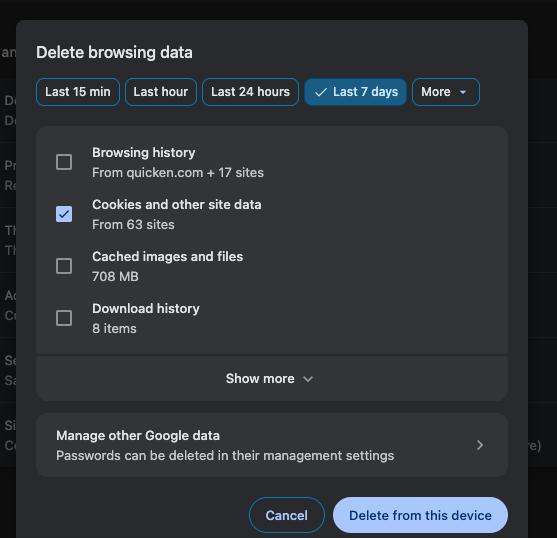
    Yeah, maybe I need to clear some cookies and such. Your #4 question prompted me to go to Online Center under Tools, which I've never used. I selected Capital One accounts and it came up with the one problem account (Miles). I clicked Update/Send… and it started the process but only brought up the other two, plus another old account I guess… I didn't try to figure out that one.

    Strange…

    image.png