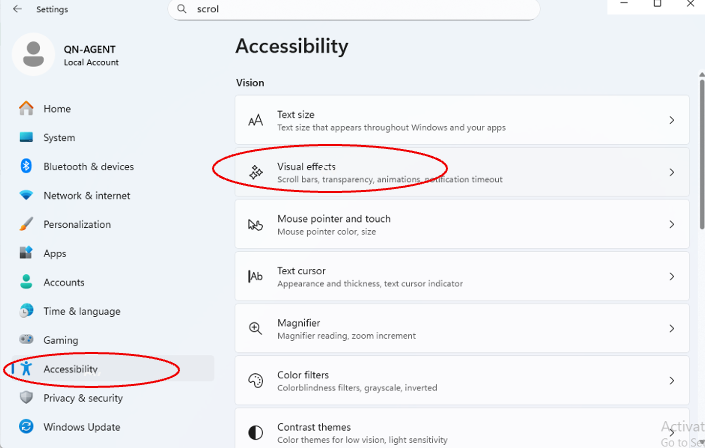
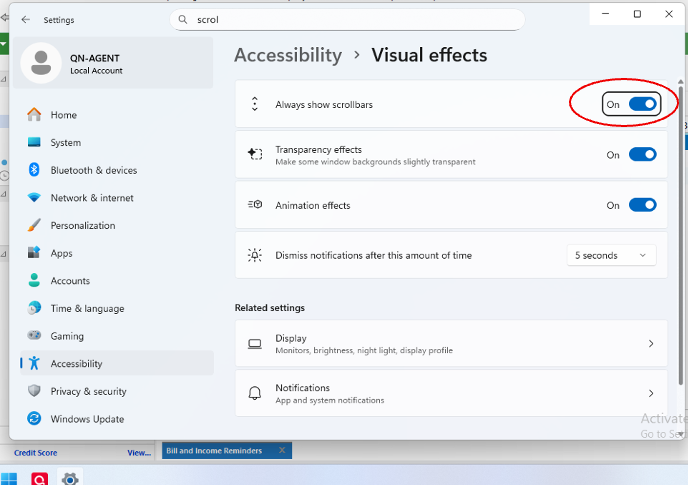
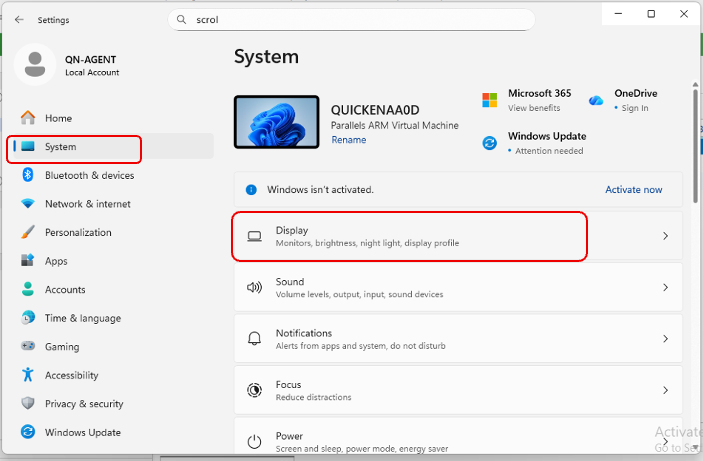
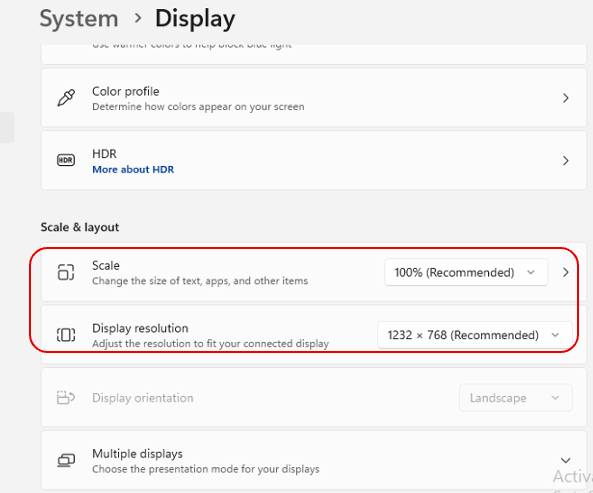
Running Quicken Classic Deluxe R66.18 build 27.1.66.18 on Windows 11 PC.
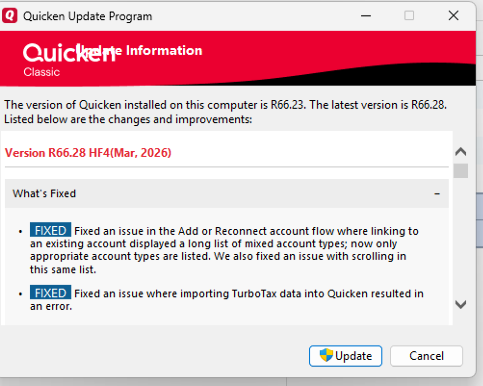
A Capital One credit card account prompted me to reauthorize the online services. However, when I get to the dialogue box to choose whether to add an account or choose an existing account, I run into a problem. When I choose link to existing account, the drop-down list of accounts is so long that all accounts can't display on the screen. The account I need isn't among the list on the screen, and that's where the problem occurs. The list isn't scrollable… it's static. Is there a workaround to get to the account I want to link to?