Blank lines after download
dnelson
Member ✭✭✭
Comments
-
Hi @dnelson,
Thank you for sharing what you're experiencing. I’m happy to help you troubleshoot this.
To better understand what may be causing the issue, I have a few questions:
- Where is your data file located?
To check:- Open Quicken.
- Click File.
- At the bottom under Recent Files, the file with the check mark next to it is the one currently open.
Please let me know the full file path shown there.
- Is this happening with only one account, or multiple accounts?
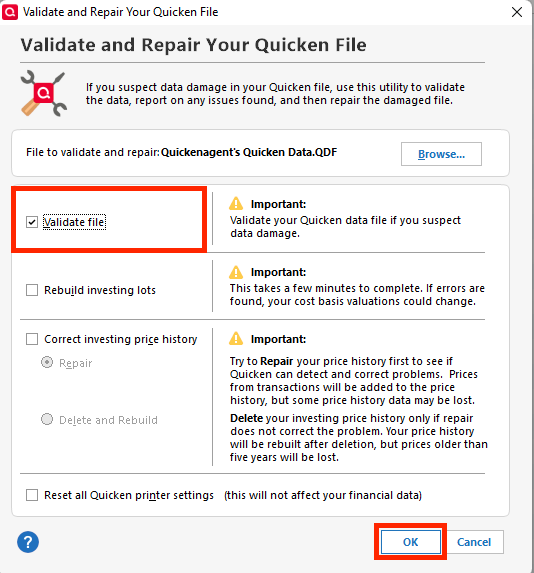
- Have you tried validating your file yet?
- What happens when you accept one of the empty transactions? Does it remain blank, generate an error, or disappear?
Your answers will help narrow down the cause and determine the next best steps.
I look forward to your response!
Quicken Laura
Make sure to sign up for the email digest to see a round up of your top posts.
0 - Where is your data file located?
Categories
- All Categories
- 46 Product Ideas
- 34 Announcements
- 248 Alerts, Online Banking & Known Product Issues
- 22 Product Alerts
- 513 Welcome to the Community!
- 679 Before you Buy
- 1.4K Product Ideas
- 55.4K Quicken Classic for Windows
- 16.8K Quicken Classic for Mac
- 1K Quicken Mobile
- 829 Quicken on the Web
- 123 Quicken LifeHub