Updates for Fidelity not working

glennwms
glennwms Quicken Windows Subscription Member

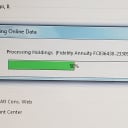
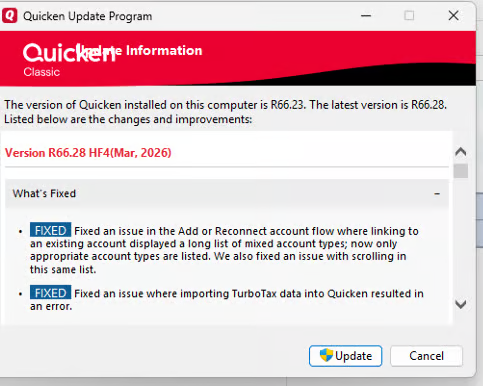
Win 11 Enterprise operating system. For months, Fidelity accounts have not been updating reliably. Until recently, I could reset the accounts, and they would work at least once, but for a week, they have not worked. Today I removed Quicken access at Fidelity, I deactivated and reactivated the account in Quicken, and still no updates. The tracking method is complete on one account and simple on the other. Under Tools → Account list Transaction Download = Yes(Express Web Connect +), Last Download = Not Available, Financial Institution = Fidelity Investments. Quicken R66.23.


Comments

  • Quicken Laura
    Quicken Laura Quicken Windows Subscription Moderator mod

    Hi @glennwms,

    Thank you for sharing your experience with us.

    After reviewing your accounts, it appears they are currently returning a CC-601 error. We are aware that some customers attempting to connect their Fidelity Investments accounts in Quicken Classic are encountering FDP-101 or CC-601 (CP_SCRIPT_ERROR) errors. Our teams have identified this as a known issue and are actively investigating the root cause.

    At this time, no additional action is required on your end. Our teams are working toward a resolution as quickly as possible, and updates will be shared as soon as more information becomes available.

    To stay informed, please refer to the active alert below and bookmark the post to receive notifications when updates are posted:

    We appreciate your patience while our teams work toward a fix.

    Quicken Laura

    Make sure to sign up for the email digest to see a round up of your top posts.