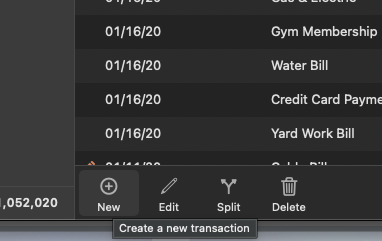
Hi, how do I add a transaction to be added? Or a transaction to be declined?
How do I find a transaction to be income, so I can choose one of them?
Thanks, Ileana
Hello @ileana1g,
Thank you for posing these questions.
You can enter transactions manually, schedule upcoming bills and income, and keep your register accurate when downloaded transactions match what you already entered.
Transactions entered by hand are considered manual transactions. Manual transactions are useful when you want your register up to date before downloads clear, or when you want to track items your bank won’t download. Downloaded and manually entered transactions together help you track your real account balance.
Use these steps to add a one-time transaction directly to an account register.
Example: You buy groceries with cash and want it reflected immediately, so you enter a manual transaction with today’s Date, the store as the Payee, and Groceries as the Category.
Please review this Help Article for more information on entering transactions. If this information does not answer your question, please provide more details about what you are trying to do.
Thank you!
Hi Alyssa, Thank You very much for your answer, very interesting, and I will take care of What You say about BOA, here and in the email digest..My question is whether I don't know if a transaction is an "add-on (income) or an didact transation (will be minus the line before….
EX. I add an amount to a date (income), and the next transaction is subtracted instead to be added.
Am I wrong?
THanks, Ileana
Hi, @ileana1g
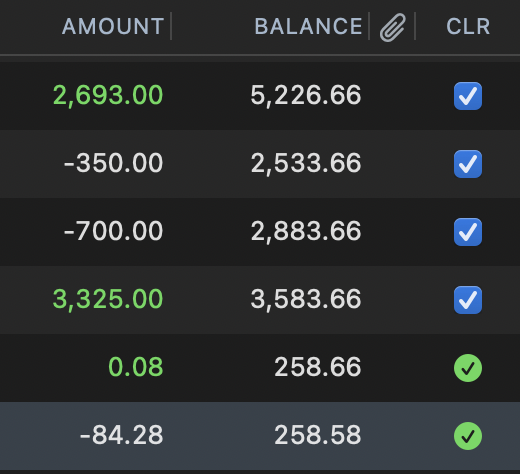
If you want a transaction to add-on (Income) to the Balance, enter + before the Amount.
If you want a transactions to reduce (or "didact" or Minus), the line before, put - before the Amount.
Depending on how your categories are setup, this is automatic and no need to enter +/-. But, if you wish to make it income (Add-on)) or Expense (Minus), use the +/- before the Amount.
Yes, Thanks, it works as a charm!!!
NOW, if you look at transaction lists(OR CATEGORIES LISTS), how do you know they are "add on" or minus transactions? Sorry, it was simple before, but there are some improvements that I can't get!
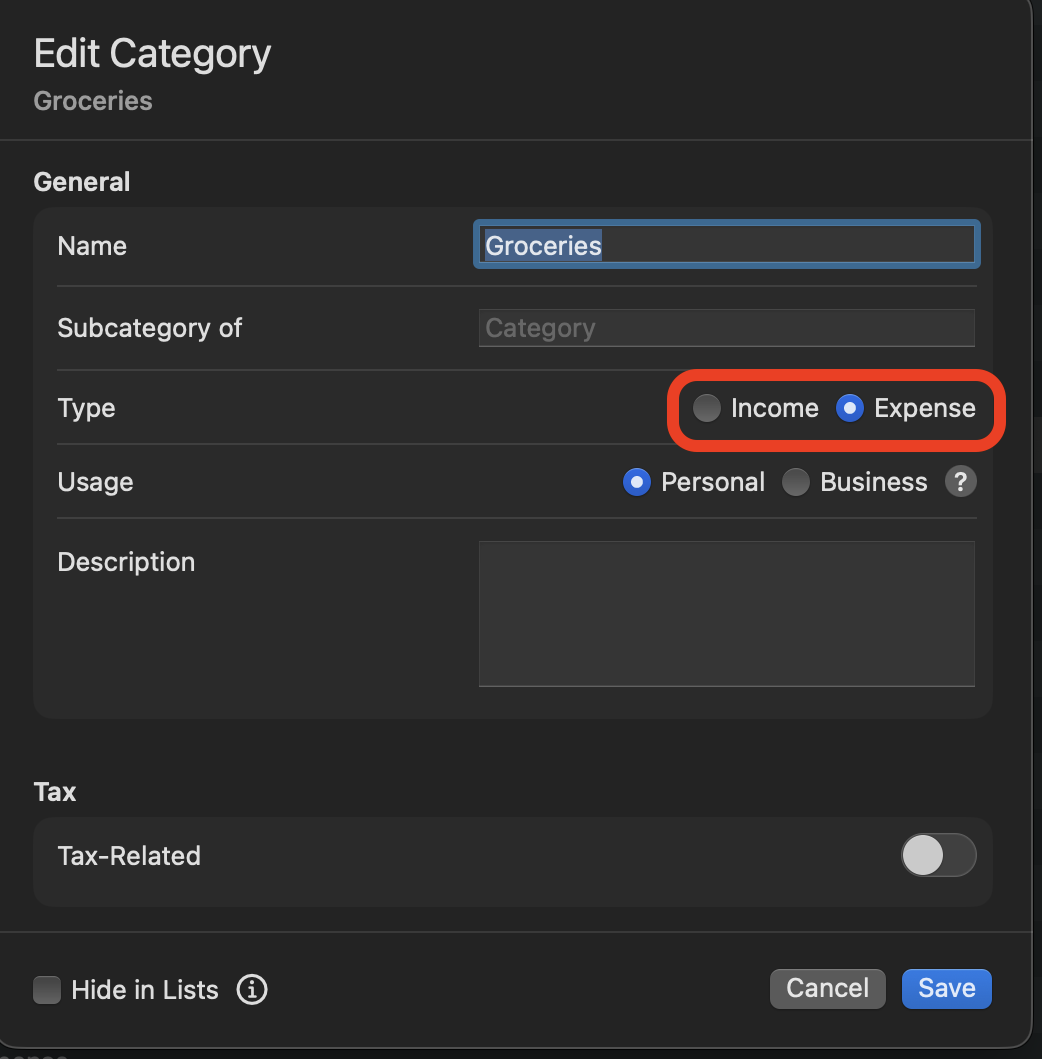
If you want to to always make a Category "add on" or "minus", you do this via the Category list:
Income="add on" or +
Expense="minus" or -
This is the default for new transactions, but, you can always change the amount by entering the +/- before the amount if needed.