Bank Account Shows Negative Balance When Not Displaying Savings Goal
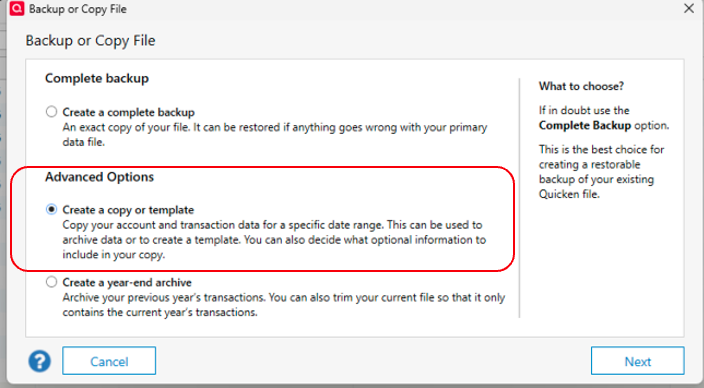
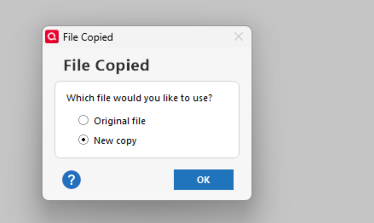
Attached is a PDF document with two screenshots…
I have deleted all Quicken accounts and transactions in the attached screenshots except one savings goal transaction. This transaction was contributed from the bank account displayed. When the savings goal is not displayed, the bank account shows a -1,320 balance even though there are no transactions. When the savings goal display is checked, balances are correct. How can I correct the bank account balance when the savings goal is not checked?
Answers
-
Hi @bensojw,
Thank you for reaching out. I’d be happy to help with this.
This behavior is not typical and may indicate possible file or account corruption. I recommend running a Validate and Repair on the data file to check for and correct any issues.
To run a validation:
- Go to File.
- Select Validate and Repair File.
- Choose the Validate file.
- Click OK.
Once the process is complete, a log file (validate.txt) will open in Notepad. Please review it for any errors or unrecoverable transactions that may require manual correction.
Let me know how it goes!
Quicken Laura
Make sure to sign up for the email digest to see a round up of your top posts.
0
Categories
- All Categories
- 52 Product Ideas
- 34 Announcements
- 247 Alerts, Online Banking & Known Product Issues
- 20 Product Alerts
- 514 Welcome to the Community!
- 680 Before you Buy
- 1.5K Product Ideas
- 55.6K Quicken Classic for Windows
- 16.8K Quicken Classic for Mac
- 1K Quicken Mobile
- 832 Quicken on the Web
- 126 Quicken LifeHub