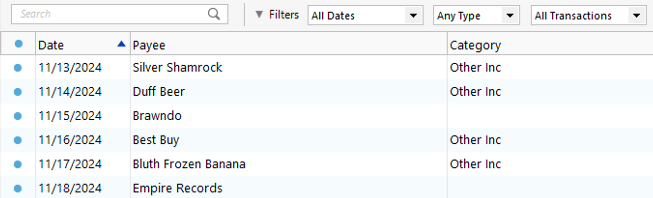
Quicken Classic Premier. Windows 11 on desktop. In one of my files (I have 3), all transactions since February 2023 in all accounts have disappeared. I validated the file with no improvement.
Hi @GA Hiker,
Thank you for sharing what you’re experiencing. I’d be happy to help you look into this.
There are a few possibilities that could explain why the information isn’t visible, such as display settings, filters, or sorting. Please follow the steps below to help rule those out:
1.Check the Sort Order
Sometimes transactions are present but appear out of order due to sorting changes.
2. Reset Register Filters
This ensures no filters are hiding transactions.
3. Check for Incorrectly Matched Transactions
It’s possible the missing transaction was matched to an existing one in the register. This commonly happens with recurring payments made to the same payee for the same amount.
4. Confirm No Backup Was RestoredIf an older backup file was restored after accepting downloaded transactions, the restored file may not include those newer transactions.
Please let me know how it goes!
I just wanted to follow up since I haven’t heard back from you. I’m checking in to see if you still need assistance.