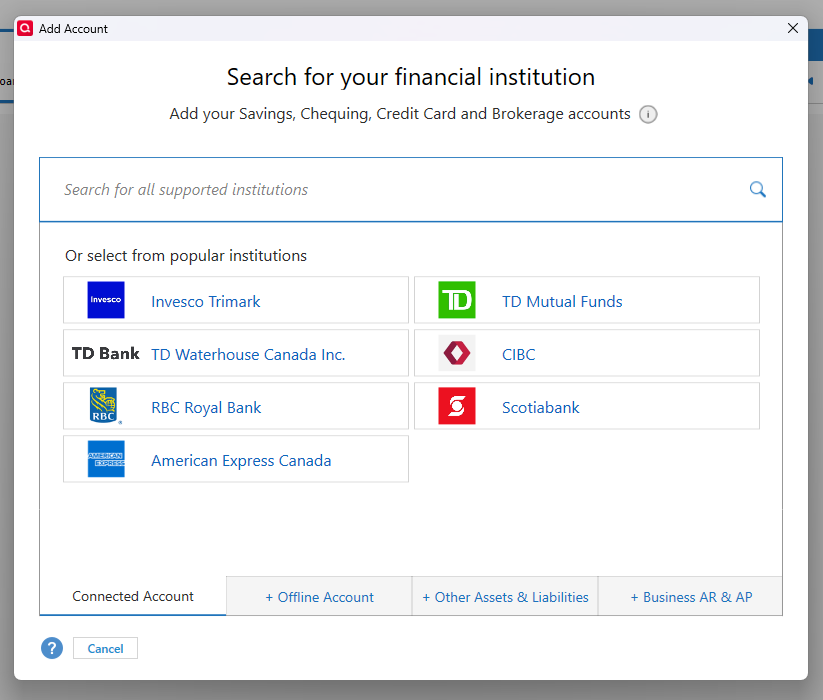
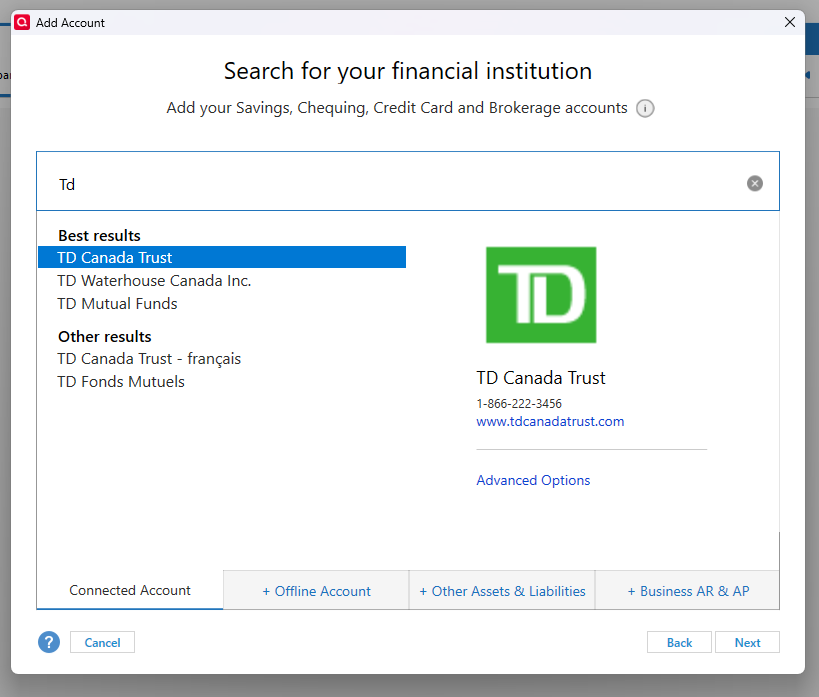
I am a new user of Quicken Classic. From my research, I believe that Quicken could access my bank accounts online, saving me the trouble of downloading transactions and uploading them into Quicken. I read that Quicken could automatically synchronize with my bank accounts once per day. However, when I attempted to set up a new account in Quicken, I was not given the option to connect online. I started in the "Connected Account" tab of the "Add Account" dialogue. I selected my bank (TD Canada Trust) and hit "Next". But the next dialogue boxes specifically states: "Adding your OFFLINE chequing account". A subsequent dialogue instructs me to log in to my online banking, download transactions, and import them into Quicken. I was hoping to avoid that. How can I connect Quicken to access my online bank accounts? The attached PDF file contains screenshots as I step through the dialogues. Thanks for any help in advance.