US Bank Bill Pay activation
I have been with USB for years and used their bill pay service when using Quicken. I had to close my old account due to a hacker. USB gave me a new checking account # and I can now update. What I can't do is pay bills using USB bill pay. (Its free) I've talked to USB tech support twice and once to Quicken support. No one seems to know how to activate USB billpay from within Quicken.
US Bank suggested looking at the "Bill & Income" dropdown menu and looking for a "gear". The only gear I found was for settings.
Hopefully, someone can help me restore one of my favorite features.
WIN 11
R 6628
Build 27.1.66.28
[Edited-Readability]
Answers
-
Hello @Dave Chalk,
Thank you for sharing your experience with us.
I am sorry to hear that you have not been able to set this up, despite reaching out to support teams on both ends.
After reviewing your connections internally, it looks like you are using the "U.S. Bank Internet Banking" instance in Quicken to connect to these accounts. This instance offers Express Web Connect and Web Connect connection types.
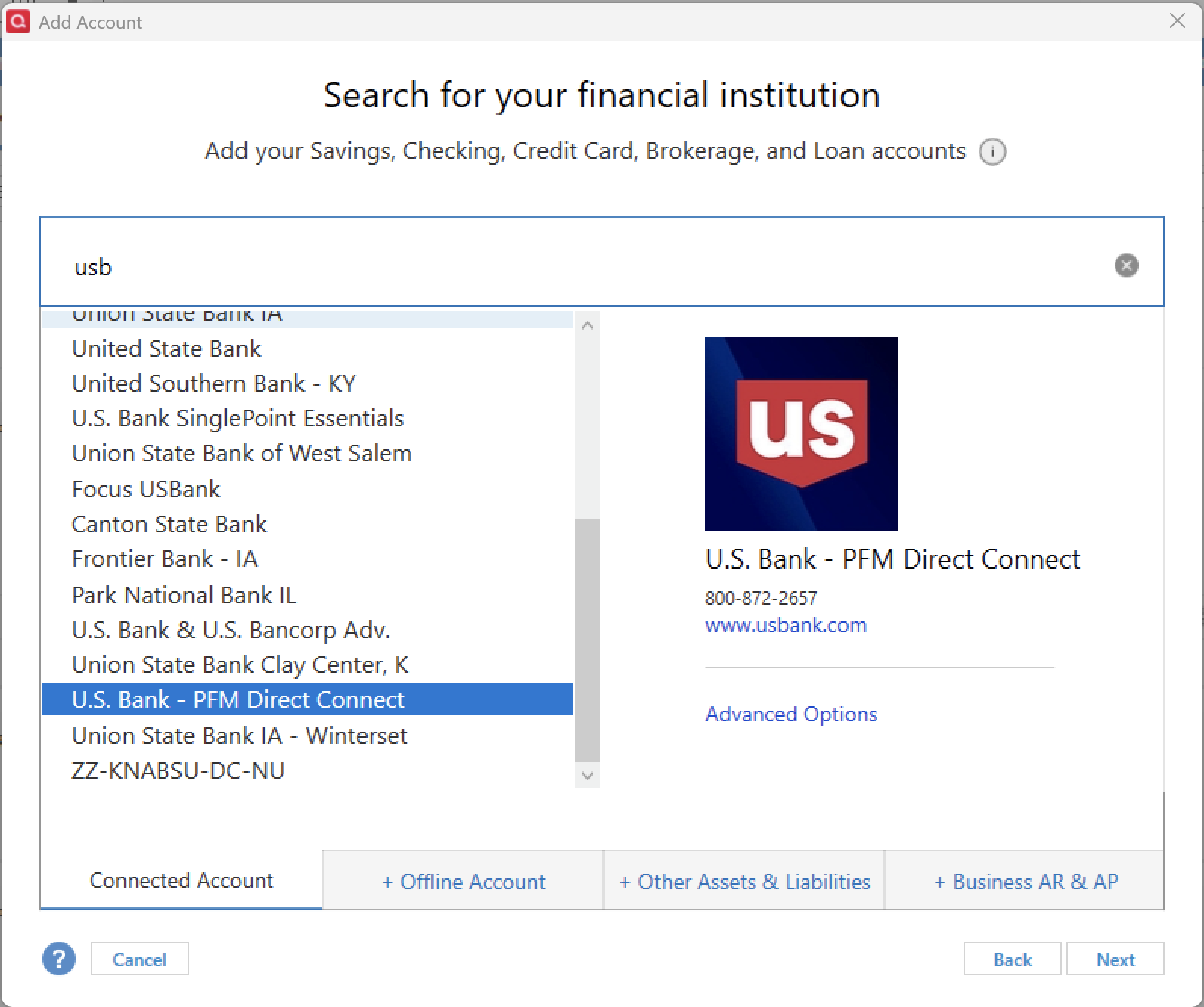
To use Bank Bill Pay, you will need to use the Direct Connect connection type. We do have an instance for this bank that offers this; it is "U.S. Bank - PFM Direct Connect". You will need to save a backup, and then disconnect all of your U.S. Bank accounts.
To Reactivate Account(s)
- Go to Tools > Add Account.
- Locate U.S. Bank - PFM Direct Connect in the financial institution list and click on Advanced Options.
- Click Continue.
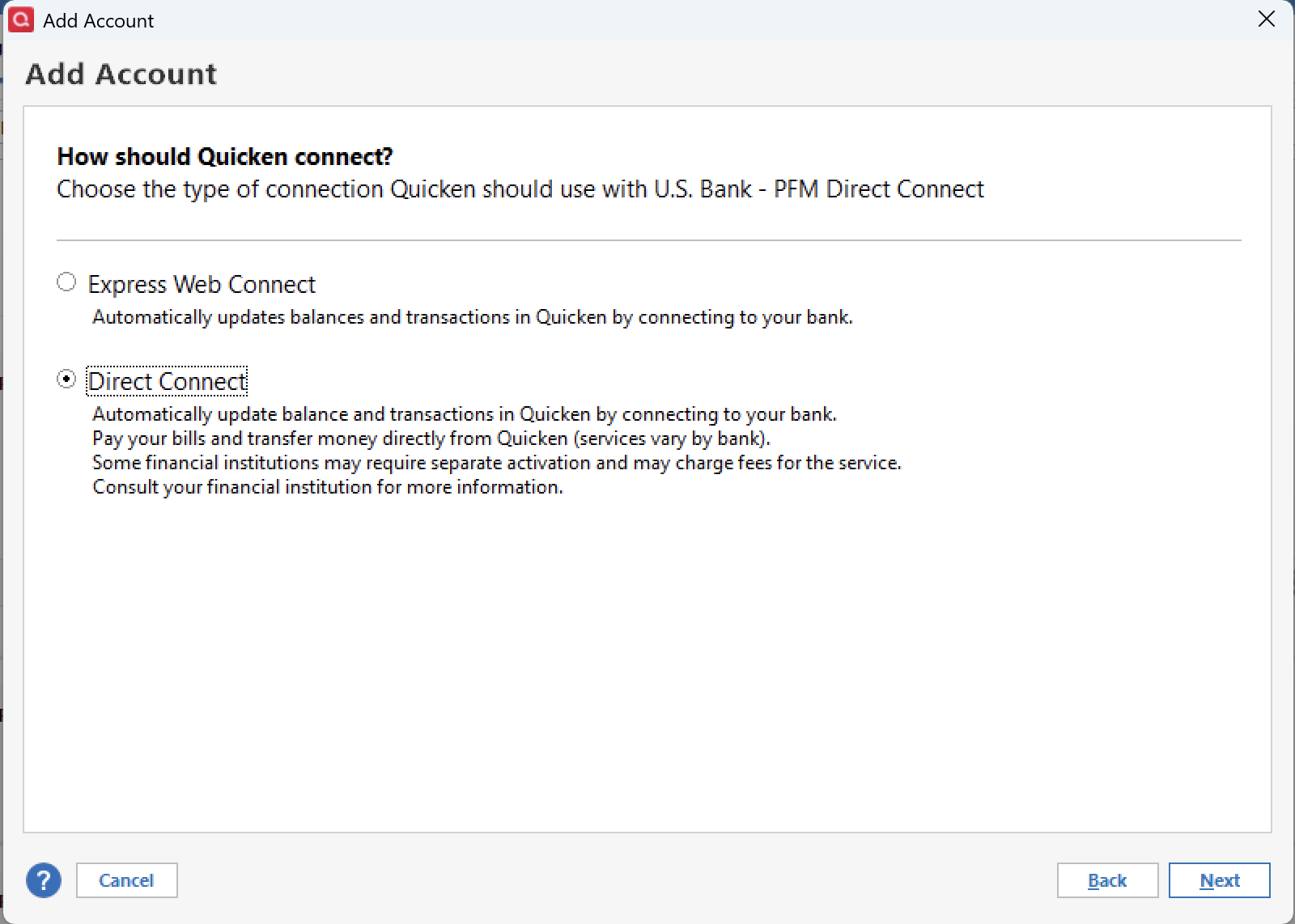
- Select Direct Connect and click Next.
- Enter your credentials and click Connect.
- When the list of located accounts appears, choose LINK next to each account you want to reactivate.
- Click Next, then Done on the last prompt.
Note: Some banks require a special set of credentials to use Direct Connect. If you need assistance with this, you will need to contact the bank.
After you get your accounts connected to this instance, you can then activate Bank Bill Pay.
To do this:
- Go to Tools>Account List.
- Click Edit next to the account you want to set up bill pay for.
- Switch to the Online Services tab.
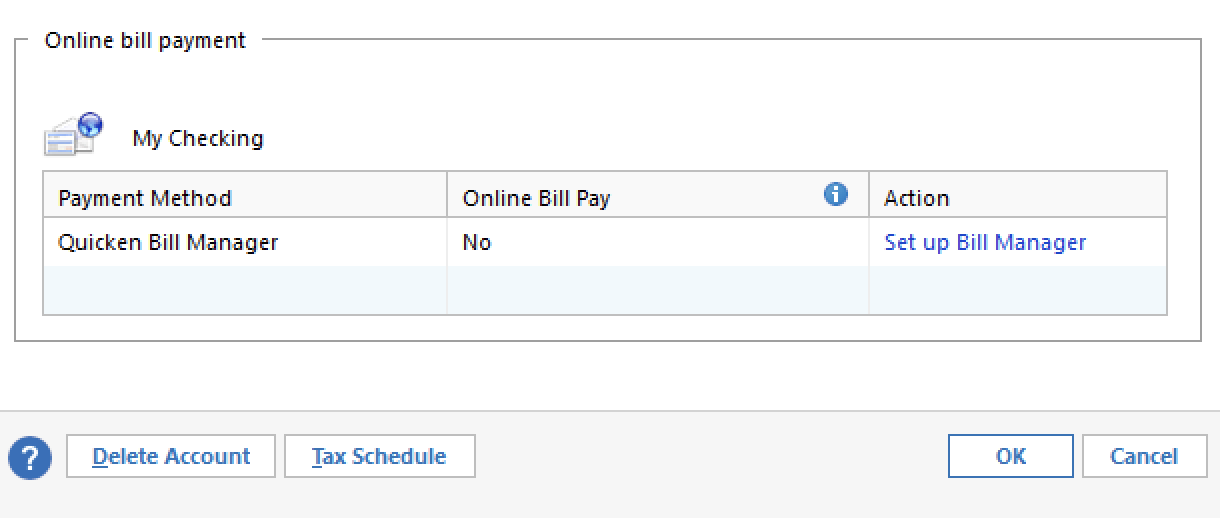
- At the bottom of the window, you should see an option to Set up Bank Bill Pay. (Do not select Bill Manager, that is Quickens bill pay service, not the banks)
My image below does not show the Bill Pay option, because I am not on Direct Connect, but you should see a Bank Bill Pay option right below/above the Bill Manager one.
Let us know how it goes!
Quicken Alyssa
Make sure to sign up for the email digest to see a round up of your top posts.
0