I want to reduce the overall balance as monthly retirement distributions are received.
Hi @waterview35,
Thank you for contacting Quicken Support!
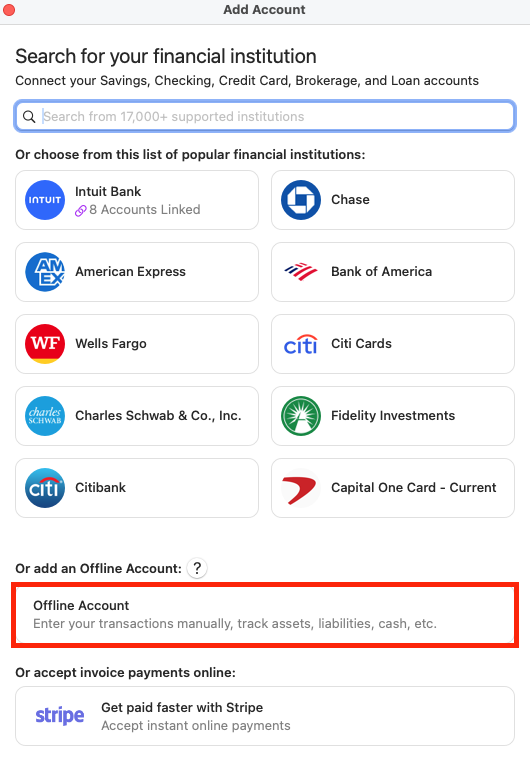
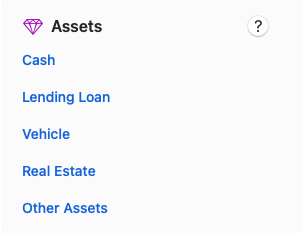
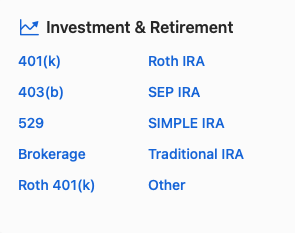
There are two ways to set up an annuity account in Quicken for Mac.
Here is how you can add the account:
For more detailed guidance, please refer to our support article: https://www.quicken.com/support/tracking-annuity-or-other-assets-fluctuating-value/
I hope this helps!
Hi @waterview35, I just wanted to follow up since I haven’t heard back from you. I’m checking in to see if you still need assistance.