Windows 11 pro 25H2
Quicken R66.28
Build 27.1.66.28
My wife just opened a retirement brokerage account at LPL. I went through authorization for access and validated it in a web LPL.com session. I have no other accounts at LPL in Quicken (I looked at all accounts and hidden… no LPL)
When I add the LPL account and go through their authentication, I get
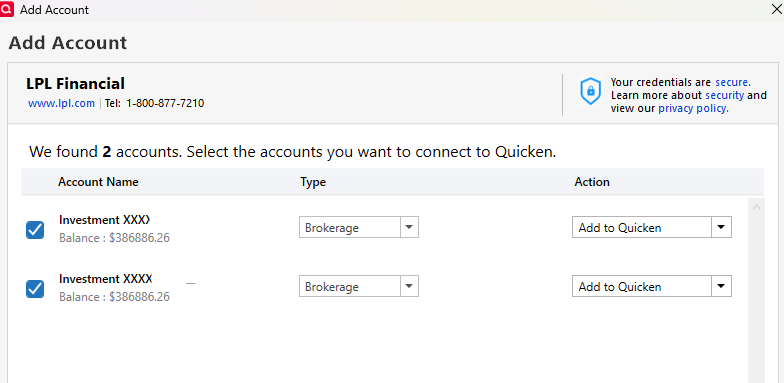
I only add one and get:
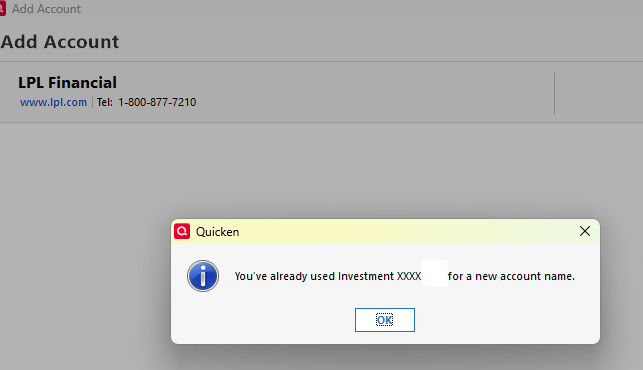
I have never used an LPL account before, but it fails here. What do I do now?
[Edited - Removed partial account numbers]

