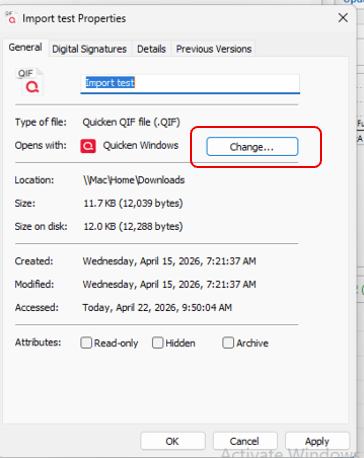
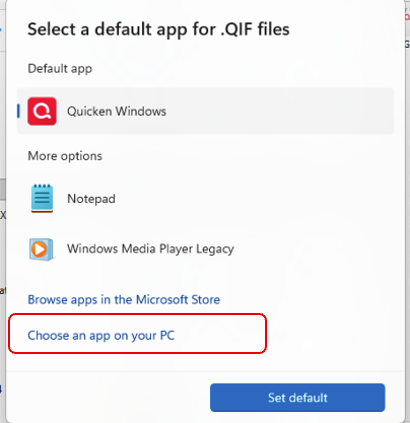
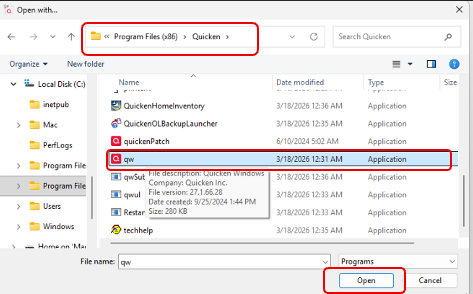
My windows programs just updated. Now when I try to download my bank transactions its asking me for an app to associate it with and I can't find the Quicken app when I follow the search protocol
Hi @atereschyn,
Thank you for reaching out. I’d be happy to help.
Do you use automatic or manual (QFX) downloads? If you’re using manual downloads, please ensure the file type is .QFX.
If you are using a QFX file, and Quicken is installed on your computer, please try the following steps:
Once completed, try opening the file again to confirm it works as expected.
I look forward to your response!