Account Names in QLH Do Not Update

Casablanca
Casablanca Quicken Mac Subscription Member ✭✭✭

When an account name is changes in Quicken for Mac (QFM) sidebar, it does not sync with QLH. I had to add several accounts when I rolled over IRA's recently. However, when I decided to change the names of those accounts for better recognition in QFM, those changes do not sync with QLH. I reset the cloud data file, but the the old account names remain in QLH. The account name cell in QLH is inaccessible. When hovering over the name in QLH, a bubble appears as shown in the attached screen shot.
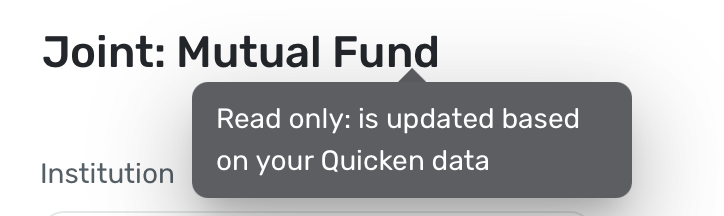
Screenshot 2026-05-05 at 21.32.25.png

Comments

  • Casablanca
    Casablanca Quicken Mac Subscription Member ✭✭✭
    edited May 6

    After further investigation the QLH account list in Settings>Connections>Connect Quicken>Accounts is correct. There is a disconnect between the account names in QLH settings and the account names in the QLH sidebar.

  • Quicken Alyssa
    Quicken Alyssa Quicken Windows Subscription Moderator mod

    @Casablanca,

    Thank you for reporting your findings.

    I am curious, do you see the same if you log in to Quicken LifeHub from a different web browser?

    Looking forward to your response!

    Quicken Alyssa

    Make sure to sign up for the email digest to see a round up of your top posts.

  • Casablanca
    Casablanca Quicken Mac Subscription Member ✭✭✭

    @Quicken Alyssa, The same issue occurs with Firefox, Safari and DuckDuckGo.

  • Quicken Alyssa
    Quicken Alyssa Quicken Windows Subscription Moderator mod

    @Casablanca,

    Thank you for confirming!

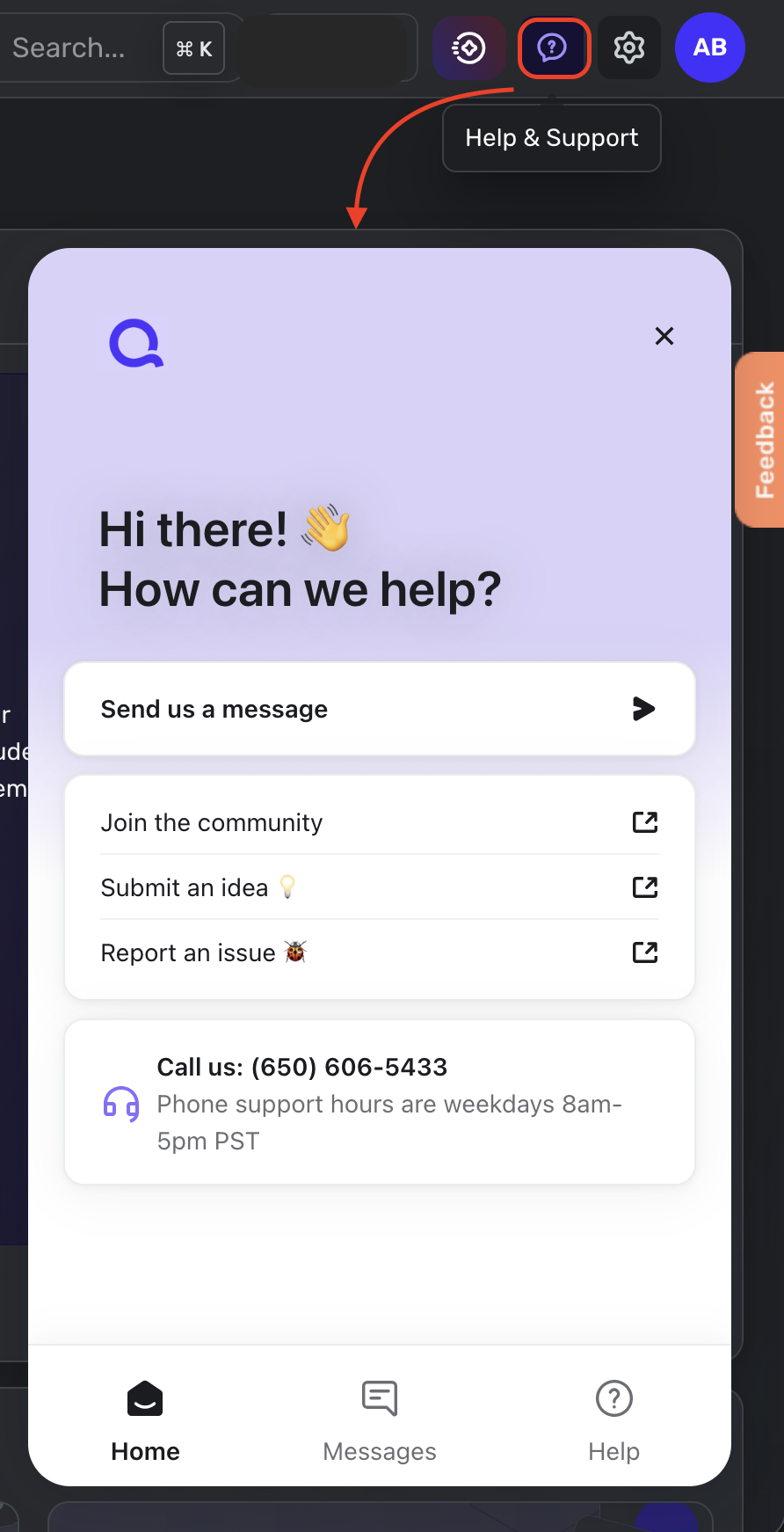
    Please reach out to Quicken LifeHub Support to report this issue. You can call our Support Team for assistance with LifeHub support. Or you can reach out from within LifeHub by clicking the question mark icon in the top right.

    Screenshot 2026-05-07 at 1.58.54 PM.png

    They will be able to troubleshoot this with you in real time and escalate this issue if needed.

    Thanks again!

    Quicken Alyssa

    Make sure to sign up for the email digest to see a round up of your top posts.