I have multiple mutual fund accounts at T Rowe Price and 3 Brokerage accounts. All use the same username and password. I can log in to the T Rowe Price website and view all of these accounts. Starting a few days ago downloads for the brokerage accounts failed with a password mis-match error. At the screen that asks if the password has changed I select NO, and try again, and it tells me the accounts have updated successfully. However, next update fails again. I deactivated on-line services for all of those accounts and went through the setup process again using the correct username and password. Every mutual fund account got set up correctly, but the brokerage accounts failed with the error dialog below:
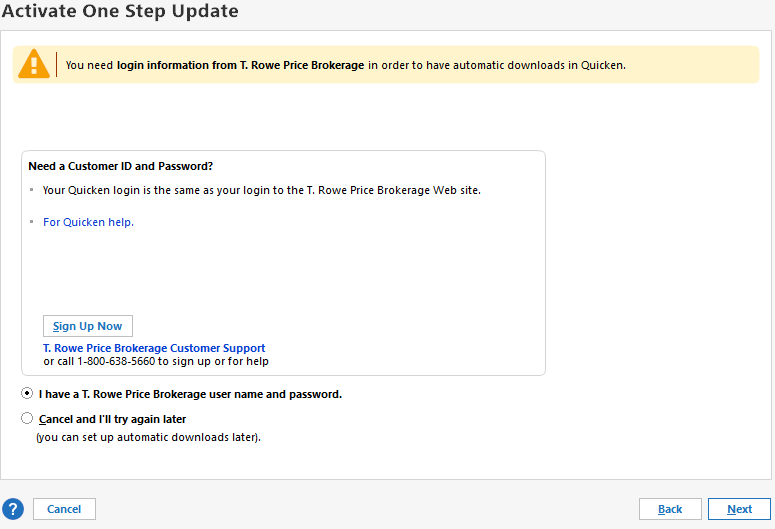
Clicking NEXT button takes me back to the screen to re-enter the username and password, (interesting that this time the SHOW password option is greyed out and does nothing), After entering the correct credentials I click CONNECT and the screen shows "Looking for your accounts at T Rowe Price" but it then it takes be back to the same error dialog above. This becomes an endless loop until I CANCEL.

