Quicken deleted all payments to one credit card, going back twenty years.
Hi @Jerryc41,
Thank you for reaching out and sharing what you’re experiencing.
In some cases, the transactions may still be in the account but hidden by a filter or other setting. If you haven’t already, I recommend following the steps in our support article: I'm Missing Some Transactions or New Transactions Did Not Download From My Bank (Quicken for Windows) | Quicken
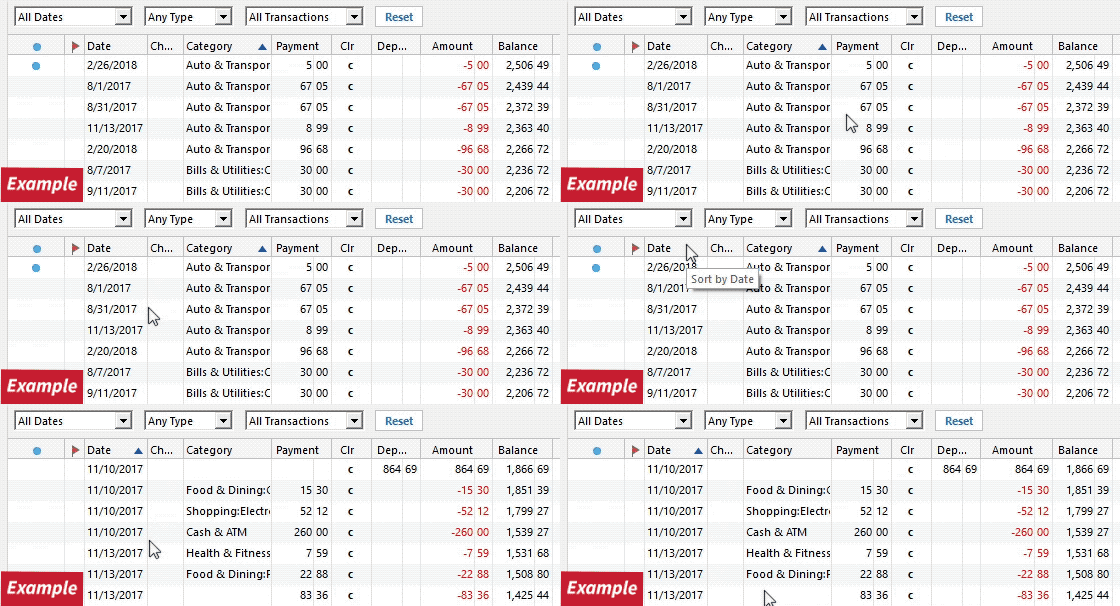
1. Check the sort order: In your account register, click the Date column header to sort the transactions by date. The transactions may already be in the register but not where you expected them to appear.
2. Reset the register filters: Click the Reset button at the top of the register to make sure no filters are hiding transactions.
3. Confirm the correct data file is open: Go to File. At the bottom of the menu, you’ll see a list of recently opened files. Open them one at a time to check whether the missing information is in another file.
If the issue persists, you can also try restoring a backup from before it started.
Please let me know how it goes.
Thanks, but all the deposits were deleted. For twenty-four years, there was not one deposit listed. Fortunately, I do daily backups, so I loaded the file from the previous day.
@Jerryc41 did you notice if the credit card payments were also missing from your checking account also? If the payments (transfers) were still in your checking account, that would signify broken transfers. A lot of times these broken transfers will remain hidden until a process such as a data file validate exposes them.
When transactions disappear, there is usually an underlying cause such as moving transactions between accounts, making mass transaction updates, modifying or deleting a linked account, restoring a backup, running a data file repair, or data file corruption.
The important thing is you had a good backup and was able to restore your data file.