Not a power user by any standard. Been using some form of Quicken since 2009. How do I get rid of transactions that are more than 10 years old with one or two keystrokes? The statute of limitations and any warranties are long gone.
Thanks
Hi @State Street,
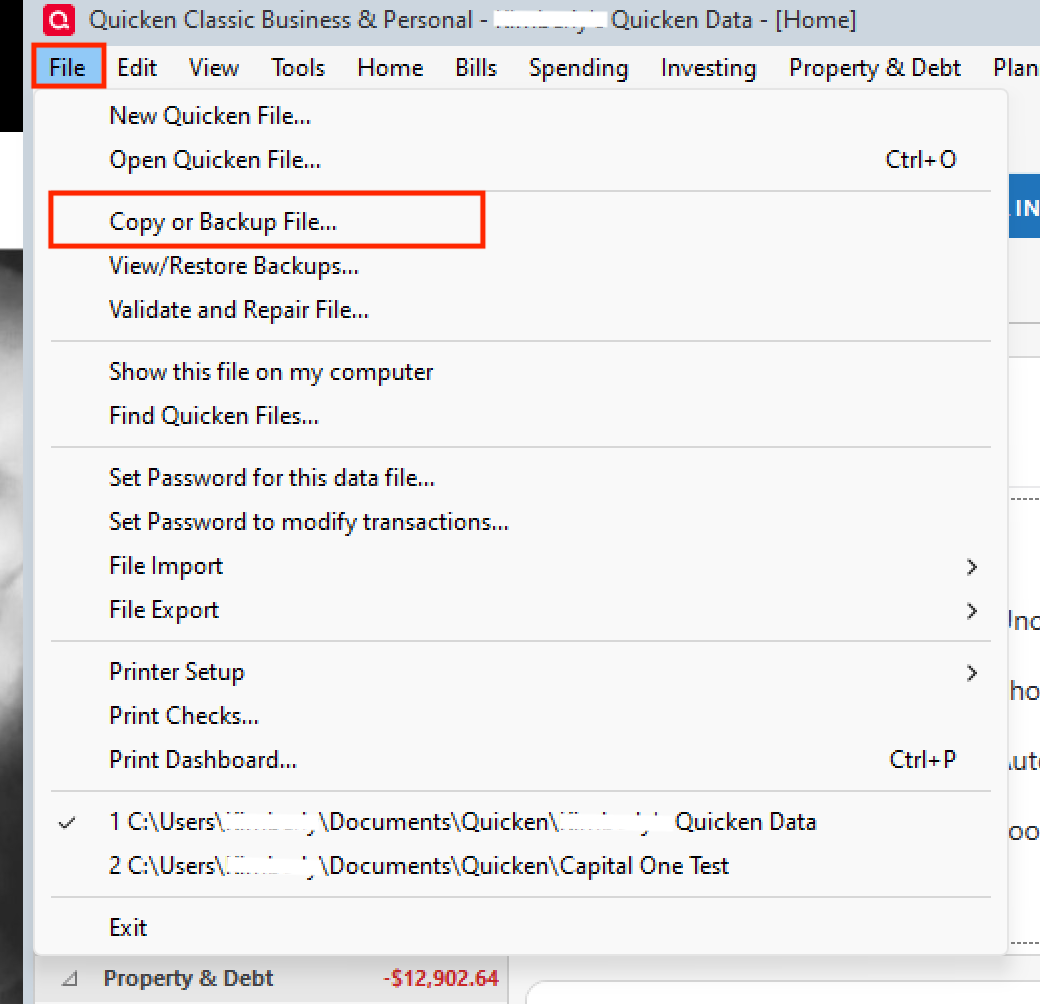
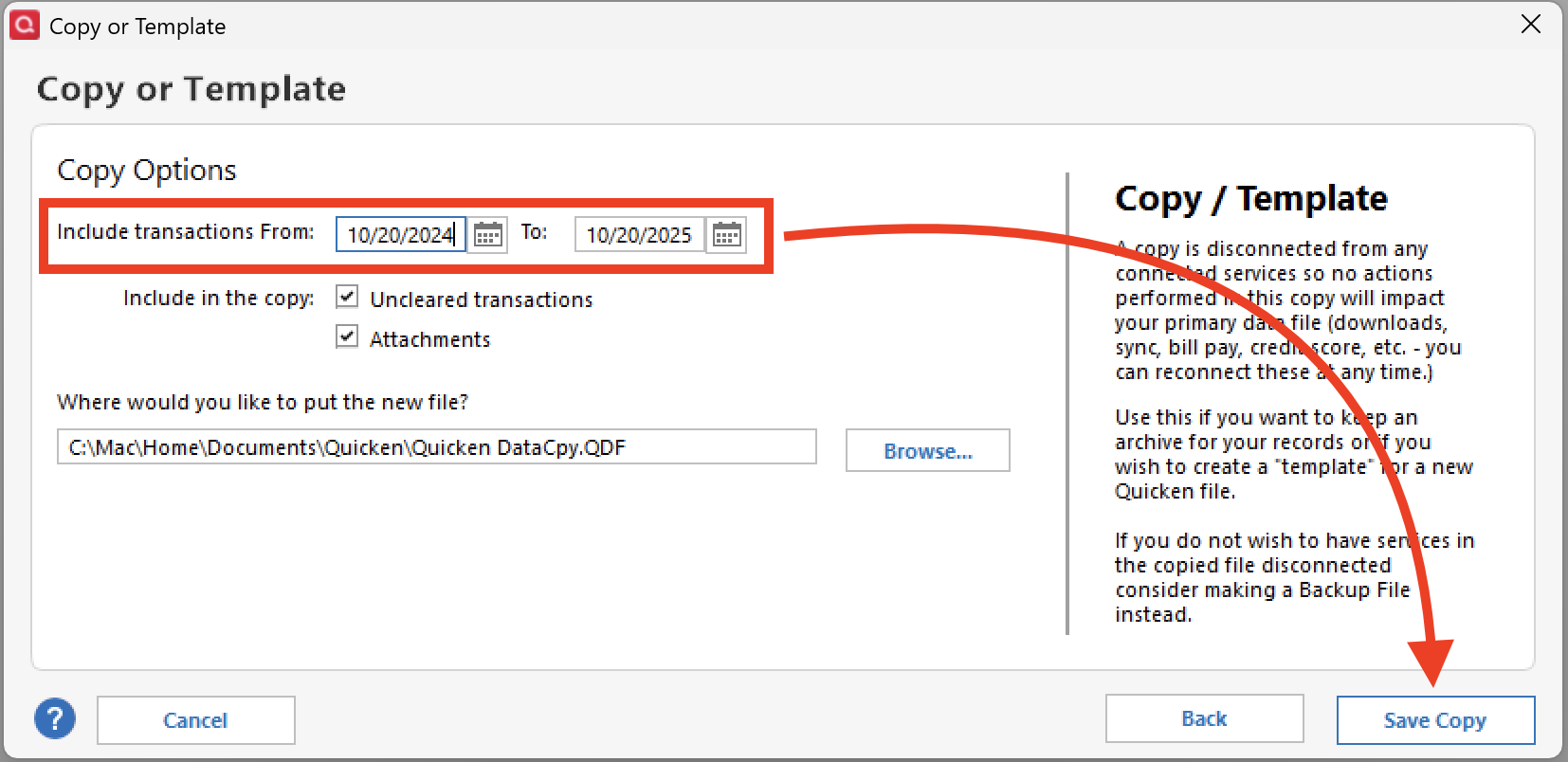
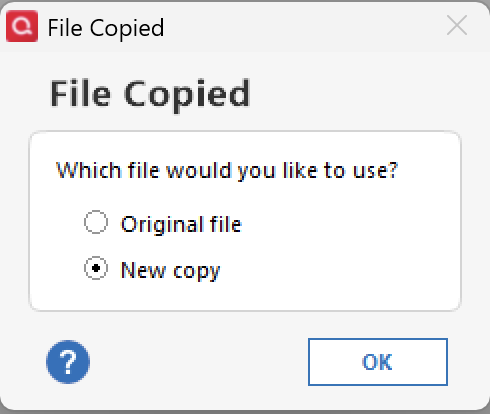
Thank you for reaching out! There are several ways to archive older information in Quicken, although some manual adjustments may be necessary. Based on your description, you may want to create a copy of your data file that includes only transactions within a specific date range.
Before proceeding, back up your current data file. Then follow these steps:
A few things to keep in mind:
I hope this helps you manage your historical transactions more effectively! Please let me know how it goes or if you have any questions along the way.
@State Street why do you want to delete transactions? Are you having performance problems with your Quicken?
I am curious as well. I had done this a few times and in hindsight I wish I haven't. There have been many times when I wanted to search for something but the data was no longer there. It's not a common occurrence but once in awhile I find the need search for something five or seven years ago if you're not having performance problems, I would think twice. Now it is true you still have the original file if you ever needed to search, but once when I did that the current copy of quicken could not read the older saved data file because there were too many versions in between. Not sure if that's still an issue or not going forward but just something you might want to consider.
No performance issues. I hardly ever use cash, so there are many entries in Quicken. I really don't need to remember a tank of gas I bought 12 years ago for an auto that's probably been recycled into a toaster, nor about the haircut for my anniversary dinner in 2012.
When using FIND for something, alot of these old items show up. I'm surprised how many companies/vendors no longer exist.