Nonexistent category keeps being autofilled

Michael Rosen
Member ✭✭✭✭
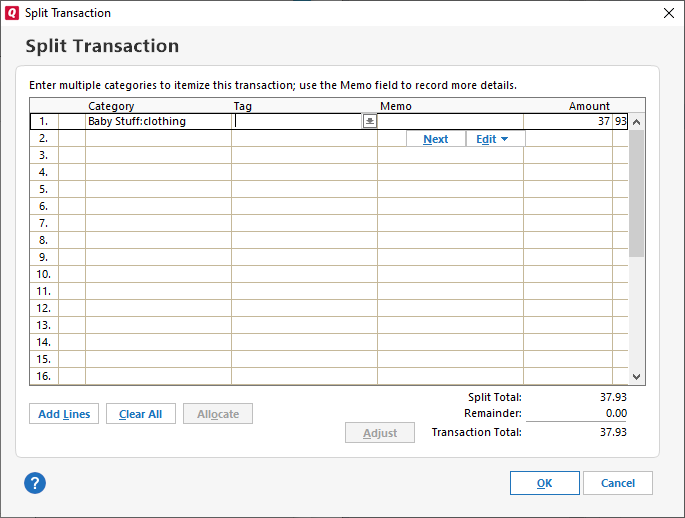
Every time I try to input the category "shopping," instead of the category that is there, "Shopping:Clothing," Quicken autofills "Baby Stuff:Clothing." There is no "Baby Stuff" on my category list. There used to be but I deleted it a long time ago. Where is this coming from?
Thanks.
Quicken Premier 2020 R29.22 Build 27.1.29.22
Windows 10 Home v2004 Build 19041.572

Tagged:
0
Best Answer
-
@Michael Rosen Any possibility this is a hidden category? ... try checking Show hidden categories at the bottom of the list.Quicken 2017 Premier - Windows 10 Pro5
Answers
-
@Michael Rosen Any possibility this is a hidden category? ... try checking Show hidden categories at the bottom of the list.Quicken 2017 Premier - Windows 10 Pro5
-
Thanks, that was it.
0
This discussion has been closed.
Categories
- All Categories
- 24 Product Ideas
- 34 Announcements
- 248 Alerts, Online Banking & Known Product Issues
- 19 Product Alerts
- 265 Welcome to the Community!
- 301 Before you Buy
- 1.5K Product Ideas
- 55.8K Quicken Classic for Windows
- 16.9K Quicken Classic for Mac
- 1K Quicken Mobile
- 834 Quicken on the Web
- 129 Quicken LifeHub