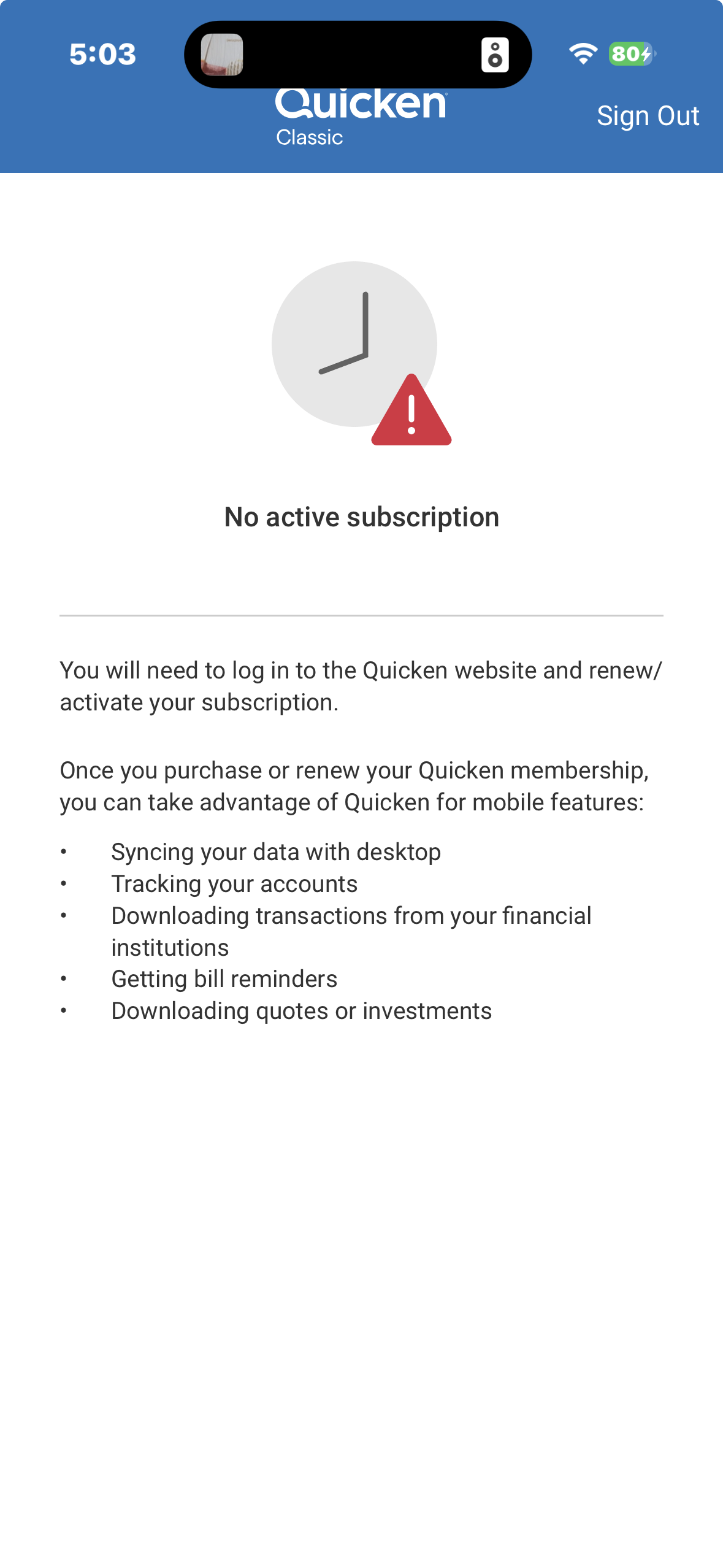
"No active subscription" when you don't use auto renew?

Jon9
Quicken Windows Subscription Member ✭✭
I have an active subscription - I just have auto renew turned off…
But when I go into my Quicken app on my phone, I get the attached error. Is this a new requirement (to have auto renew turned on?) or is this erroneous?
Thanks!
0
Comments
-
@Jon9 logging out and back into Quicken should fix your "expired subscription" issue -
- Click on Edit → Preferences → Quicken ID & Cloud Account
- Then click "Sign in as a different user
- Enter "yes"
- Click on "Sign Out"
- Sign in with the your Quicken ID
0
This discussion has been closed.
Categories
- All Categories
- 18 Product Ideas
- 34 Announcements
- 246 Alerts, Online Banking & Known Product Issues
- 19 Product Alerts
- 518 Welcome to the Community!
- 682 Before you Buy
- 1.5K Product Ideas
- 55.7K Quicken Classic for Windows
- 16.8K Quicken Classic for Mac
- 1K Quicken Mobile
- 834 Quicken on the Web
- 127 Quicken LifeHub