cc-506 us bank for 2 accounts , other 7 are ok

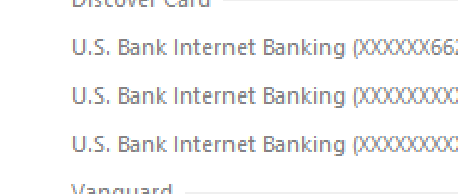
say, seeing I have 2 accounts listed under the 506, although they seem to update fine, and dl transactions and such.. just the error after one step update
i tried deactivating, and repairing yesterday, didn't seem to change anything.. same error.. strange though, a few times it didn't show say my checking, tried again and it showed up.. might be the issue on their side ??
i have like 9 accounts with us bank, they are listed under 3 different us bank internet banking under the 1 step update… all express web plus
would deactivating all the us bank accounts , then link them all to the proper account in one go help any ??
any thoughts here would be great
Comments
-
@Joel S. here is some information and troubleshooting steps from Quicken Support -
The only other thing I can suggest is to deactivate all the accounts with US Bank first before you reactivate them. When you reactivate use "Add Account" (instead of "Update now" in Account Details) and carefully link accounts to existing accounts on Quicken.
1 -
nice, that seemed to have fixed it… they are all listed in one line now, in the update…
I deactivated them all, then went to add, and did the us bank, 8 of 9 isn't bad… as long as my main ones are sorted…
my equity line didn't find itself, but I haven't used that in 15 plus years since opened, so I'll let that one go without updating..
thanks for your time, I appreciate it !!
0
Categories
- All Categories
- 52 Product Ideas
- 34 Announcements
- 248 Alerts, Online Banking & Known Product Issues
- 20 Product Alerts
- 516 Welcome to the Community!
- 680 Before you Buy
- 1.5K Product Ideas
- 55.6K Quicken Classic for Windows
- 16.8K Quicken Classic for Mac
- 1K Quicken Mobile
- 834 Quicken on the Web
- 127 Quicken LifeHub