Wellsfargo - Quicken Direct vs Direct connect

I have a Wells credit card. My other US accounts (like Chase and AMEX) always use Quicken Direct to connect to the financial institutions where I verify my credentials in a broswer.
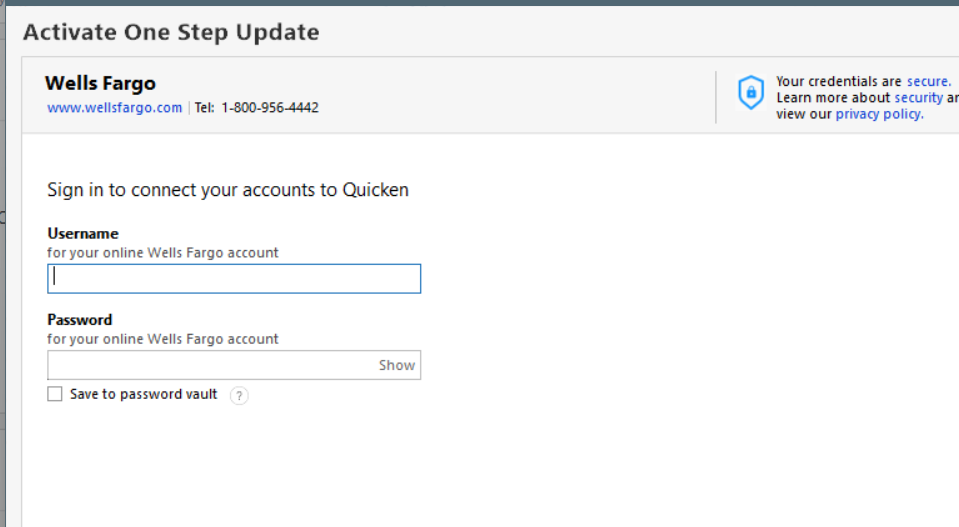
But for Wells, it sometimes does that, but other times restricts me only to use Direct Connect, where I have to put in my User ID and password inside the Quicken program.
This has worked for a while, but the last few days, the account is disconnected and I cannot reconnect to Wells. the User ID and password are definitely not wrong because I can log in on the broswer just fine. "Try Again Now" gives the same result.
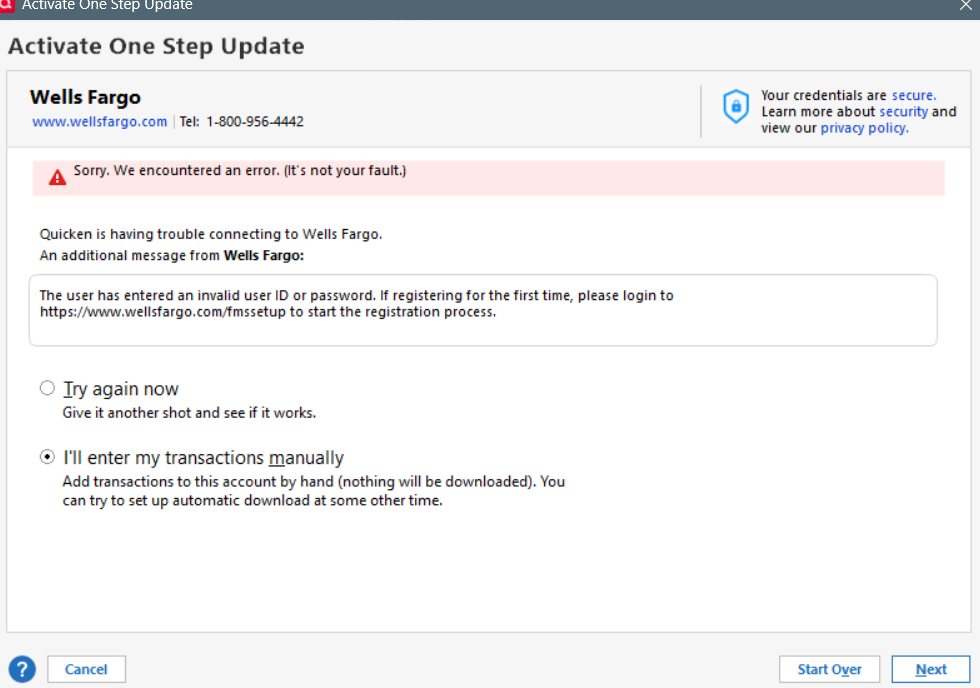
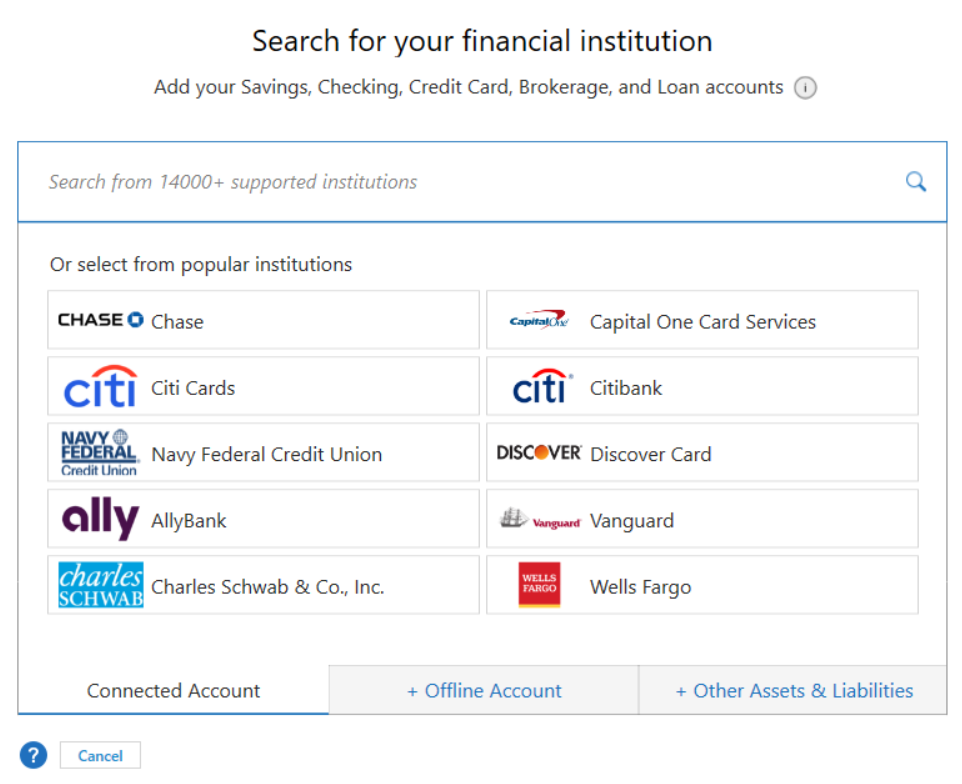
In the past, sometime if I pick "Start Over" and select Wells from the following screen, it would work. but so far the last 4 days, it hasn't.
I've done this many times during business hours last week, so it's not because of that.
any thoughts?
Comments
-
@Adience which connection method would you like to use for your Wells Fargo accounts (Direct Connect or Express Web Connect+)? Please let me know then I can give you some instructions that will get your accounts reactivated.
0 -
Hi I want the Express Web Connect+ (what I was refering to as the Quicken Connect) where you open a broswer and give your credential and the bank will let you connect all the accounts in the Broswer.
0 -
@Adience thank you for that information. To connect Wells Fargo accounts with Express Web Connect+ :
- In Account Details, deactivate all Wells Fargo accounts by clicking "Deactivate" in the Online Services tab.
- In Account Details, blank out FI Name and Account Numbers in the General tab for all Wells Fargo accounts.
- Reactivate the account by using "Add Account". Type in "Wells Fargo".
- Click on "Advanced Options" on the righthand side of the screen.
- Click on "Continue" until you get to a screen that lists out the connection methods and select the option "Express Web Connect".
- If you see a screen that asks what type of account, choose "Banking accounts".
- Keep clicking next to come to the screen where you need to put in your user name and password.
- After entering your user name and password successfully, you will then see a list of your accounts with Wells Fargo. Carefully link your accounts with WF to the accounts on Quicken.
If you ever wish to connect to your Wells Fargo accounts using Direct Connect instead, choose Direct Connect in step #5. You might get an error when you enter your username and password in step #6, but included in the error message are instructions to log on to a website to verify your identity. After you do that, you will have 10 minutes to return to Quicken and complete the activation process. You might get an error again, but if you do, just enter your username and password and try again.
0 -
@Adience you are very welcome! And, Happy Pride to you too!
0