Windows Quicken Classic - Hanging/OSU Freezing/CC-501 Errors
Comments
-
Same for me - nothing is working
0 -
One Step Update times out after 10 minutes with an error CC-501 for multiple accounts at Fidelity and Charles Schwab. It was working fine yesterday afternoon.
0 -
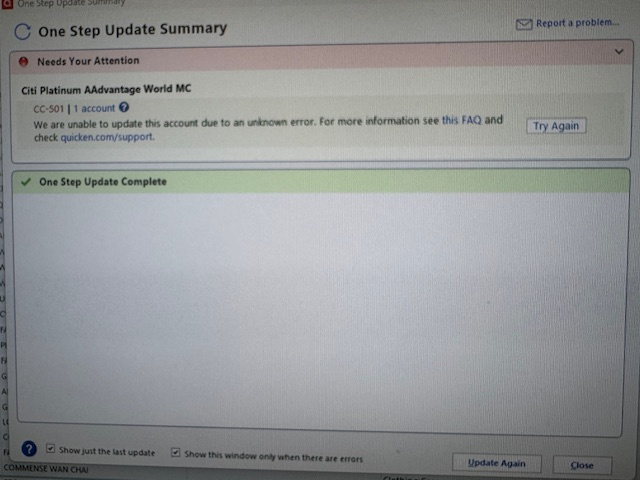
One step update not working for multiple accounts. Get generalized error statement. Not updating for Citi, Chase, Capitol One. Validated file, re-started computer. Running Quicken Premiere on WIN 11 Pro, Quicken Version- R64.29 Build 27.1.64.29
Attached screen shot is for Citi error, but receive same error on Chase and Capitol One
 0
0 -
Anyone else having OSU failure this morning? No accounts will update. Errors from all. I've made no changes locally. Tried with and without VPN.
OSU shows this for several minutes:
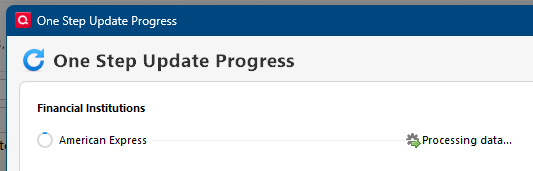
Then this is the result:
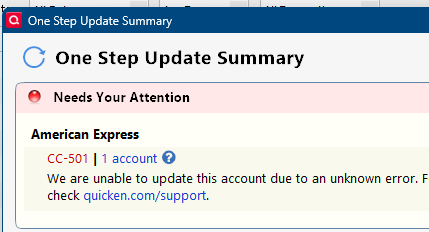
It's not just Amex. I only used this as an example for brevity.
Quicken user since 1991
VP, Ops & Tech in the biometric space
0 -
Same issue here.
0 -
I took the plunge yesterday evening with EWC+ and checked first thing this morning and got the CC-501 and panicked. Glad it might be something else as the reconnection went ok yesterday.
0 -
Same here. Unable to update. After several minutes errors out to cc501 🤬
0 -
Same problem here. One Step Update did download some investment transactions, but all credit card updates end up hanging. I've had to use task manager to end the process.
0 -
Direct Connect seems to be working, but everything that I have on EWC or EWC+ are failing as well.
0 -
Same Problem…Started after update
0 -
The One Step Update in-progress indicator rotates for several minutes, then finishes with a green "done" state. But no accounts are updated, and there's no indication of a problem or error. Have tried three times in the past 45 minutes.
0 -
One Step Update of my Amex and Barclays Bank (GM Rewards Card) accounts hanging indefinitely. I let it run for over 10 minutes and ended up terminating Quicken through Task Manager. This caused corruption of my data file and I had to restore from backup. I've validated the data file now and it's OK, but One Step Update still hangs on these two accounts.
0 -
Ok, not just me. I'm guessing it's systemic and they're running around with hair on fire trying to fix.
Quicken user since 1991
VP, Ops & Tech in the biometric space
1 -
Same here. AMEX, Citi, Fidelity…… Stuck on "Processing data"…. Discontinued it after about 5 minutes…
0 -
Getting CC-501 Error on CHASE when trying to update transactions, started this morning. Running R64.29, Quicken Classic Premier on Windows 11 Home. Sent in a problem report.
 Windows 11 Home / Quicken Premier Subscription - Quicken user since the last century0
 -
Same here. Two credit cards are giving me the CC-501 and another is giving me a CC-502 which started yesterday.
0 -
Received multiple 501 errors. Started receiving No Internet Connection error. Went through all of the trobule shooting recommendations including disconnecting data file from account and then trying to update account information in quicken in quicken app and all I receive now is No Internet Connection when I open Quicken. Tired talking with Support but I got the team that could help me doesn't get in until 9:30 PDT.
Dead in the water at this point
0 -
Same problem, started today, September 24, 2025.
0 -
As of today Quicken hangs on one stop update. No updates work and get CC-501 error. Checked Down-detector and it shows many reports today. Any ETA to get this fixed?
0 -
Seems like everyone is having the issue, but there's nothing from Quicken yet on the ALERTS page: https://community.quicken.com/categories/alerts
0 -
Quicken needs to be pro-active and NOT REACTIVE.. DO YOUR TESTING!
1 -
Multiple accounts with 501 error today during OSU.
0 -
Same here on all my accounts. The One Step Update worked properly last night but does not work this morning.
0 -
This content has been removed.
-
OSU hung during update. Appeared to go through bank accounts OK with a "complete" next to them. Credit card accounts and Fidelity showed "processing data" and just stayed there. Saw no activity (change of CPU or memory) in task manager. Waited about 5 minutes then killed Quicken via "End Task". Rebooted machine and tried again - no joy. Read article about how Quicken uses Microsoft Edge Webview2 to display pages within the app and may cause trouble if not updated. Cannot find an app, program or service called anything remotely resembling Webview2. Any ideas if this is the issue or how to update it?
Running Quicken Classic Deluxe R64.29 Build 27.1.64.29
Thanks!
0 -
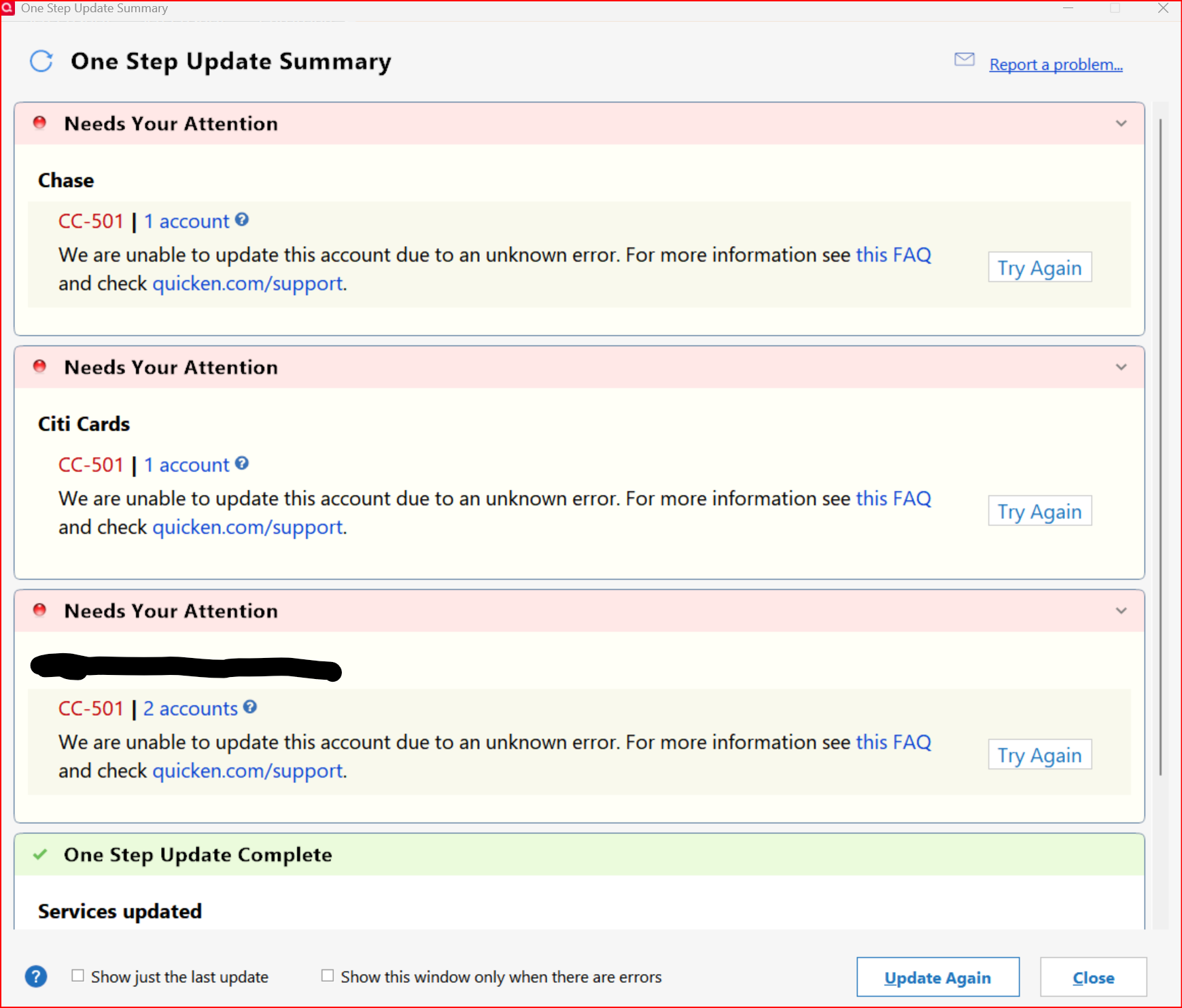
OSU is getting CC501's and it's taking over 10 minutes to message time. Downloading from individual account is also getting CC501. Usually at account level downloads work.
Did the Report a Problem.
 0
0 -
AE, B of A, Cap 1, Chase & Discover(EWC or EWC+) 501 error.
Only NetXInvestor(Direct Connect) updated.
And we pay for this service???
0 -
» And we pay for this service???
We don't know why the service is offline. It could be hardware, software, networking, or a security issue. Running a 24xForever service is challenging. Let's wait for the explanation.
0 -
One step update/Quicken Servers not working today 9-24-25 - All accounts! Does anyone actually think Quicken can fix this so we, the paying customer, could have 1 day when downloads work!???
0 -
Same issue here
-1