No tab for Downloaded Transactions and Bill and Income Reminders

Comments
-
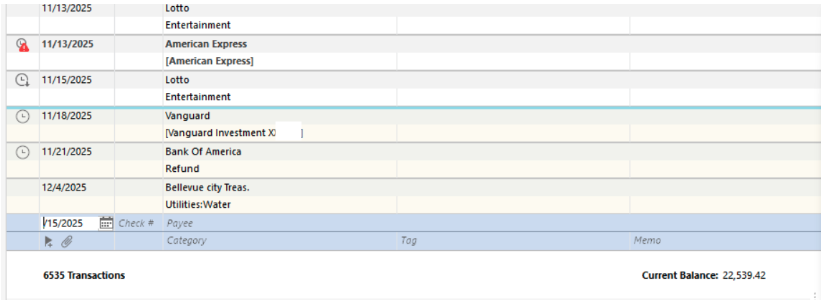
The Bill and Income Reminders tab and the Downloaded Transactions tab do not show at the bottom of the register if the account has been set to "automatically accept downloaded transactions into your register".
See Edit / Preferences / Downloaded transactions / Automatically add to banking registers and also for each individual account in Edit Account Details / Online Services tab / clickable text "Automatic Entry is: On/Off"0 -
Thanks. Did the first part.
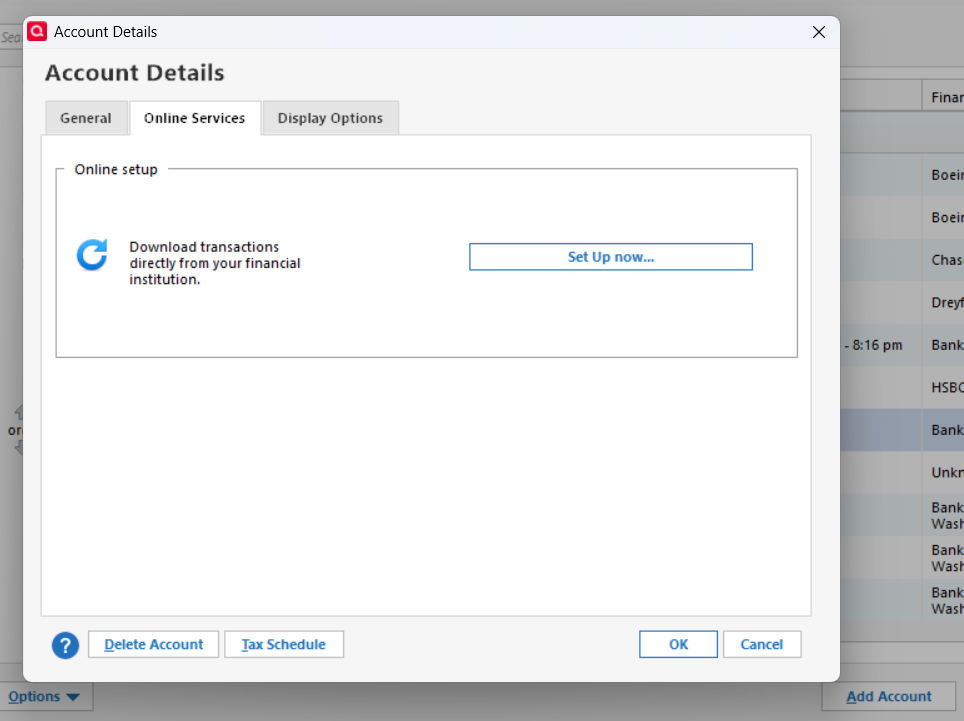
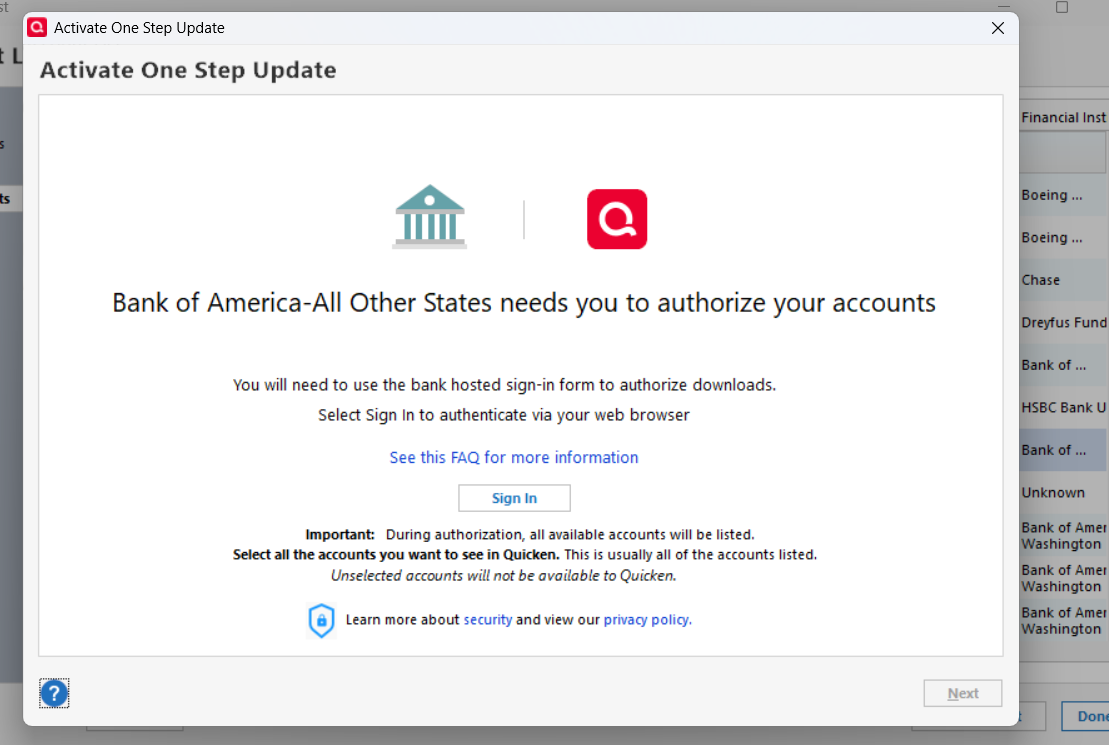
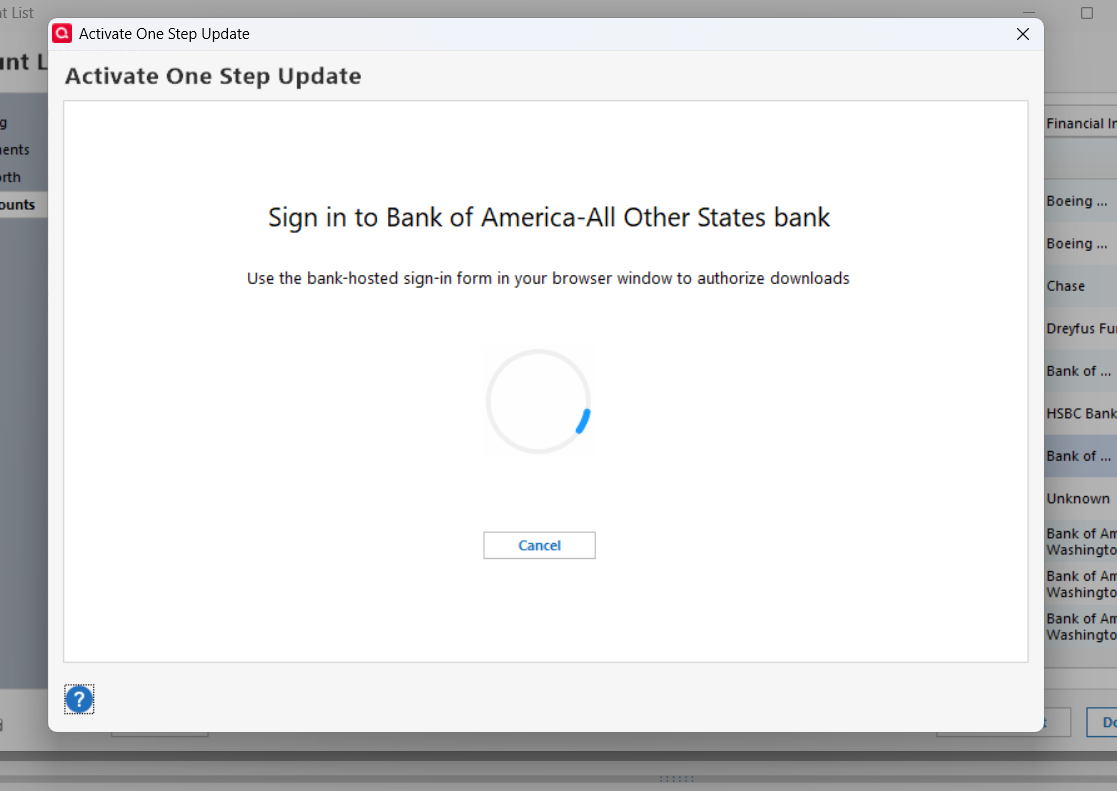
On account detail, cannot set up. After I click set up now, it gives me the sign in screen (2nd screen shot below). When I click sign-in, it starts the round and round wheel, which goes on forever. Only way I can get out is by doing cntr+alt+del, and End Task.
Apparently Bank of America stopped supporting "web connect"(?) and we are supposed to "Express Connect +" (?). But don't know how to do that. Or whether that is a problem.
 0
0
