Quicken File Wouldn't Open - Solved but Now Happening Again

A few days ago, after a Windows Update (I am on the Canary track of the Windows 11 Insider Program), my Quicken file wouldn't open. However, other similar Quicken files that I had used for testing did open. I could even open this file on another PC running the same version of Quicken, so I knew the file wasn't corrupted. I tried backing out the Windows update. This didn't fix it. I tried reinstalling Quicken (an in-place install without uninstalling first). This didn't help. I tried restoring older versions of the file and this also didn't help.
Finally, I fixed the issue by uninstalling Quicken, deleting all the Quicken folders in ProgramData, Program Files (x6) and in my local and roaming profiles. It appears that the Windows update had corrupted the Quicken installation. Of course this doesn't explain why it only affected one file, which wasn't corrupted as it could be opened on another PC.
I thought this was solved but now it's happening again, and this is without any updates having been installed.
I'd love to see what Quicken experts think may be causing this to affect just one file, even when rolling back to previous versions.
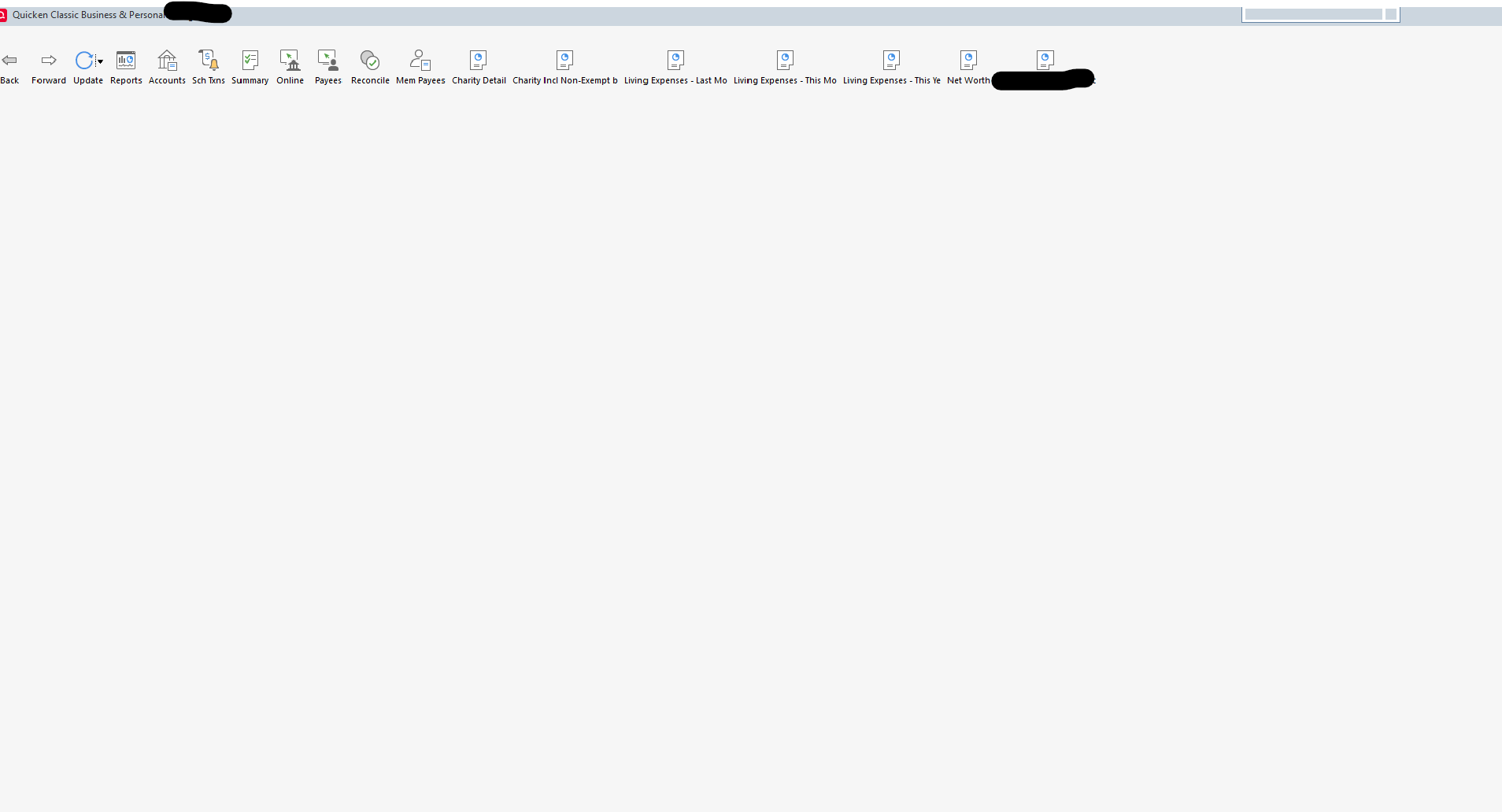
This is how the screen looks.
Quicken H&B Subscription
Comments
-
Is the file size growing and growing?
Quicken user since Q1999. Currently using QW2017.
Questions? Check out the Quicken Windows FAQ list0 -
I thought I had answered this. No it isn't. It's not being changed at all.
Barry Graham
Quicken H&B Subscription0 -
If the problem started occurring just after a Windows update, that would point to the OS integrity as the problem, especially since you reinstalled Quicken and eliminated Quicken as an issue. I would start troubleshooting Windows starting with sfc /scannow. Windows has a number of built-in troubleshooters.
0 -
Yes, except that it only happens with one file, and only sometimes. I had already reinstalled the update. I did a template copy and that seems to have fixed the issue.
Barry Graham
Quicken H&B Subscription0 -
Also before running sfc /scannow you should run
DISM.exe /Online /Cleanup-image /Restorehealth
Barry Graham
Quicken H&B Subscription0


Categories
- All Categories
- 6 Product Ideas
- 34 Announcements
- 249 Alerts, Online Banking & Known Product Issues
- 19 Product Alerts
- 266 Welcome to the Community!
- 301 Before you Buy
- 1.5K Product Ideas
- 55.8K Quicken Classic for Windows
- 16.9K Quicken Classic for Mac
- 1K Quicken Mobile
- 834 Quicken on the Web
- 129 Quicken LifeHub