How to display "Downloaded transactions/Bill & income reminder" window?

I've been using Quicken since 1988 :-). Had just one file 1988-2022, but eventually errors added up and I decided to start a new file. The 2023 one had some problems, so I'm starting over again for 2026. How do I get the "Downloaded transactions/Bill & income reminder" window to stay visible in my checking register? I can't find a toggle or setting. I'm sure this is a trivial thing, driving me nuts. Thanks.
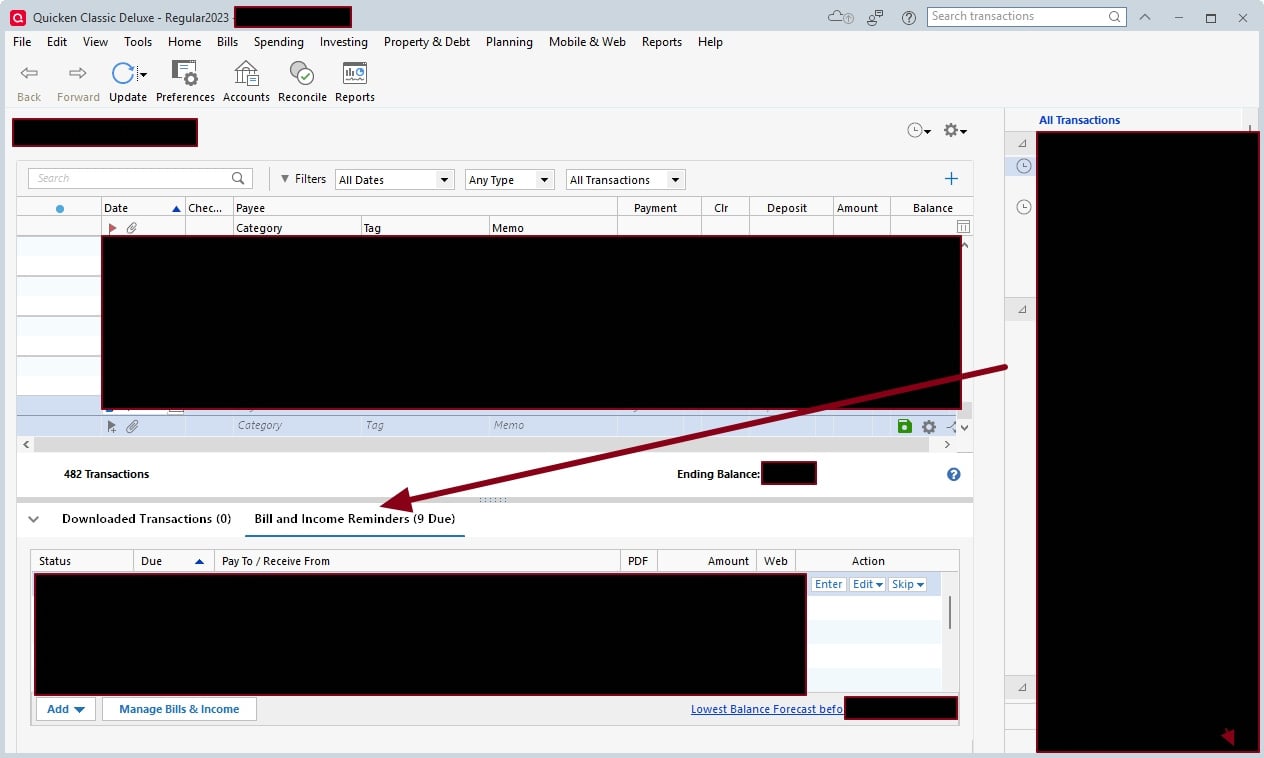
OLD REGISTER
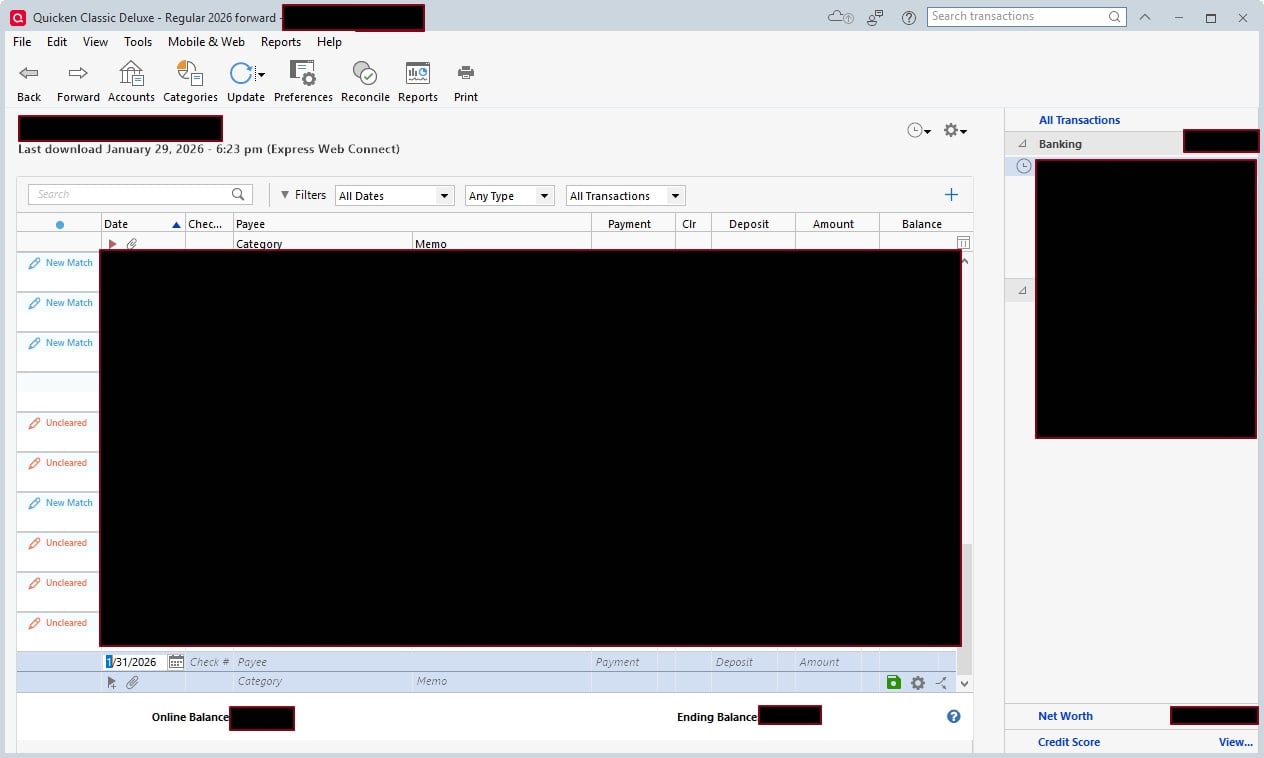
NEW REGISTER
Comments
-
The Bill and Income Reminders tab and the Downloaded Transactions tab do not show at the bottom of the register if the account has been set to "automatically accept downloaded transactions into your register".
See Edit / Preferences / Downloaded transactions / Automatically add to banking registers and also for each individual account in Edit Account Details / Online Services tab / clickable text "Automatic Entry is: On/Off"1 -
BTW, while I'm looking at your images:
Using Register Column Amount together with Charge and Payment Columns?
Does your account register show the Amount column together with Charge and Payment (or Payment and Deposit) columns? Is your register looking a little crowded with all these columns?
Depending on your personal preference you should use
• either the traditional pair of Charge and Payment columns together
• or the newer Amount column alone (where you have to enter negative amounts with a Minus sign and positive amounts with a plus sign)
but you really don't need all three of them.
Please decide which columns to use and remove the other one(s) from the view.
Q Windows: To add / delete columns in your register click the Register Columns gear icon located next to the Balance column header.
Q Mac: there's a Columns button at the bottom right of the register viewWhen posting images to the Community consider removing the Account sidebar when it's not needed.
- Crop the image before sending it, or
- Close the Account Sidebar temporarily before capturing the image:
Press the "F11" key to toggle the sidebar off/on. Alternatively click the ▾ icon in the Account Sidebar title to toggle it off/on.Thanks for listening.
1 -
Bingo! I knew it was probably something simple. Thanks.
Thanks also for noticing the columns issue. I hadn't fully registered (sorry, bad pun) that the extra column was there. I've taken out the "amount" column — I prefer the old fashioned way of keeping payments and deposits separate.
And I should have thought about cropping the image. I was just in "black-out mode" and so blacked out everything I thought I should.
0
