Cash Flow Report not showing all sub categories

Are there any limits on the number of sub categories or number of levels the cash flow report will go down?
I've got a cash flow report I've been using for a few years, and have it tuned to include the right accounts, transfers, etc. that work for my spending.
I've recently added a new sub category for one of my main categories (so there are now 5 sub categories), and although it's selected in the settings, it's not showing up on the report.
Additionally, I tried adding a third tier to the category main:sub1:sub2 and that is not showing up in the report either.
Both of them show up fine when I do spending or itemized reports.
Is it possible my report is just corrupt and I need to re-create it?
Any help would be useful.
Thanks!
[Edited - Readability]
Answers
-
I don't have any saved versions of the Cash Flow report but I just ran one and all of my sub categories seem to show up. I also have some that go down 3 levels which show up fine.
What I would try first is de-select those categories, run the report and then select them again. If that doesn't do it you are probably correct that it needs to be recreated.
Quicken Windows user since 1993.
0 -
Thanks,
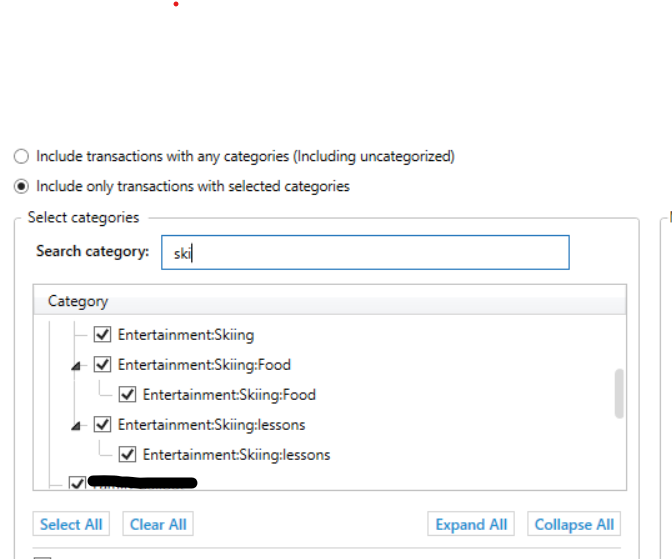
Ended up recreating it because i wanted to rethink how i handled some of the account to account transfers anyway. Still not getting the third tier to show up. Those food and lessons categories aren't there, but it's also strange as they are doubled up in the list and they also then don't show up in the rollup
 0
0