Lifetime Planner - Planning Assumptions Window Too Small
I want to update the assumptions I made last year but when I open the Planning assumptions window, it's too small to display a whole line. Using the bottom slider bar add a few additional characters but still can't see the entire line. And of course, the window itself will not shrink or enlarge. If i uncheck "Use large fonts" in the View window, everything is there but to small for me to easily read. I don't recall ever having this problem before; is there a workaround.
Quicken Classic Premier Desktop Ver. R65.29 running on Win10 w/14pt fonts
Comments
-
This is a long-standing problem and reported to Quicken many times in the past, but ignored. An Idea post to correct this generated little support from the user-base and was closed. I would not expect this to be addressed in the future, sadly.
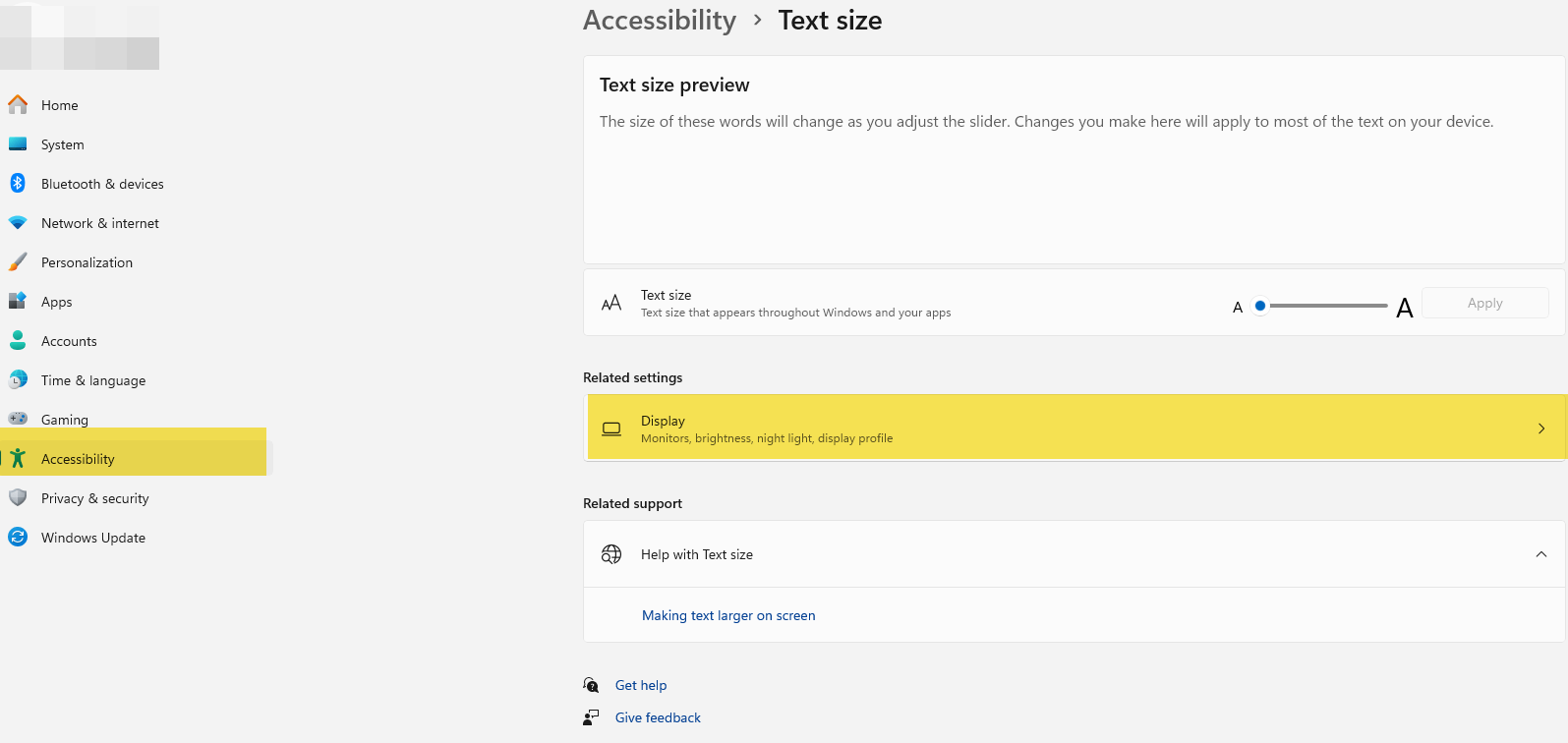
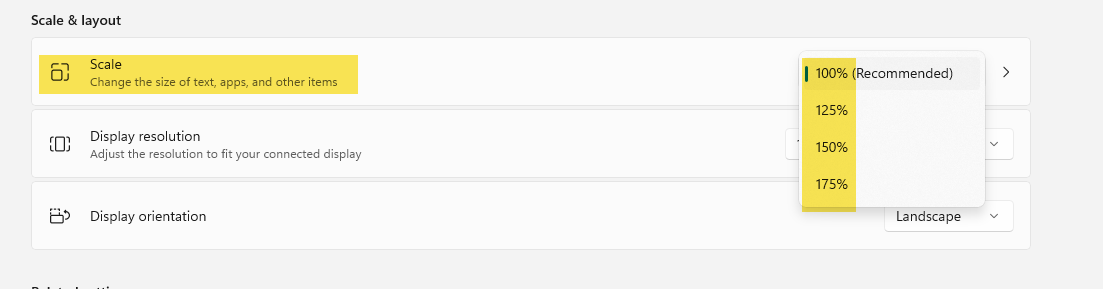
What you can try is to play around with the windows Settings>Accessibility>Display size and see if you can come to a usable screen and text size. You can increase size by 125% and greater.
0
Categories
- All Categories
- 57 Product Ideas
- 34 Announcements
- 237 Alerts, Online Banking & Known Product Issues
- 19 Product Alerts
- 511 Welcome to the Community!
- 678 Before you Buy
- 1.4K Product Ideas
- 55.2K Quicken Classic for Windows
- 16.7K Quicken Classic for Mac
- 1K Quicken Mobile
- 828 Quicken on the Web
- 122 Quicken LifeHub