QMac - newly migrated from Windows - where is Tools
I just migrated from Windows to Mac a couple hours ago, still setting things up. I was looking for the Currency List (I have some Canadian accounts) but can't find it for the list of me, even though online searches suggest that it exists in the Mac version.
In fact, I can't find anything within the Tools drop down in the windows version.
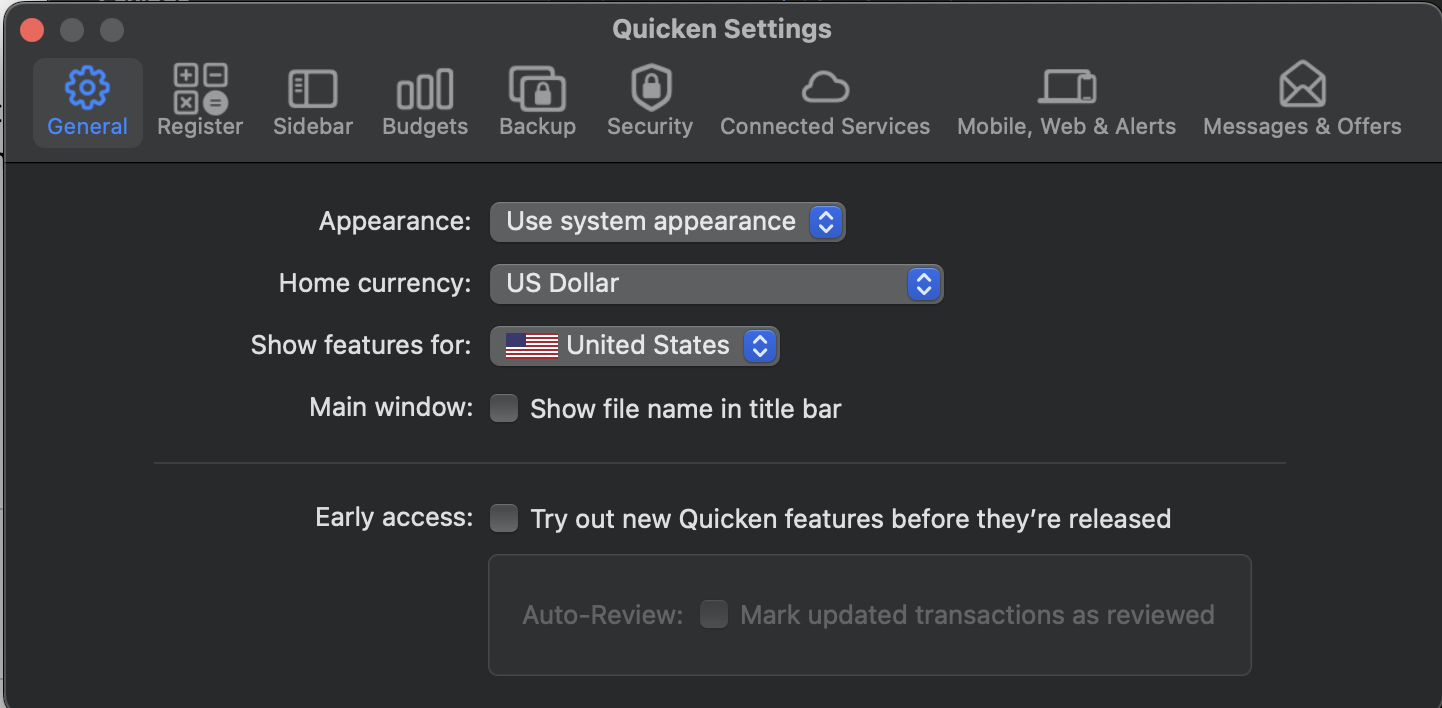
The only 2 places I can find various settings are the bar on the top of the desktop, and under Quicken > Settings. Where do I find things like Currency List, Category List, etc?

Comments
-
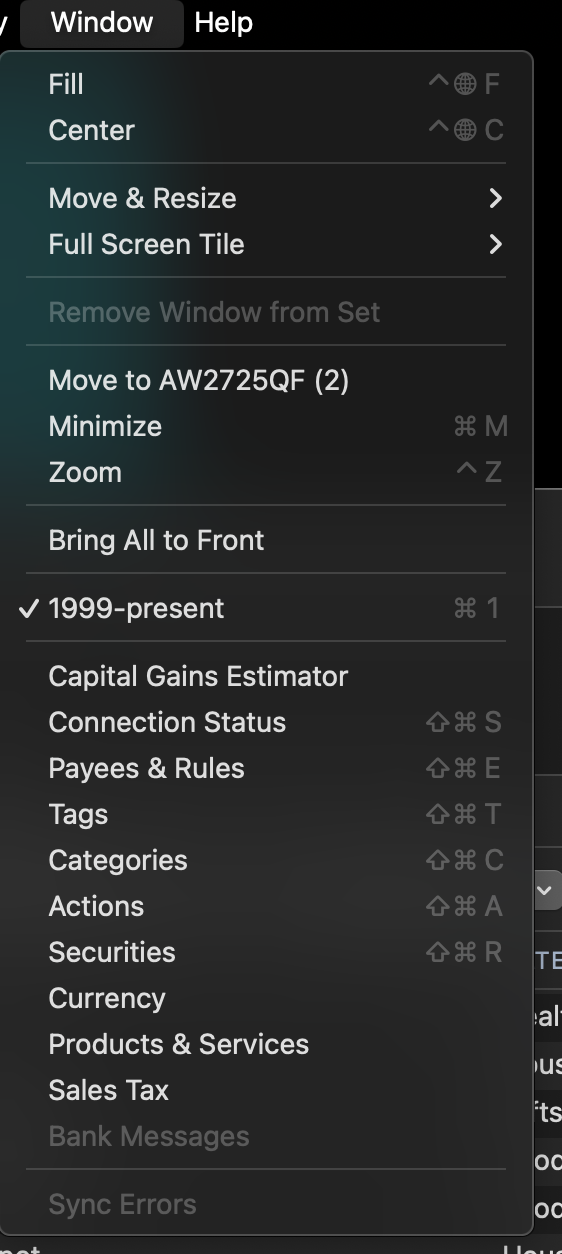
Check the Window menu - you'll find access to Category & Currency windows.
0 -
awww Windows.. who would have thought… 😅
Does the exchange rate auto update from some sources? on windows I had to put it in myself
0 -
I don't use multiple currencies, but it looks to me like it auto-updates the exchange rates with the option to manually enter your own values.
0 -
Note that in Quicken Mac, support for multiple currencies is quite limited; full multi-currency functionality is a long-requested feature, and one the developers have said is planned for sometime in the future. You can set up accounts in different currencies, but reports and dashboards must be run separately for each currency; there is no conversion or combination at this time.
Quicken Mac Subscription • Quicken user since 19930
Categories
- All Categories
- 56 Product Ideas
- 36 Announcements
- 223 Alerts, Online Banking & Known Product Issues
- 22 Product Alerts
- 701 Welcome to the Community!
- 671 Before you Buy
- 1.2K Product Ideas
- 53.7K Quicken Classic for Windows
- 16.3K Quicken Classic for Mac
- 1K Quicken Mobile
- 813 Quicken on the Web
- 111 Quicken LifeHub