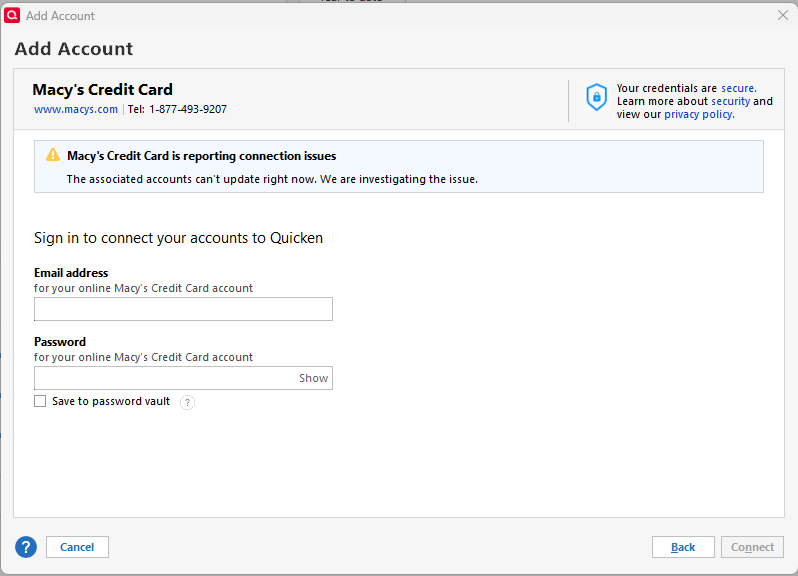
Macy's Credit Card (Amex) keeps reporting "connection issues" over past week

2»

Comments

  • AZCoder1959
    AZCoder1959 Quicken Mac Subscription Member ✭✭✭✭

    I have a Macy's store card (not Amex). As this thread demonstrates, the issue persists. I decided to check again based on your post, and it now seems to be error-free.

    Consistency is a stretch goal, I guess. 😆

  • Boatnmaniac
    Boatnmaniac Quicken Windows Subscription SuperUser, Windows Beta ✭✭✭✭✭
    edited June 30

    There has been and continues to be only 1 financial institution for both Macy's store card and Macy's American Express Card: Macy's Credit Card.

    It used to be when a person had a Macy's American Express Card it would serve a dual function as both the American Express Card and the Macy's store card. But about a year ago they changed administration of their credit cards from Amex to Citi Retail Services which does not have this dual card functionality. So, I had gotten a letter from Macy's that they were closing my store card account and that my Amex card would now serve as both an Amex card that can be used anywhere and also would be my Macy's store card but there would be only one account number (the Amex card account number).

    Macy's Credit Card continued to work with my Macy's Amex Card after my Macy's store card account was closed until this issue came up earlier this month. Since then it has not worked with Macy's Amex Card but apparently it still does work (at least sometimes) with the Macy's store card.

    My guess…and it is simply a guess…is that Citi Retail Services and/or the Macy's credit card website are making changes to their interface with Quicken (actually to the interface with the aggregator) and that is what has caused this issue. 2-3 months ago Citi Retail Services went through a significant interface change (to support EWC—>EWC+) with other co-branded credit cards and it took 1-2 months to resolve most of the connection issues caused by that. I'm thinking this is just the next iteration of Citi's migration to EWC+.

    Quicken Classic Premier (US) Subscription: R65.15 on Windows 11 Home

  • Boatnmaniac
    Boatnmaniac Quicken Windows Subscription SuperUser, Windows Beta ✭✭✭✭✭

    The Alert for this issue has now been marked as "Resolved":

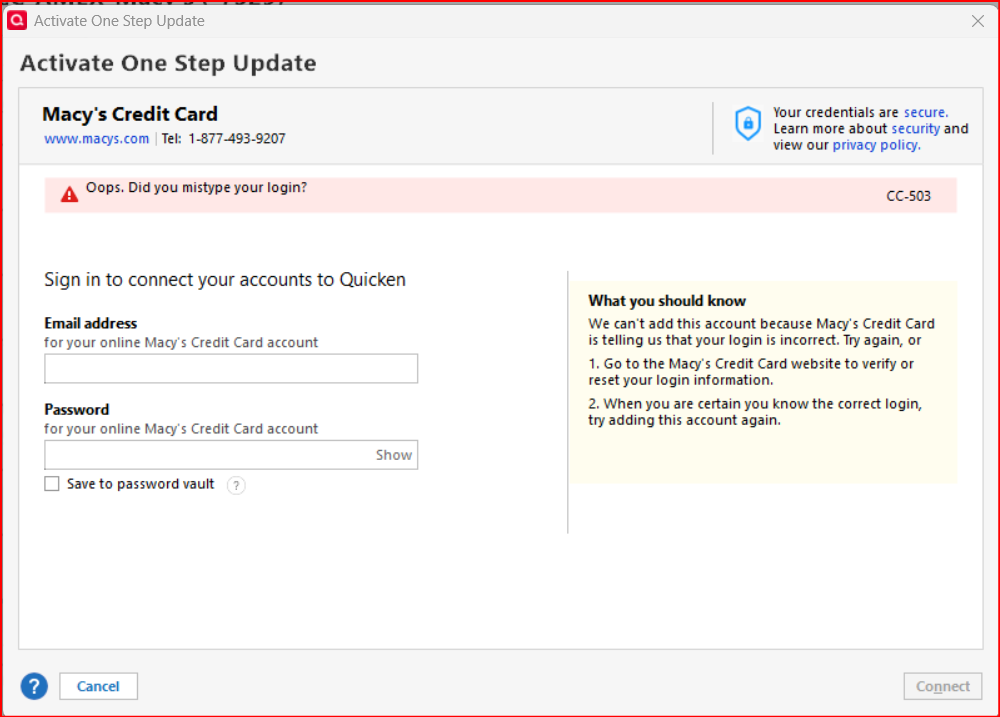
    I tried doing Add Account (this issue deactivated the account early last month) and still got the CC-503 error code. I then tried to reconnect using Set Up Now and got the same result.

    image.png

    I logged into my online account without issue using the same UserID and PW as I had used for some time before that. So my login is not the issue.

    I know there can sometimes be a lag of 1 day or so between when an issue is identified as being resolved and when that resolution is actually realized in my installation. So, I will try, again, tomorrow and post the results here.

    Quicken Classic Premier (US) Subscription: R65.15 on Windows 11 Home

This discussion has been closed.