I got a new computer and reinstalled Quicken Classic (latest version) and restored from a previous backup. Now, none of my online accounts will sync - USAA and Chase. I get no errors when doing the online update, but the downloads do not appear in the downloads tab for each account. However, they do appear under "Tools/Online Center." But, there's no option to move or do anything with them.
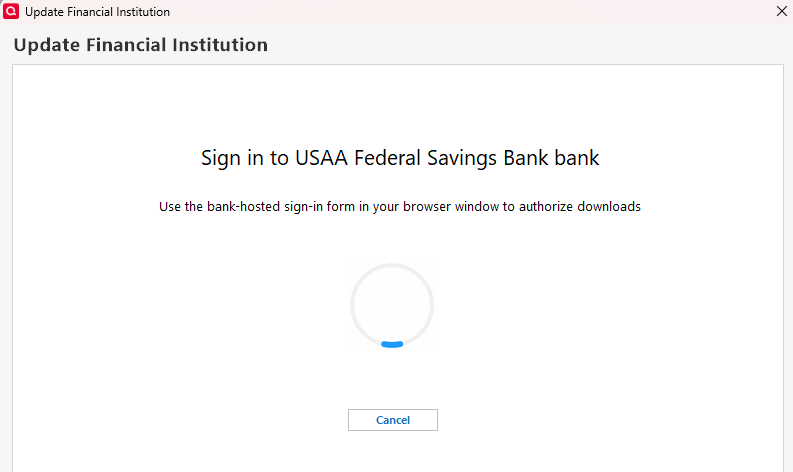
I attempted to deactivate and reactivate my Chase account, but when I reactivate, Quicken displays "Use the bank-hosted sign-in form in your browser" but nothing pops up - it just spins. I have to end task from the Task Manager.
I am positive syncing worked fine on my old computer and the backup is good. I have gone through all the troubleshooting tips I can find on Quicken's site - including validating and repairing my data file. Thanks for any help.
PS - I did submit this and all logs via Help/Report a Problem.