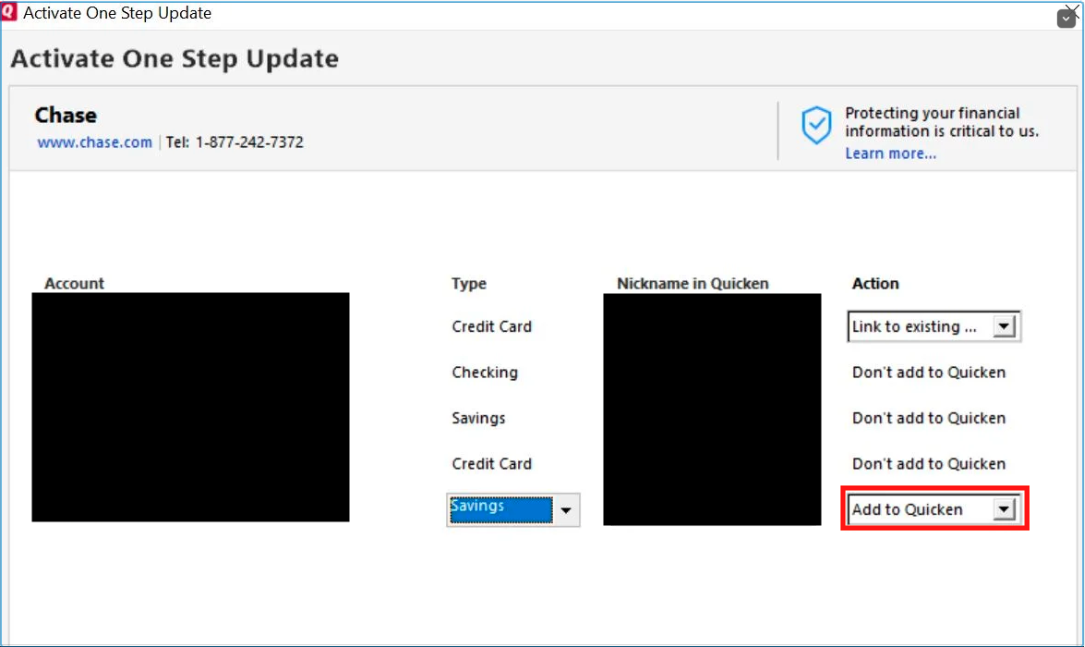
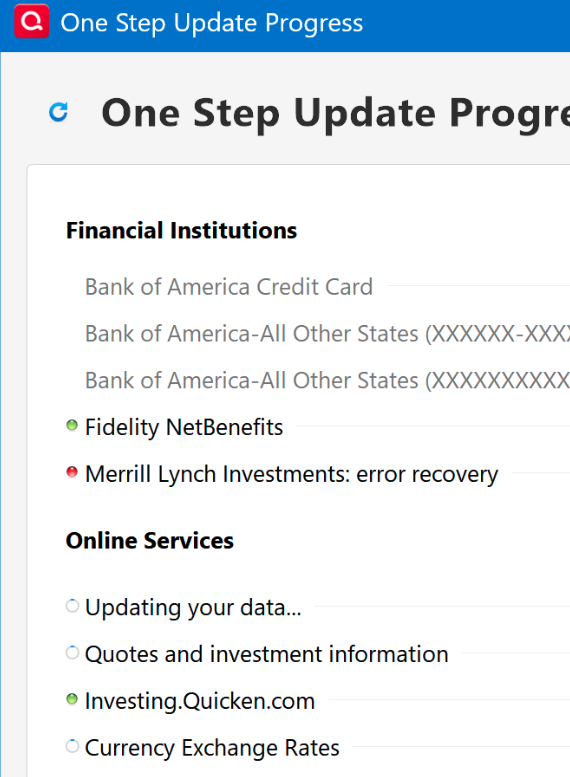
I'm using Quicken Premier, version R63.21, build 27.1.63.21 on a Windows 11 laptop. When I do a One Step Update, all my accounts update with new transactions, except for Merrill Lynch. I receive an error message on One Step Update Progress but not on the One Step Update Summary (see attached screenshots). My Merrill Lynch accounts are set up to connect to Merrill Lynch Investments using Direct Connect. I spoke with Merrill Lynch and they cannot help because there is no error number. I deactivated and reactivated Online Services on all my Merrill Lynch accounts and that did not help. Does anybody have a solution that does not involve downloading activity from Merrill Lynch's website (that method does not update security prices) but will allow Quicken to connect to Merrill Lynch?
[Removed Personal Information]