Unable to add Amazon to my Quicken subscription
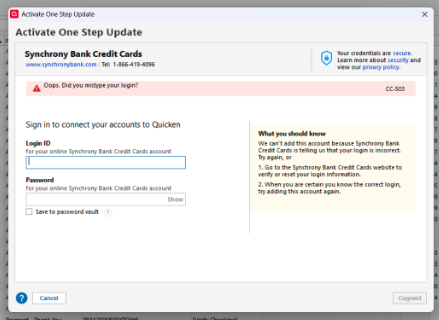
For the past several months, I have been attempting to add my Amazon account to Quicken. Regardless of the method I try, I consistently receive the same error message: the account could not be added because Amazon indicates that my credentials are incorrect. However, using the exact same credentials, I am able to log in to the account directly.
Comments
-
Does your Amazon PW include any of the following special characters?: &, <, >, \, or /.
Sometimes these special characters can cause the error message you are receiving. If you PW does have any of these special characters you might want to try changing the PW to not include them.
Quicken Classic Premier (US) Subscription: R65.15 on Windows 11 Home
0 -
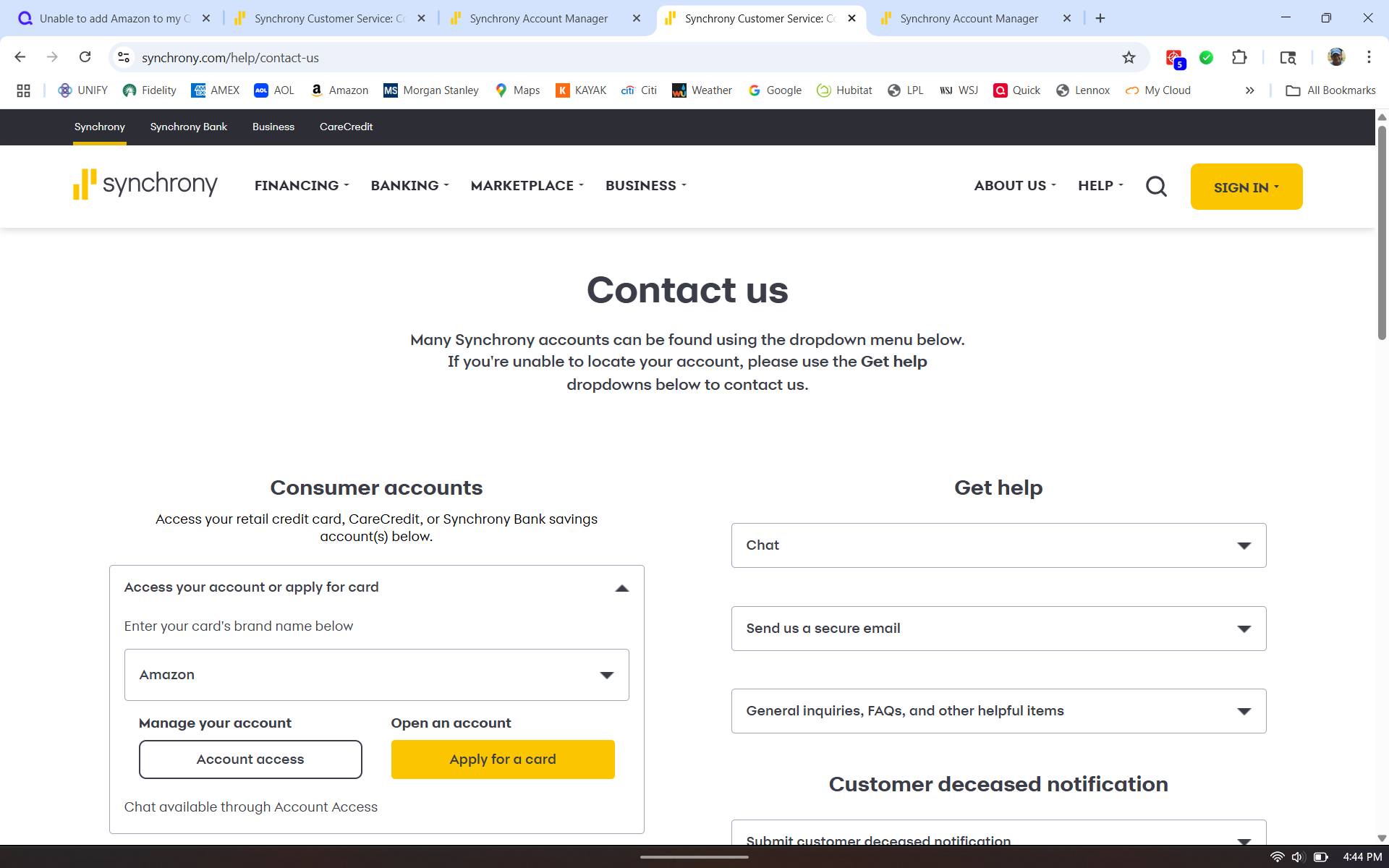
Amazon has a couple of different types of credit cards, one operated by Synchrony, another by Chase.
The userID and password used by the banks usually is different from the ID and password you use to access amazon.comWhich credit card do you wish to add to Quicken?
Please also capture an image of the error dialog (in JPG or PNG file format) and drag it or attach it to your next response.0 -
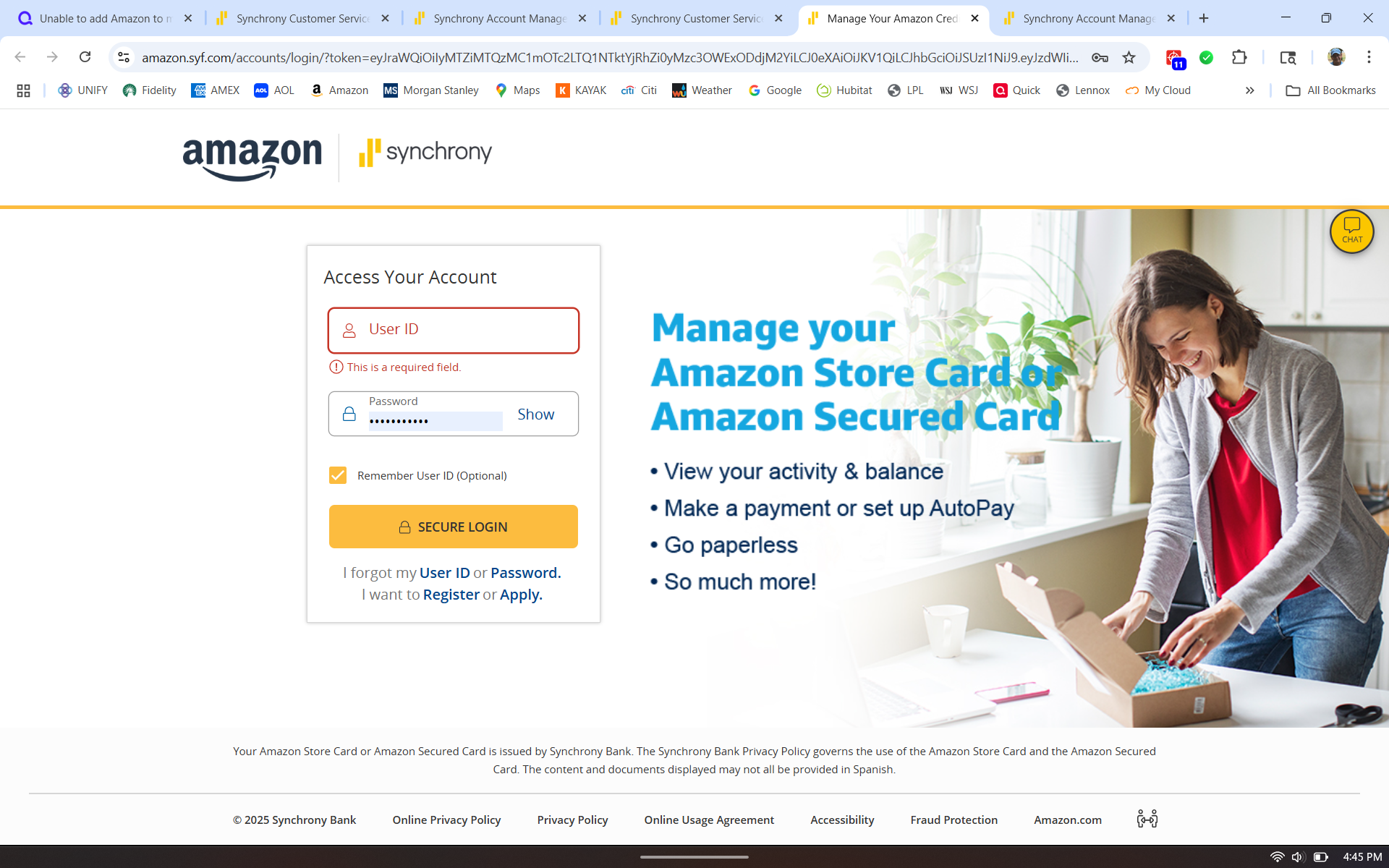
I have the same issue, except I have been using one step update for years without a problem but suddenly a couple months ago it stopped working. I tried to re-add the info back in and found the same problem described here. The main issue seems to be that I cannot directly log into synchrony.com, but have to select the retail provider (amazon) first, which brings me to a custom page for my log in (different than my amazon account). Otherwise, if I just use my log in at synchrony.com without specifying the amazon retailer first, the login fails.
The web link that brings me directly to the correct area is www.amazon.syf.com/login, but I have no way to override the web link that quicken is using so it gets me to the right place.
[Edited - Removed Personal Information]
0 -
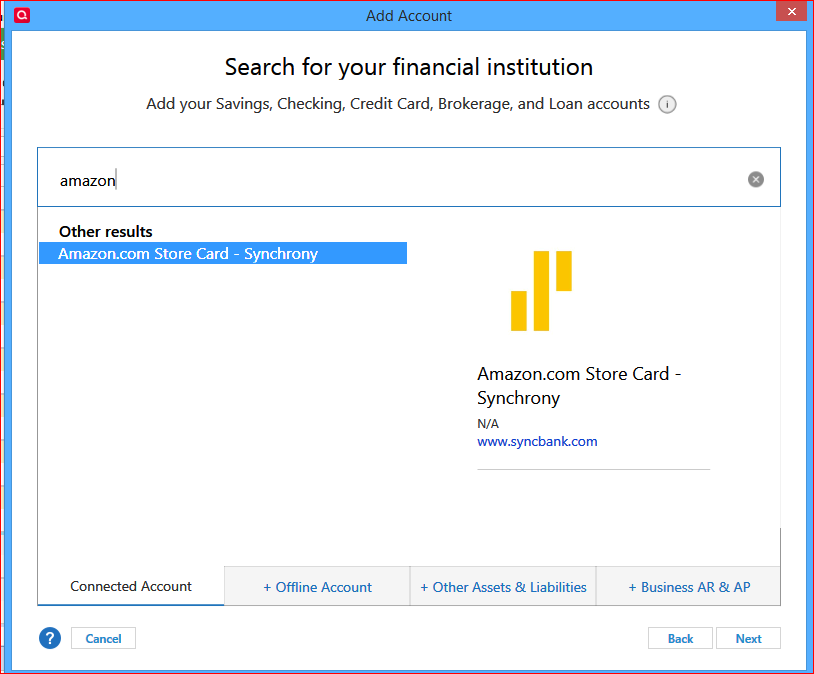
I don't think you can connect your Amazon card to Quicken using the generic Synchrony bank name.
Try using the Tools / Add Account process (or click the "+" icon in the Account Sidebar title) and select this:0
Categories
- All Categories
- 56 Product Ideas
- 36 Announcements
- 225 Alerts, Online Banking & Known Product Issues
- 22 Product Alerts
- 703 Welcome to the Community!
- 671 Before you Buy
- 1.2K Product Ideas
- 53.7K Quicken Classic for Windows
- 16.3K Quicken Classic for Mac
- 1K Quicken Mobile
- 812 Quicken on the Web
- 111 Quicken LifeHub