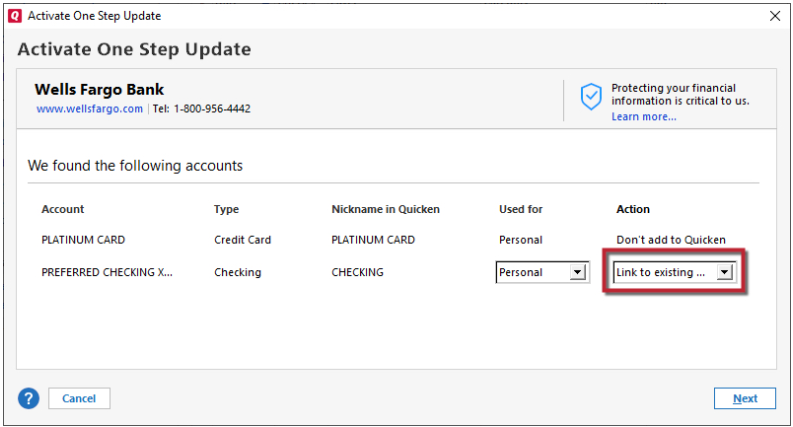
Want to change checking accounts to download transactions. Shows not available. Click edit by the checking account then on the online tab click setup now. Enter bank name with info acct no. & routing no. Then ask for user name and password for the bank, which do work in Quicken, but will not accept the info, and go to the bank account in order to add the deactivate tab on the online services tab.
Quicken support said I need to deactivate the old checking account then activate and put in info for new bank that is taking over old bank. Don't understand why it will not accept my user name and password, which support said would allow the deactivate button to be added to the online tab so I can deactivate old account then activate new bank account. Account numbers user id an passwords will be same with new bank.
[Edited - Readability]