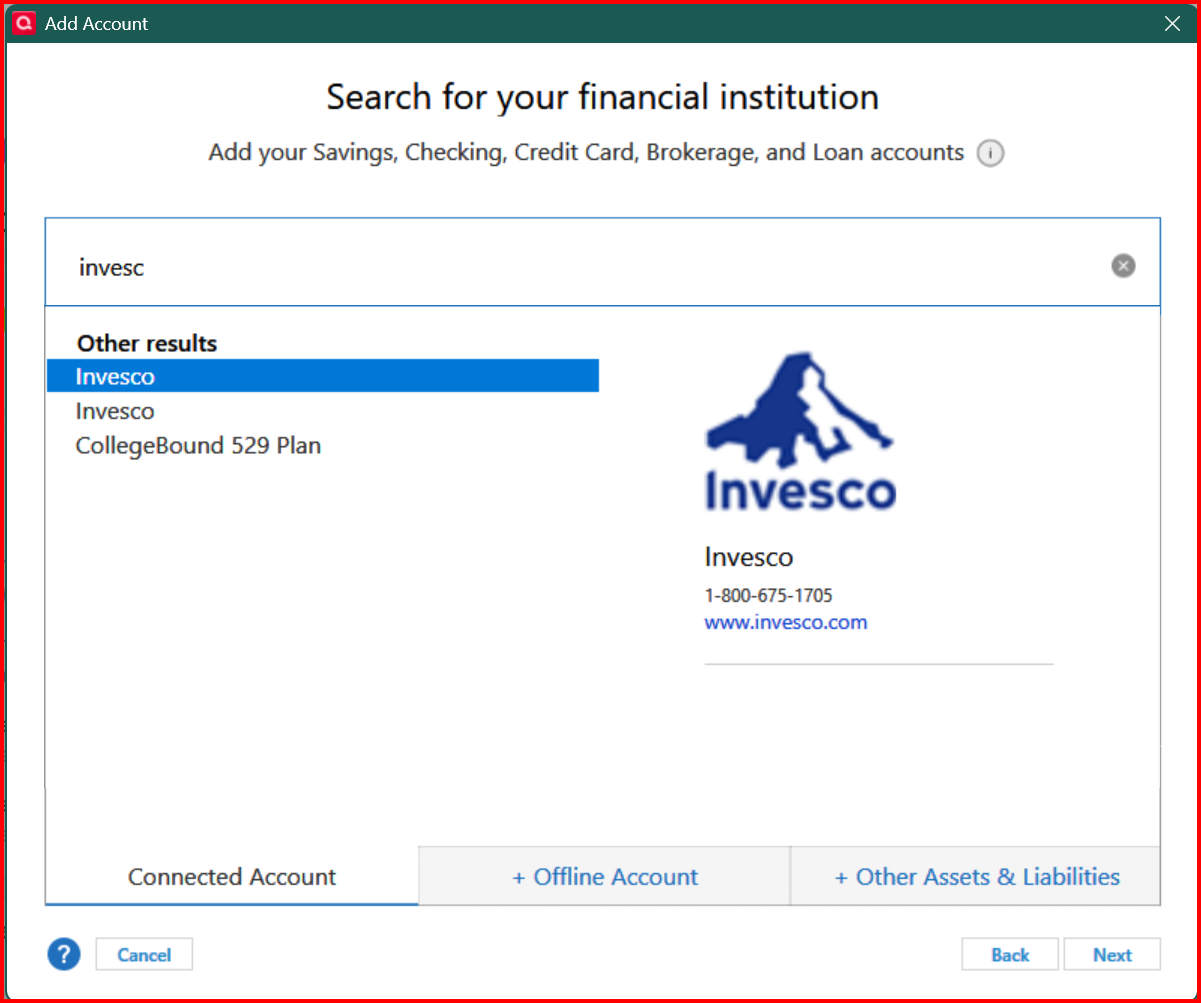
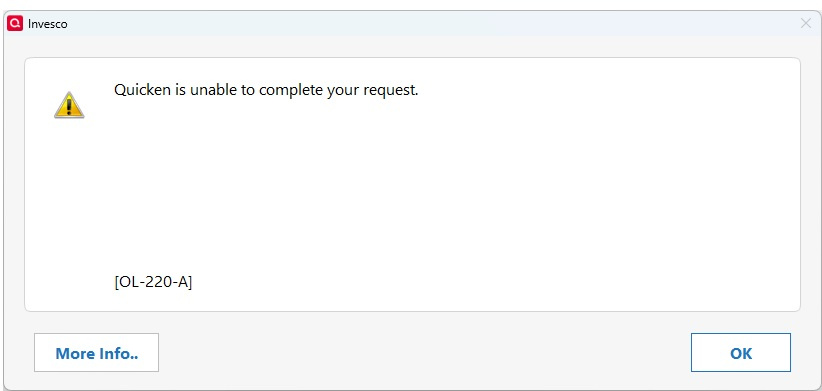
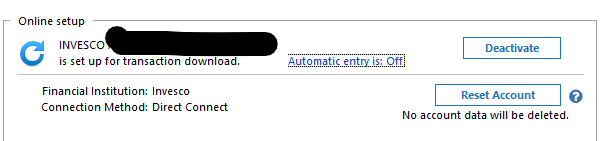
Trying to set up INVESCO ira account for one step update, after entering username and password I receive error OL-220-A,
@MGB if you haven't see it already, here is a Quicken Support article regarding this error. It might provide some insight and guidance for a resolution.
https://www.quicken.com/support/error-message-ol-220-ol-221-ol-222-ol-223-ol-224-ol-225-or-ol-226-when-using-online-services/
I'm also having problems accessing Invesco over the last few days. It tells me to try again later, but no error code
thank you for that article but i am having the trouble trying to initially set up INVESCO for OSU, that article talks about an account that has already been set up,
Is there no other information or help that i can access or do i need to call quicken help?
Also is it a given that an INVESCO traditional ira is definitely available for OSU?
i tried talking to INVESCO but they just wont discuss any third party issues
thanks
@MGB when I try to add Invesco as a new account, I noticed that there are two identical Financial Institution Names listed. Have you tried setting up your new account with each of them? Do you get the error message for both?
@ddaless100 how are you connecting? There are two different connections available with Invesco, Web Connect, or Express Web Connect.
Or are you trying to set up a connection with Invesco?
yes i have tried both, and same error on each, and i am trying to set up connection, there aren't any options for connection type,
im sure your aware of this but posted anyway
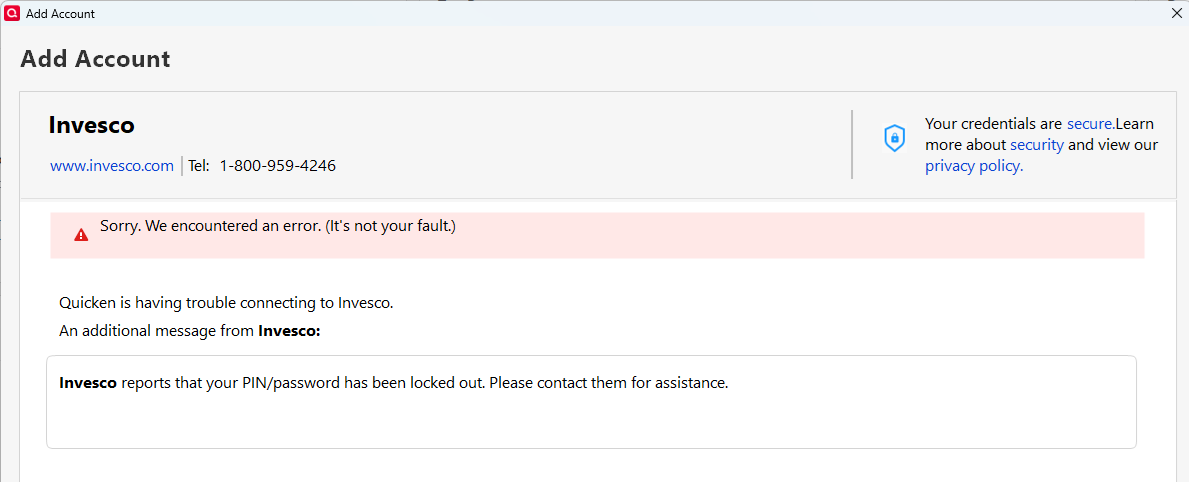
so here is a twist, created new quicken file, and was able to set up invesco download. but went back to file that I am currently using and tried again, and got an error that said that invesco reports that my pin/password has been locked out,
but i know thats not the case because i can go back to the new file and it works fine along with logging into the website
Ok solved, i finally got it to work on original file, only thing i did different is instead of copying and pasting username and password, i typed them in. but it only worked on one of the invesco options and not on the other.
oh yes and also after super validation
@MGB glad you finally got it to work. Not sure what was going on as you had different error messages.
Not surprised though that you could only get it to work on one. The connections were different connection methods but identical names so it was impossible to tell which was which.
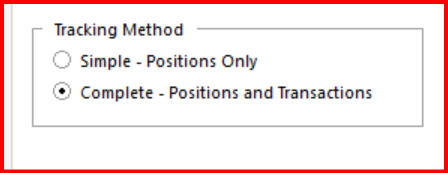
So all that just to find out they only connect with web connect and i cant download with complete transactions for my ira. Is this the only way to connect to invesco?
@MGB how are you connecting with Invesco? Go to your Account List and check under column "Transaction Download".
so after setup process in quicken finally worked, it connected with Express Web connect, and that does not allow complete transactions apparently, i would like to connect and download complete transactions,
Are you aware does Direct connect work with INVESCO?
or am i doing something wrong ?
@MGB I answered your questions, but for some reason, my post didn't go through. If it doesn't show up, I will retype my answer to you, in the meantime, I will give you the short answer -
Yes, in order to use complete tracking, you would need to use Direct Connect.
The issue is that the Financial Institution Names on Quicken for Invesco are identical so it is difficult to know which one to use. I think you would need to use the second one listed for Direct Connect.
Before you reconnect, make sure to blank out the Financial Institution Name and Account number in the Online Services tab in Account Details. And reconnect using Tools → Add Account.
@MGB it looks like there are two different connections with Invesco. They have identical Financial Institution Names on Quicken (Invesco). That is making it difficult to know which connection you are using. It looks like now you are using the one for EWC which seems to work. But, from what you are saying, you really want to use the connection for Direct Connect (DC).
From what I can determine the Invesco connection (DC) that you want to connect with is the second Invesco listed.
Hopefully you won't get the same error message that you got originally.
I am not sure why Invesco uses duplicate financial institutional names. They really should differentiate between the EWC and DC connections.
Still getting and error saying pin/password is locked out
error
After that i went to INVESCO website and changed password, tried it on both my original file and a new file and got same message on both, just the OL 220 A not the pin/password locked out.
@MGB I would suggest contacting Invesco -
Otherwise, in the meantime, if you wish, you can use the other Invesco connection with EWC and use Simple Tracking.
@MGB when your Invesco account was connected with EWC, did you check the tracking settings on the General tab of Account Details to see if the setting can be changed to Complete.
I think they might be grayed out, but it's worth a check to make sure.
Hi @MGB,
Thanks for all the detailed updates. The info provided by @CaliQkn is accurate, especially regarding the OL-220-A error and the importance of contacting Invesco directly, as this error typically originates on the financial institution’s servers. The support article shared earlier also outlines what you can try on the Quicken side, but resolution will ultimately require Invesco’s assistance.
When you contact Invesco, if the first rep says they can’t help, it might be helpful to ask to speak with a supervisor or Tier 2 agent, as they tend to be more familiar with third-party programs like Quicken and may be better equipped to assist.
Thank you!
yes they are greyed out, and spoke to INVESCO again and did not get any help,
super disappointing it appears as though it should work but cant get it to work for me
On the Mac side, I've been experiencing the same intermittent problem with Invesco for several days now. The error code is 16503, indicating an error with a server connection. Sometimes, the error sticks around despite numerous retries; other times, a retry resolves it.
Strangely enough, this began at the same time as my Capital Group accounts started showing the same error, also with retries working sometimes.
@CaliQkn
I also tried to reset the account which it would not let me do a few days ago. But still having the problem. I have not changed anything on this account and have been downloading it the same way for a very long time. I also checked the password in the vault.
Thanks
@ddaless100 it looks like there is an issue with Direct Connect. Are you getting the OL-220-A error?
Please take a look at the other comments in this thread from @MGB @Quicken Anja and @AZCoder1959 .
It seems like users using DC with their Invesco accounts are having connection issues if they are trying to set up a new account or download transactions. It also seems like the issues are happening for both Quicken Windows and Quicken Mac. This all leads me to believe that the issue most likely is on the Invesco side.
You can try calling them. It seems like MGB has not had much success, but I think the more users that call the better. Also, I think Quicken Anja has some good suggestions on what to ask when you do call them.
@CaliQkn ok sounds good. No I'm not getting an error code just below:
@ddaless100 after the OSU completes, a summary usually pops up with errors and error codes. Another way to check the OSU summary is by clicking on Tools → One Step Update Summary.
Yes thanks, but the error only occurs while the files are downloading. There is no error listed in the summary or any reference to my Invesco account. Most of my other accounts do appear as being updated, but all my accounts are not listed in the summary
@ddaless100 if your account is not listed in the OSU Summary that is indicative of another or different issue. All account that are updated via OSU should be listed.
I would recommend starting a new thread with this. It is a different issue. There are several troubleshooting steps that can be taken that would be easier to discuss in a new thread.