Purchased July 2025 - Windows 11 - Quicken Classic Premier
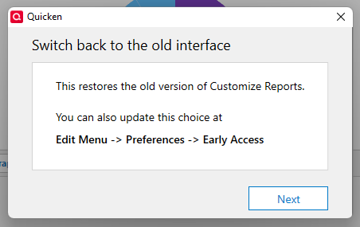
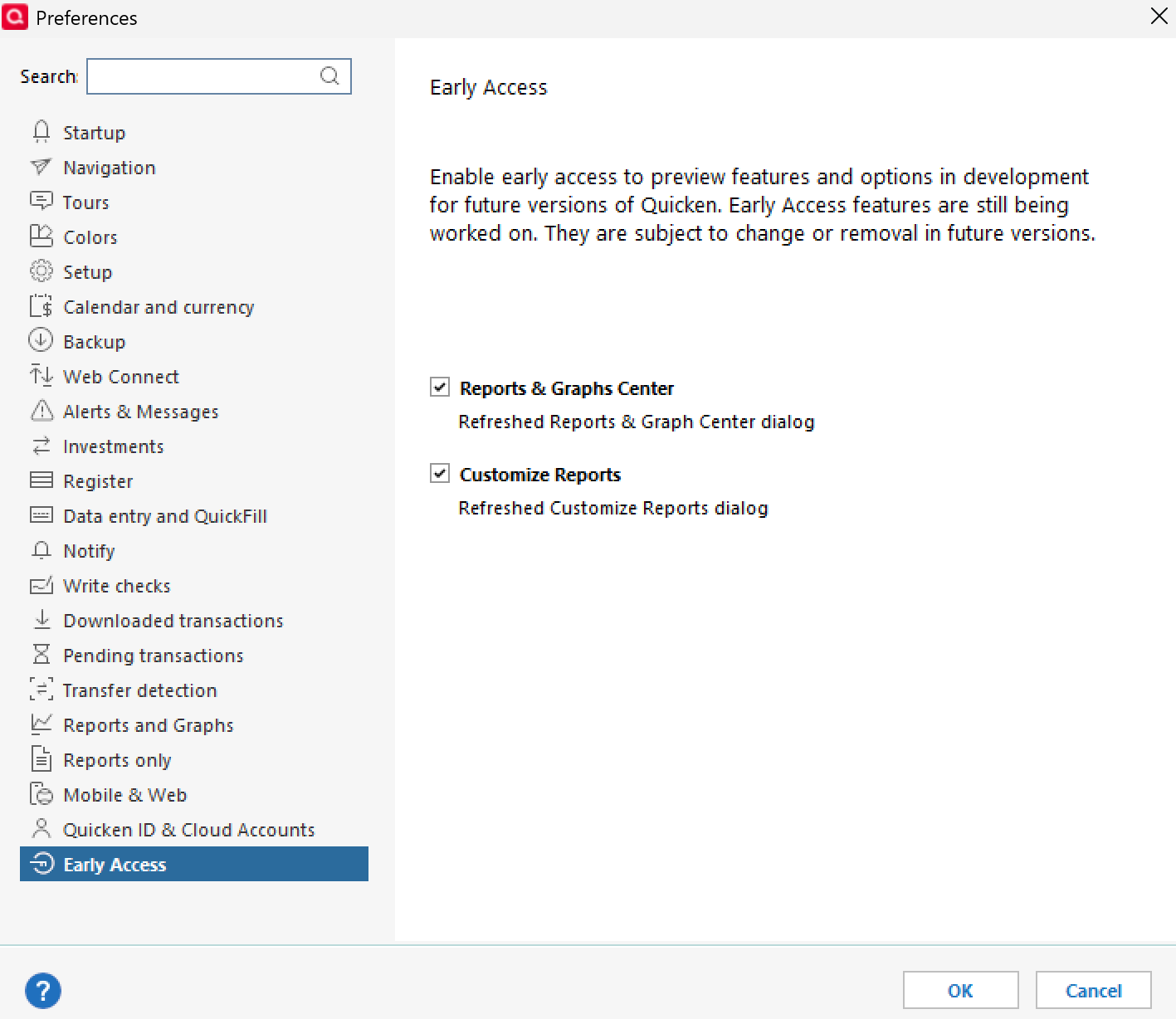
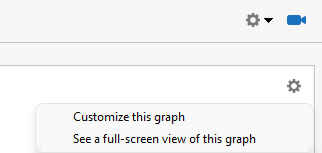
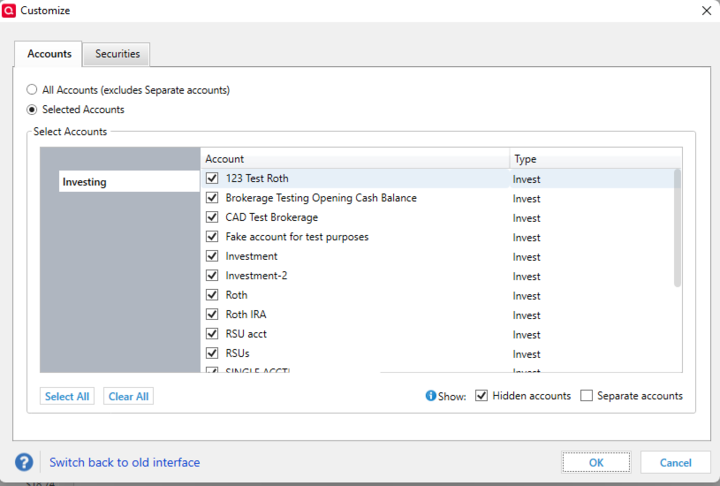
I am keeping the default "Dashboard" under the "Home" tab and also adding my own custom views. I have added several "Expense" "Cards" (Tiles?) to experiment with my options. There is an icon in the top right corner of each "Card" which I click and select "Customize This Graph." This action brings up a "Customize" window. When I was getting started I was selecting accounts by using the add/delete/move up/ move down style selection process. I was in a hurry one time and closed the window quickly and a warning popped up asking me something about "are you sure you want to revert to old style selection? You can go back by selecting…." I didn't pay attention and closed it out. Now I have some old style selection options where you have to click to expand or collapse each item and click the checkbox next to it.
Does anyone know how I can get the new style selection option back?
I've searched everywhere and can't figure it out.
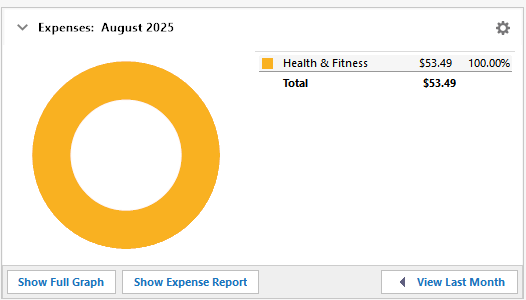
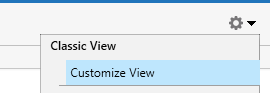
Tile in new view I created under Home tab
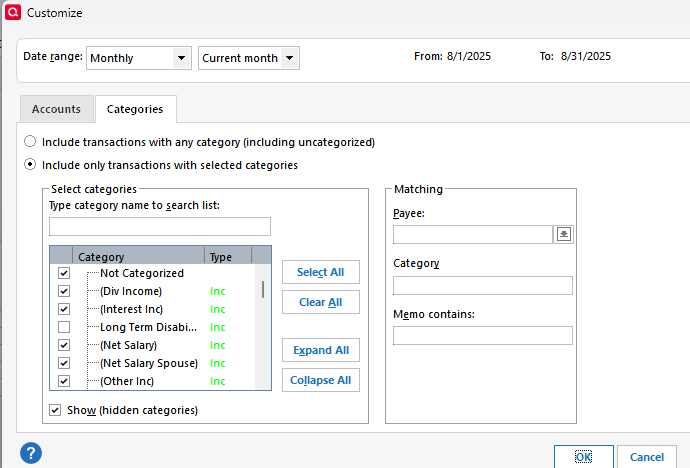
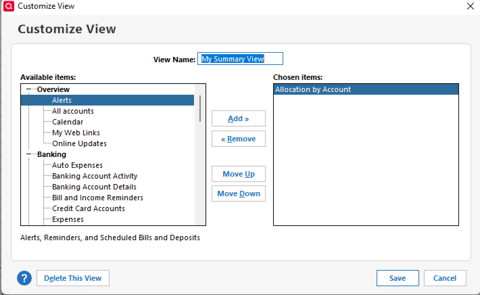
This is what the customize window looks like now.
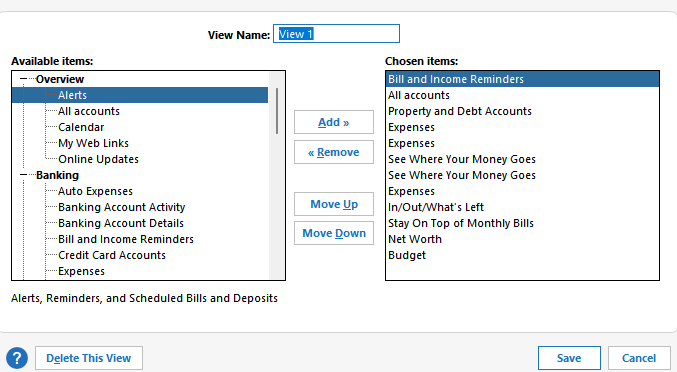
This is the menu for a different item. This is what my graph options looked like before and I can't get back there.
All help appreciated.
Thanks